

 Resolved by

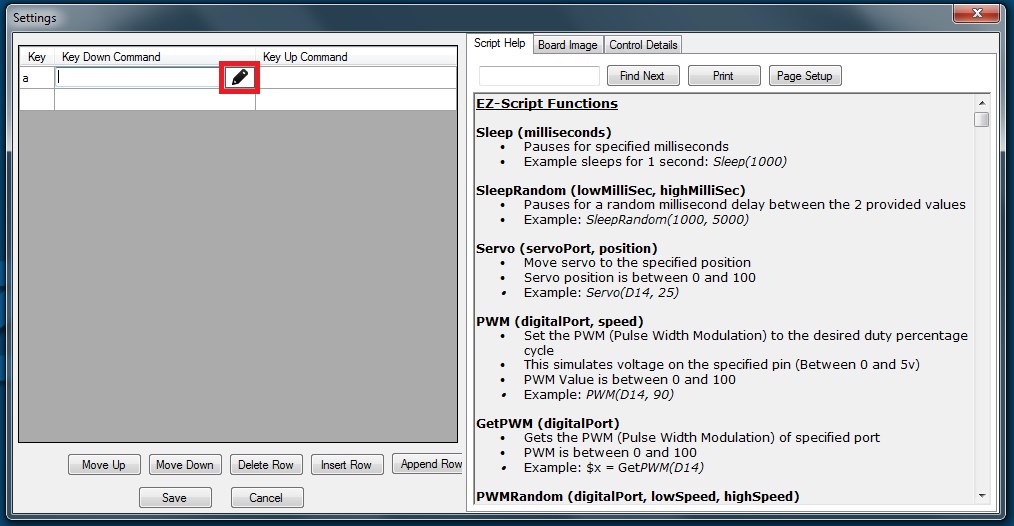
Hi, im literally very new to this, i have managed to get the Movement Panel working and have put in another single server set it up as horizontal servo and it moves when inputting the moment values but i can get it to work with the control panel,
i have looked at the videos but i cant find any info on how to allocate a server to a keyboard key or where i can control it from. It doesn't work when clicking on the servo on the desktop...
Please Help.

Just a quick update, from all your points above, i managed to get the keyboard controls working.
Thanks for your help, I am certain that i will be asking for more
Thanks


Good news!
Never be afraid to ask, there are no stupid questions and we are all here to help, guide you and whatever else is needed.