


I am building a full size rolling BB-8 droid. I would like to put a EZ-B IoTiny+Camera into the head and have that controller talk to the body that will also have a EZ-B IoTiny running the movements of the base.
I am not sure how to approach creating the Movement Panel yet for the drive system. It comprised of one large motor that drives the ball forward and backwards and the other channel controls the tilt that will combine with the forward or back motion to drive and roll right or left.
Can anyone tell me if you can customize the color of the RGB led thats on the EZ-Robot CAM module and make it red?
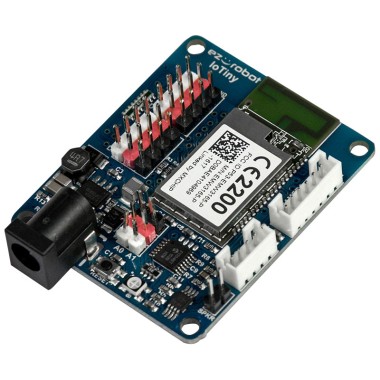

The camera led color is specific to the functional status. The light color cannot be changed. Different colors of the led mean different modes and function for debugging the camera operation.
@WMSTUDIOS might I suggest using a Custom Movement Panel, then you could script any motor movement and control it with the Movement Panel buttons or script function calls like Forward(), Left(), etc.
Since you may not have much hooked up to the IoTiny+camera in the head of the robot, you could always add an RGB LED to 3 digital ports. I was going to suggest this earlier but forgot .
.