

Will installing ARC X on a computer that already has the ARC application (Autonomous Robot Control) cause any conflicts or problems if both are present on the same PC?
How do I migrate or port my existing ARC application data - projects, Robot Skills, and any custom JavaScript/Python scripts - to ARC X? Is there a recommended migration process?
Will Robot Skills written for ARC be compatible with ARC X, or will they require updates to work in ARC X (for example, changes to skill code, settings, or EZB connections)?

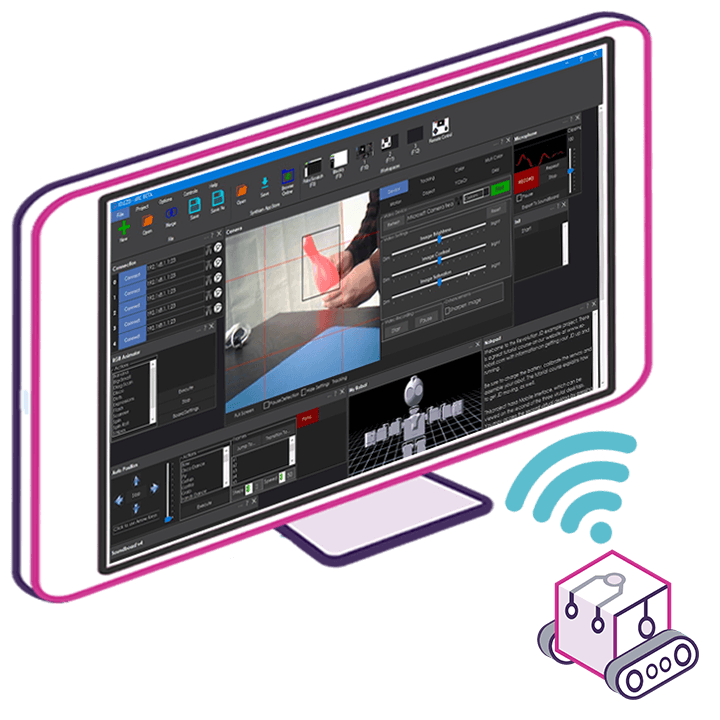
ARC and ARCx are completely different products. They have zero compatibility and practically no migration capability. The Auto Position and RGB Animator are the only two robot skills that can be imported from ARC to ARCx.
ARC and ARCx are also different products for different purposes. You'd have to think carefully about whether it's worthwhile to migrate if you don't need what ARCx offers. It's probably best to experiment with ARCx slowly before deciding it's something you need.
Also note, because ARC and ARCx are different products, they require their own license seat. This means that ARC and ARCx do not share the same product identifier. So each requires a subscription seat, even on the same computer.
ARCx is not a newer version of ARC. ARCx is not a "better" ARC. ARCx is a product for a very different use case than ARC.
You don't need to move to ARCx if you're happy with ARC. Also remember, there is no "migration" because they're different products. It would be like "migrating" from riding a bicycle to flying a plane. There is no migration because they're very different things