

I've been putting this project on back burner for years but finally taking the plunge. Bought a 20" mower with GPS on mower and base station. Received it, tried to get it working and 3 weeks in doesn't work. Manufacturer is pretty useless for help. Frustration yes!! Have now found a way and am very confident will get it working within 2 cm and will be able to build them from scratch (electronic item connections) after the fact. Mowing is just the starting point how about edging, blowing, weed whacking and many other things. Will be combining ARCX with this for many other features. Will send pics and video after I get working like I want it to. I finally started posting some videos of my robots and here is a kinda cool one. https://www.youtube.com/shorts/f3F-iA6dPoU.
Asked
1 Participant
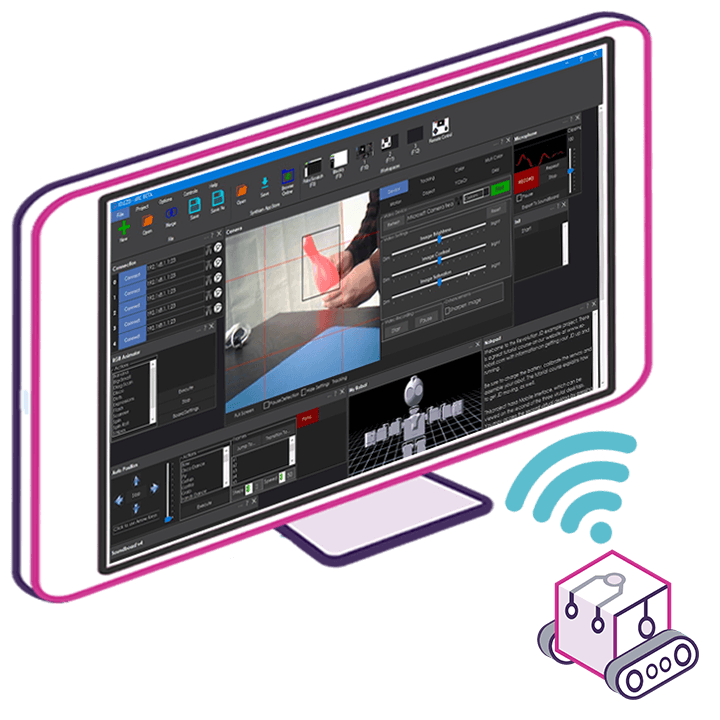
That'll be fun! If you're not getting support from the manufacturer, that's okay because you're using ARCx. Just load ARCx, enable MCP, and use Claude Code. Instruct Claude Code to build the robot skill for you. It'll make the robot skill connect to your hardware. You won't need to do any programming.
And with MCP, you can just tell Claude or Athena in ARCx to make the project do anything you want. It'll do it.
Here's the instructions: Let AI Write Your robot skill | ARCx Documentation - Synthiam
But for MCP you'll have to read those which are different: Model Context Protocol (MCP) | ARCx Documentation - Synthiam
Either way, the arcx support documentation is very detailed and easy to follow. Plus, athena can explain it all. You don't need to program anymore. You just tell the AI what you want and it makes it. There's no limitations anymore.