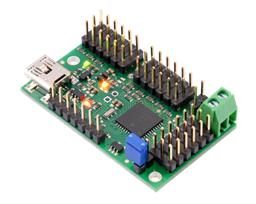




hi there guys i have a problem regarding my ez-b i recently couldnt have much time to build robots and such so i needed to stop my projects when i came back my computer couldnt find the board from same com my board is blinking blue bluetooth device blinking red help me what should i do how can i fix this?
Metealp97
Turkey
Asked
— Edited

When it stops blinking is it solid red or is it off?
It sounds like it is establishing a connection but then almost immediately dropping the connection. This could be a few things...
Check it's set up on the PC correctly and that you are using the native windows BT stack. Also, it appears that Windows 8.1 can cause issues with the BT, have you updated to 8.1 recently?
Check your power source. A low battery or a high demand on the EZ-B may cause the connection to drop out. Try disconnecting everything from the EZ-B and connecting a decent power supply to it (better yet, connect an AC/DC power supply for example from an old router, switch, portable CD player etc. (anything from 5v to 17v will do)
it turns off and i am using windows 8 and recently updated this is the battery i am using https://www.hobbyking.com/hobbyking/store/__17825__Turnigy_2650mAh_3S_1C_LLF_Tx_Pack_Futaba_JR_USA_Warehouse_.html
also tried using a AC 15V power supply can it be anything to do with ez-board itself? or do i just need another bluetooth device
If you haven't already try unplugging everything , remove the chip and Bluetooth . Then reinsert them and apply power agian.
It could be the Windows 8.1 issue which was mentioned the other day.
The only thing that kinda changed was when the comm ports are defined, instead of using the lower numbered port to connect to the EZ-B, use the higher number instead. Other than that there were no major changes or differences in the bluetooth application.
If your bluetooth unit is actually turning off, when a connection is attempted then it may be a defective unit.