
 Resolved by

I've stumbled across a strange formatting issue and I'm hoping someone can point me in the right direction. I say strange, as most of the time it works fine, but a few times, it doesn't
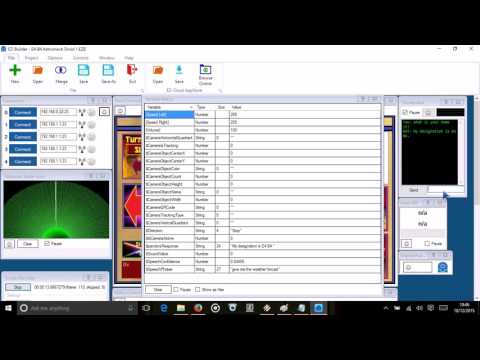
The scenario is, I have the Popup Display plugin and a Pandorabot control. I am using the following Popup Display ControlCommand in the Pandorabots "Response Script" script editor...
ControlCommand("Display Popup", Display, "" +$pandoraResponse)
which for the main part seems to be working okay. But there are certain Pandorabot responses that throws out a "Error on line 1: Input string was not in a correct format." which relates to the Popup ControlCommand as the display does not pop up as it should. As far as I can tell, there's nothing wrong with the AIML category, but the display does pop up on most of the other responses. Nothing else is involved, just what's outlined above.
Has anyone got any ideas what is causing the error?

Just wanted to mark this as resolved. As I ended up resolving it myself, I'll credit DJ so he can put the credit back in to the kitty.
Thanks guys.