

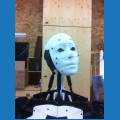
I have finished assembling my jd robot, but still am not sure where the two shoulder servos listed in instruction number one are to be located or if they are even needed. All pictures of jd that I have seen do not seem to show them.

Holz
USA
Asked
— Edited
 Resolved by DJ Sures!
4 Participants

Ah you found it on thingiverse? That's great! I was wondering who would be the first to print a JD from there. That might have been you. Really nice work on your poppy mix - I recall replying to one of your messages online. The poppy with the skull is very terminator-like!
@AdolphSmith, I've been following your work on another forum. I think you're really going to like the EZ Robot system.
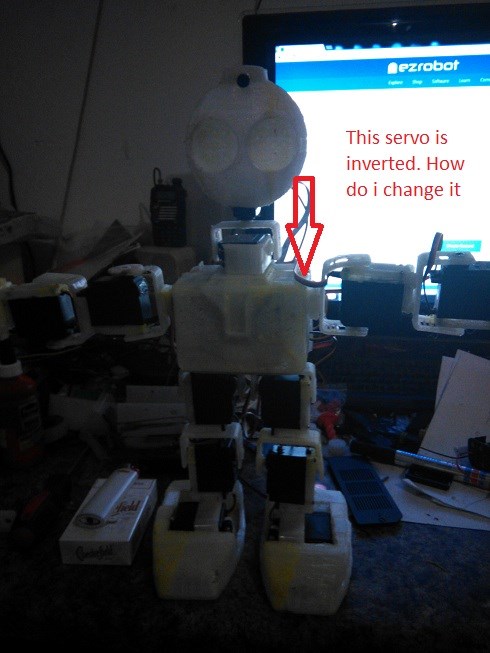
Hi . My one servo is inverted. How do i change it on JD
I believe you have the servos connected in reverse. Simply swap the two cables to the ez-b and you're good
OK Its working thank you so much.