


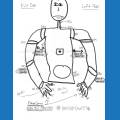
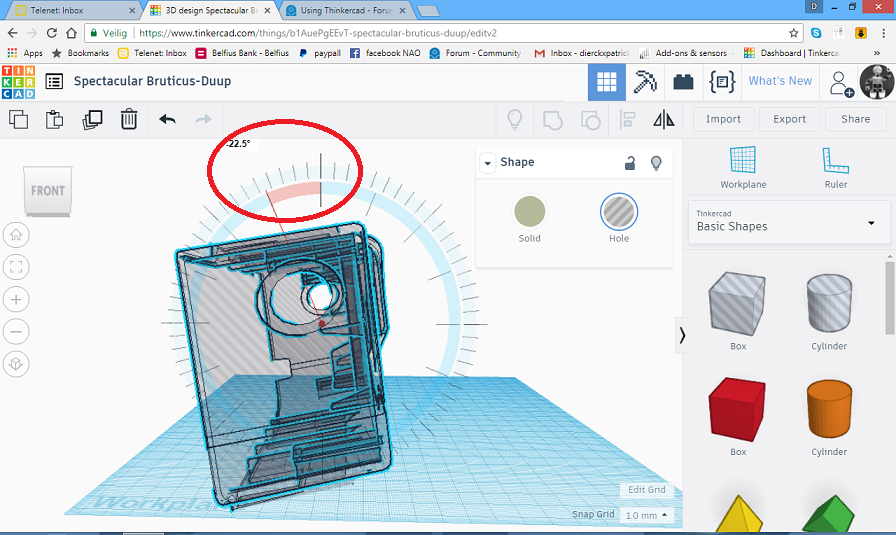
hi anyone using thinkercad?i want to lock a part off a part and chift a part.
Asked
— Edited
2 Participants
 Auto Position Movement Panel (Gait)
— Create servo frames/actions to animate humanoid, hexapod or custom gaits with smooth transitions, SW ramping and directional control
Try it →
Auto Position Movement Panel (Gait)
— Create servo frames/actions to animate humanoid, hexapod or custom gaits with smooth transitions, SW ramping and directional control
Try it →

No, that is not the same at all. I know that it saves what you do to your project file and that is not what I was trying to explain to you. I think some things you might just need to learn on your own and see for your self.
Because what I was explaining is you will probably want to save as a new file and export revisions to your desktop often. Because as you work with 3D files more, you'll find you often need to revert or review changes and if you just rely on your single project file in TinkerCad to automatically save your changes (which sometimes the website actually might not) you'll likely end up wishing you had not relied on that.
the calculations change every time you turn the part.indeed