



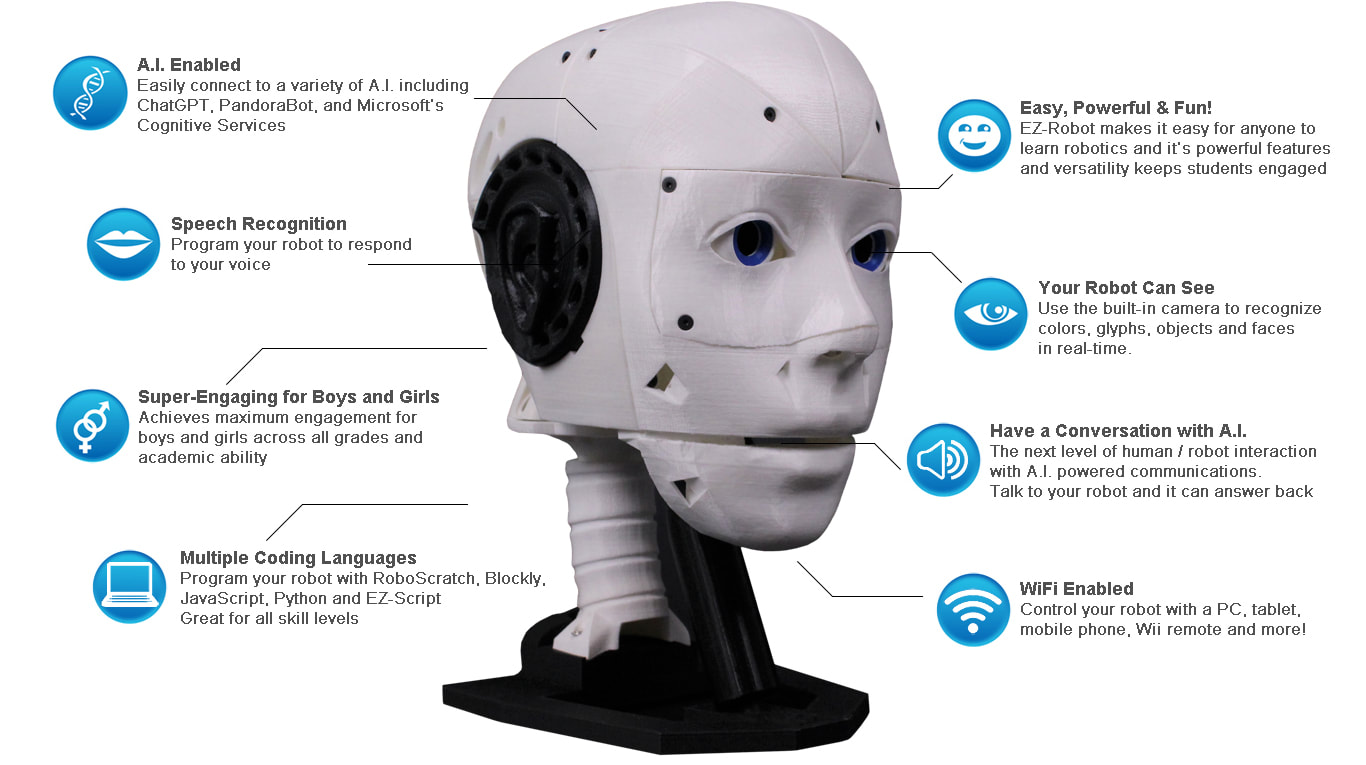
I’ve got an EZ-InMoov Robot Head wired to an EZ-B over WiFi, with the jaw servo on D5 and neck pan/tilt on D0/D1. I’m feeding lip-sync amplitude from a local WebSocket server (ws://192.168.1.50:8080) into the WebSocket Client skill. The Response Variable is $ws_amp (0-100 text), and the Response Script maps that to a jaw angle. I also added a Slide Script named "Lip Smoothing" that writes into $lip_smooth (range 1-10) so I can tweak the easing live, and the Bonus Button snaps the jaw to neutral for testing.
The jaw moves, but it chatters like crazy and sometimes lags behind the audio. Debug shows the WebSocket pushing ~40-60 messages/sec, so the Response Script gets hammered. I tried ServoSpeed(D5, 2) and even Sleep(30) inside the Response Script, but that either doesn’t help or starves the socket and I start missing updates. Turning Debug off reduced CPU, but the jitter remains. I also tried casting to ints and clamping the range, plus a naïve blend toward target:
# WebSocket Client Response Script
$amp = ToInt($ws_amp)
$target = 40 + (($amp / 100) * 45)
$current = GetServo(D5)
if ($lip_smooth < 1)
  $lip_smooth = 1
endif
$next = $current + (($target - $current) / $lip_smooth)
Servo(D5, $next)
Neck servos on D0/D1 are fine because they’re not being spammed like the jaw. I’m thinking the right pattern is: let WebSocket Client only update a global target variable, and run a separate looping script at, say, 25-30 Hz that eases the servo toward that target using $lip_smooth from the Slide Script-but I’m unsure of the cleanest ARC way to wire that without blocking or racing the Response Script, so what’s the recommended approach to handle highfrequency WebSocket Client updates for a smooth D5 jaw on an EZInMoov using a Slide Script for smoothing?



Yes - the recommended ARC pattern is exactly what you described:
That is the clean, proven way to handle high-frequency input in ARC. If you try to animate the servo inside the WebSocket callback, you’ll get exactly what you’re seeing: chatter, lag, and dropped responsiveness.
Why your current approach jitters
Your WebSocket is sending 40-60 updates/sec, which means the Response Script is being fired constantly. If that script:
then you’re mixing network reception with motion control. That causes timing conflicts and backlog.
Better architecture in ARC
1) WebSocket Client Response Script
Make it do only this:
$jaw_targetExample:
If you want to clamp it:
2) Separate jaw loop script
Run a loop script from a dedicated skill button, init script, or startup script. This script should:
$jaw_target$lip_smoothExample JavaScript:
Important note
Your example uses
GetServo(D5)andServo(D5, next)- that’s not the preferred ARC approach. In ARC JavaScript, use the official API:Servo.getPosition(d5)Servo.setPosition(d5, value)Also, don’t use
Sleep(30)in a way that blocks the WebSocket response path. Use the separate loop instead.Even better: add a deadband
To reduce chatter near small movements, only move the jaw if the difference is significant enough:
Recommended ARC setup
WebSocket Client skill
$ws_amp$jaw_targetonlySlide Script skill
$lip_smooth1to10$jaw_targetto0Separate script skill
Use a script skill to continuously animate the jaw.
If you want it even cleaner
You can also have the WebSocket script write a latest target only, and let the loop script do all servo math. That keeps the WebSocket handler extremely lightweight.
On your neck servos
You’re right that D0/D1 are fine because they aren’t being hit at the same rate. But if you later want head movement to also follow streaming data, use the same pattern: latest target in one script, motion update in another.
Best practice summary
One more question
What do you want the jaw behavior to feel like overall:
That changes the best update rate and smoothing math.
If you want, I can write you a complete ARC JavaScript solution using: