

What is the minimum recommended screen resolution for running the ARC application on a Windows PC? I am currently evaluating Single Board Computer (SBC) displays and need to know if there is a recommended user interface resolution for ARC. I've been unable to find this information within the ARC system requirements.

smiller29
USA
Asked
 Resolved by Dave Schulpius!
2 Participants
Minimum Screen Resolution For ARC
Related Hardware (view all EZB hardware)
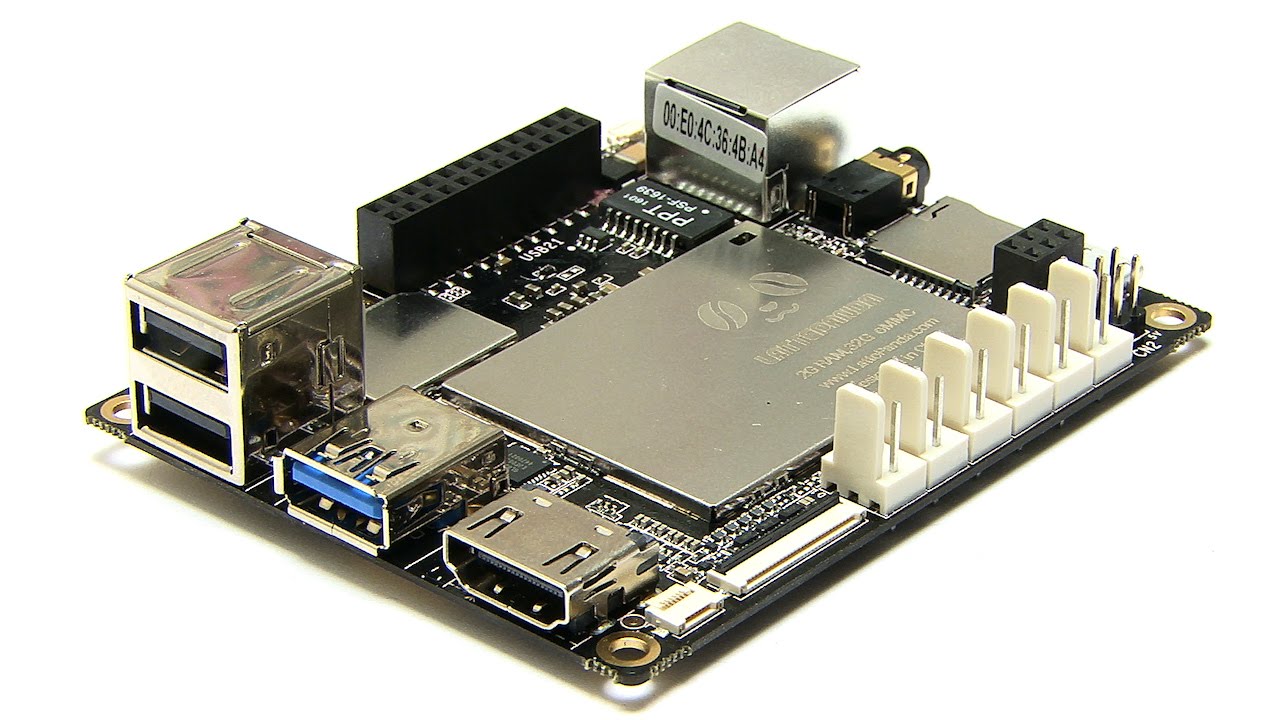
Lattepanda
by DF Robot
LattePanda with Synthiam ARCx runs headless, loads EZB firmware on the built-in Arduino, and controls robots from any browser
Wi-Fi / USB
Servos
12
Camera
Audio
UART
1
I2C
ADC
5
Digital
12

Ya, that info is kinda buried in the support section under Troubleshooting/Screen Resolution. You can find it here: https://synthiam.com/Support/troubleshooting/screen-resolution
It says:
There's more so maybe you should have a peek yourself. Have fun!Hi smiller29,
The minimum screen resolution for running ARC is 1024x768 at 100% scaling. However, it is recommended to use 1920x1080 or higher at 100% scaling for an optimal experience.
A few additional points to note:
Scaling Adjustments:
If you're using a 4k monitor, a scaling setting of 150% or 175% may work, but increasing the scaling beyond 100-125% can reduce the available screen real estate for robot skills. This can result in fewer skills being visible and the interface may start to use scrollbars.
Windows Scaling Settings:
Ensure that your Windows scaling is set within the recommended range (100-125%) to prevent UI elements like fonts and buttons from expanding too much.
For further details, you can check the troubleshooting page on screen resolution here:
ARC Screen Resolution Troubleshooting
Do you need any more information or assistance with your LattePanda setup for ARC?
Thank you.