


How do you invert the servo direction in a INIT script? I need to invert the direction of a servo and I can’t find a way to do it in EZscript as part of the INIT script.

smiller29
USA
Asked
 Resolved by Dave Schulpius!
2 Participants
How Do You Invert The Servo Direction In A INIT Script?
Related Hardware (view all EZB hardware)
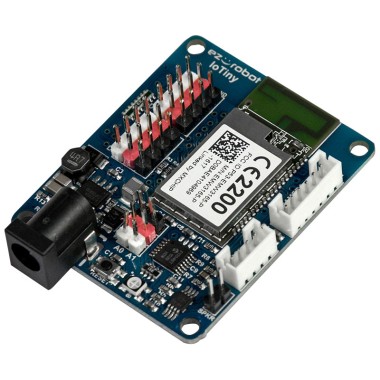
EZ-B Iotiny
by EZ-Robot
EZ-B IoTiny works with Synthiam ARCx to control servos, camera, voice, scripts, and IoT from any browser.
Wi-Fi
Servos
8
Camera
Audio
UART
None (transmit-only serial on digital ports)
I2C
ADC
2
Digital
8

Outstanding. So how does it look on paper? Do you make the max the lower number and the min the higher?
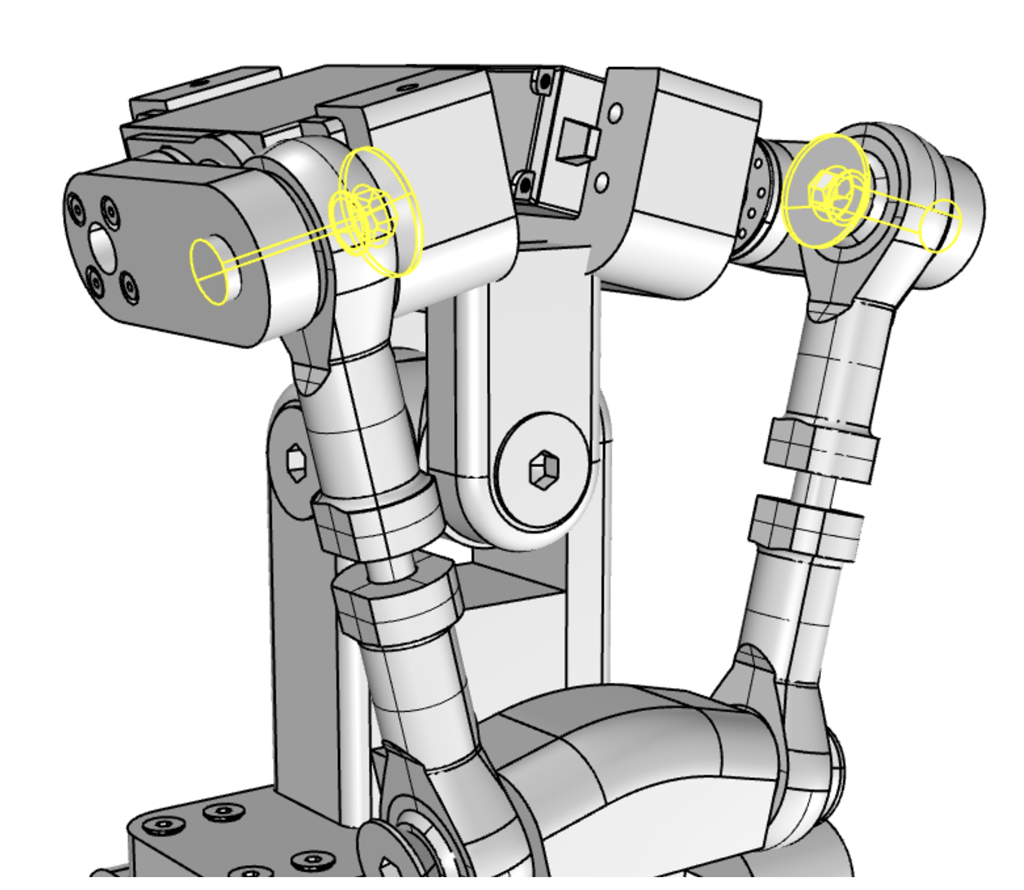
So let me explain because of this design to make the head go up and down both servos need to move at the same time. the issue is the right servo needs to move in the reverse direction of the left servo. So when I want the head to look up both servo's push down on the links tilting the front up!
So I want to be able to set right and left servo movements using the same values for up and down movements.
So to do this in the INIT script I just set the right servo that will always be made inverted in servo skills the same as the none inverted left servo.