


WiinterU
USA
Asked
— Edited
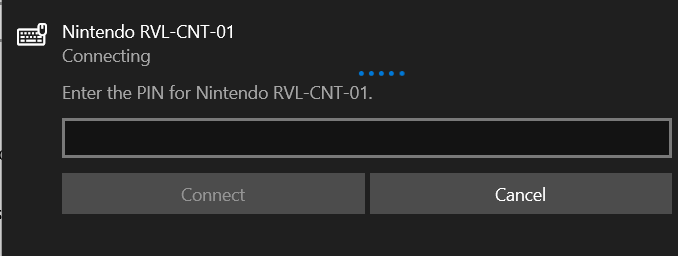
Whats The Passcode For Connecting A Wii Remote?
Related Hardware (view all EZB hardware)
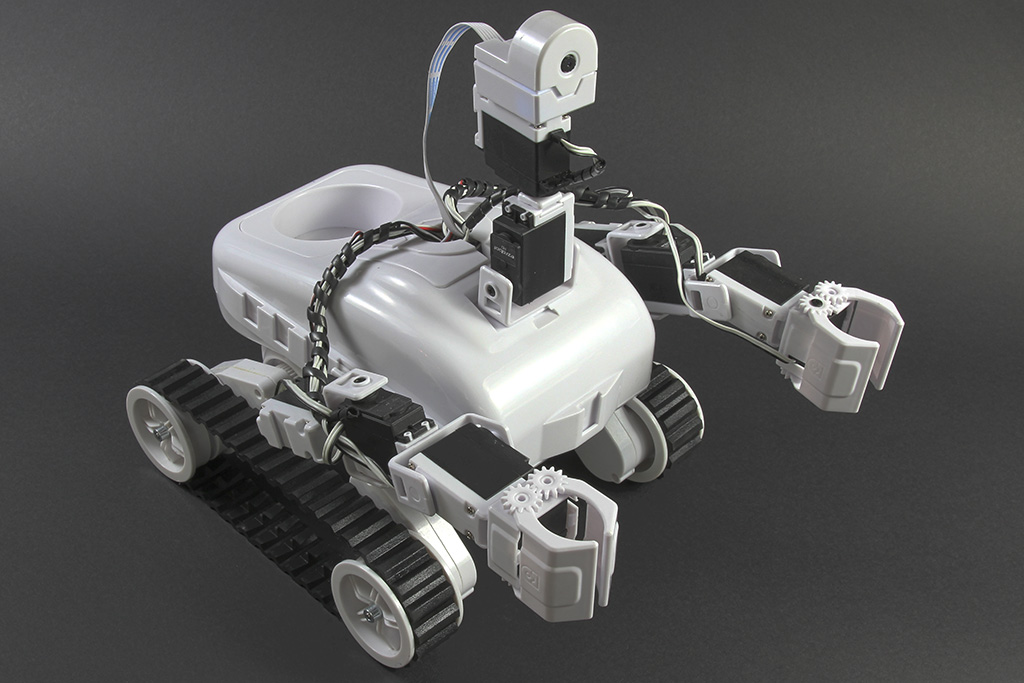
Roli Rover
by EZ-Robot
Roli Rover with Synthiam ARCx: drive with live video, control arms, follow faces, patrol, and program with Blockly or Python
Wi-Fi / USB
Servos
24
Camera
Audio
UART
3
I2C
ADC
8
Digital
24
Related Robot Skill (view all robot skills)

Wii Remote
by Nintendo
Control servos, movement panels and scripts via Wii Remote or mobile accelerometer; D-pad, buttons and Home-enabled accelerometer tracking.

Check This https://synthiam.com/Community/Robots/Wii-Remote-Controlled-Robot-354
When prompted to add a pairing code leave it BLANK and click Next.
Wii robot skill manual: https://synthiam.com/Support/Skills/Navigation/Wii-Remote?id=16080
you can view the manual of any robot skill by pressing the ? (Question mark) on the robot skill.
Hey @Offiously, I'm not sure if you figured it out but there's only one way to connect to the Wii Remotes in windows. You have to follow the "How to use the Wii Remote skill" tutorial (@Dj linked to it) and connect using the control panel, not the bluetooth section. I know it's counter-intuitive but it's the only way.
I found it out from a friend on discord