
I noticed lately when I use the Camera, tracking only last "one" time, whether it is face, color or whatever.
How can I deleted the camera and re-install it?
EzAng
 Screen Recorder
— Record your screen to WMV1/WMV2/H263P files with selectable bitrate, save-folder and start/stop controls, creating tutorial or demo video snippets.
Try it →
Screen Recorder
— Record your screen to WMV1/WMV2/H263P files with selectable bitrate, save-folder and start/stop controls, creating tutorial or demo video snippets.
Try it →
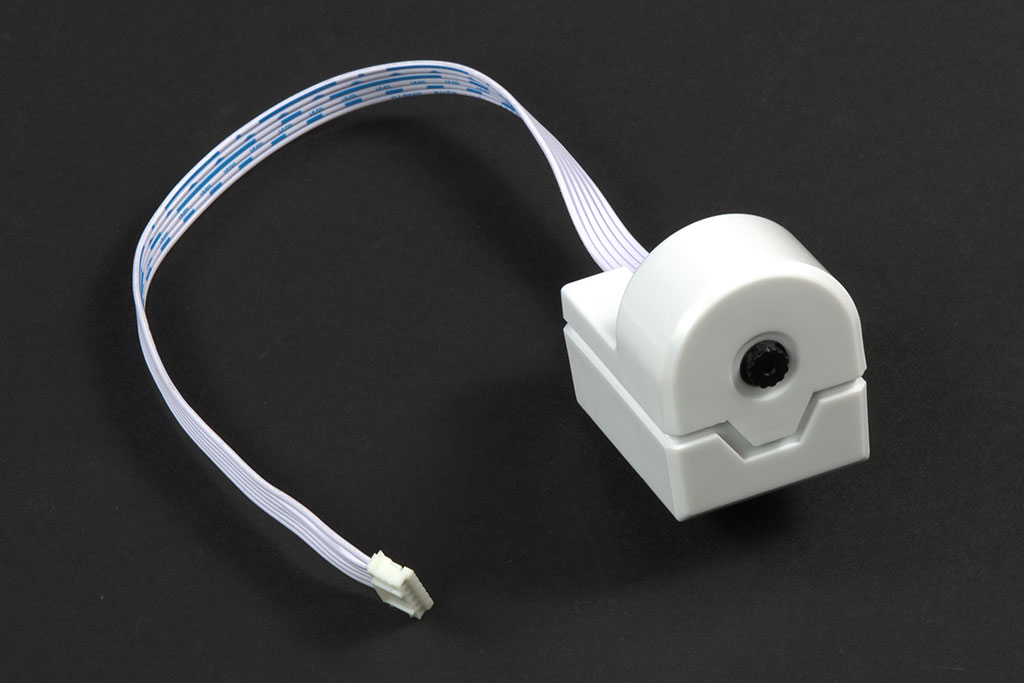
I noticed lately when I use the Camera, tracking only last "one" time, whether it is face, color or whatever.
How can I deleted the camera and re-install it?
EzAng



It use to be so simple, what happened?
https://synthiam.com/Community/Tutorials/95?courseId=1
ptp, how does your camera tracking work? check yours
in Blockly where did you get "set isFaceTracking"? - mine does not have that - now it does, crazy
thanks EzAng
Ptp, I re-arranged the code, now it works when it sees me and stay there for another round of seeing me again and again - color or face
still my Blockly code some controls appears and the next time it is gone like set isFaceTracking, , go figure :-)
tracking color
In Java:
setVar("$CameraTrackingType", 0);
if (getVar("$CameraTrackingType") == 1) {
// Wait until the camera detects the specified color controlCommand("Camera", "CameraMovementTrackDisable"); controlCommand("Camera", "CameraUseTrackingScripts", false); controlCommand("Camera", "CameraColorTracking", "Red"); while (getVar("$CameraIsTracking") == 0); controlCommand("Camera", "CameraDisableTracking"); controlCommand("Camera", "CameraUseTrackingScripts", true);
}
if (getVar("$CameraTrackingType") == 1) {
controlCommand("Camera", "CameraColorTrackingEnable");
}
Audio.sayWait("I see red");
or
I guess simple is not so simple today :-)
be well,
thanks EzAng