
How do I centre my sound servo to 90 degrees? It is a horizontal servo for a head, set to move between 60 and 120 degrees but always moves to 60 degrees when audio has stopped playing.

PRO
afcorson
Australia
Asked
1 Participant
Sound Servo (PC Speaker)
Related Hardware (view all EZB hardware)
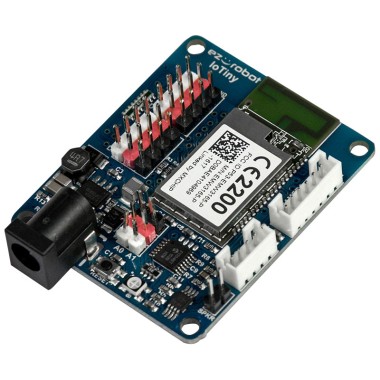
EZ-B Iotiny
by EZ-Robot
EZ-B IoTiny works with Synthiam ARCx to control servos, camera, voice, scripts, and IoT from any browser.
Wi-Fi
Servos
8
Camera
Audio
UART
None (transmit-only serial on digital ports)
I2C
ADC
2
Digital
8

I found a work around for this by pausing the sound servo. I added to my stop() command the following script: ControlCommand("Sound servo Speaker", PauseOn). My stop command centres the head at 90 degrees. I unpause it when I want to play audio again.
Nice! That’ll work . Are you having a robot head bob to music? Hehe