
My new Mr. Head robot, jaw movements and more to come
I will be meeting AIMLbot soon
By EzAng
— Last update
Discover more robots
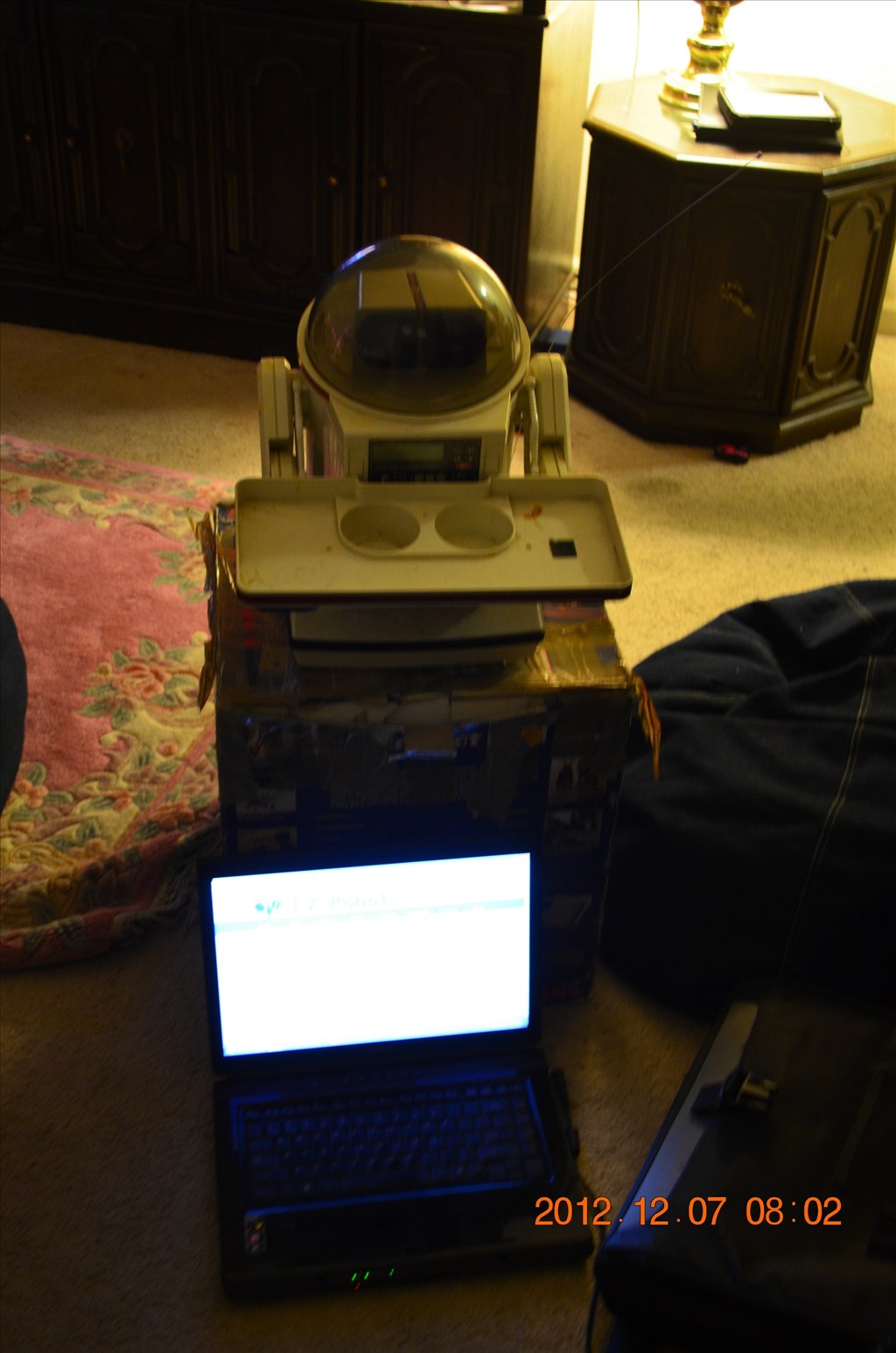
Herg62123's Omnibot 5402 Project - Code Name: Minion 8
Convert a 30-year OmniBot into Minion 8-integrate a laptop, keyboard tray, eye projector and ez-b kit for a Windows 8...
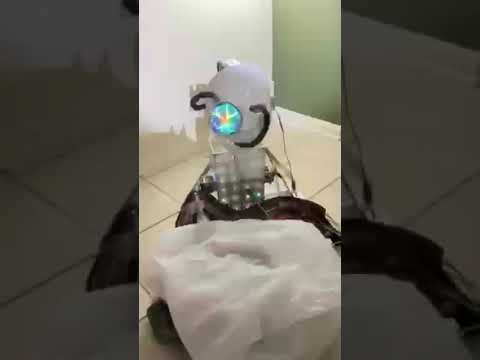
Ezang's 6/9/2021 New Borg Robot - Combination Of My Robots
Combine Borg and crane robots with EZ-B4 controller, servos and strobe light; programmed with Synthiam ARC for voice...
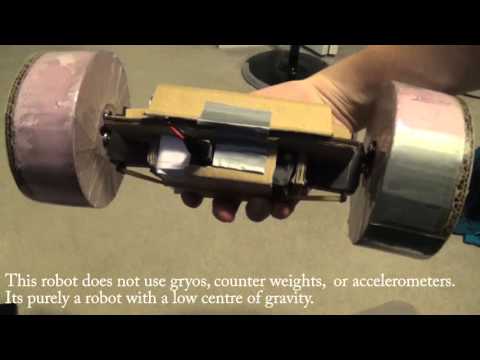
Cardboardhacker's Ez-Ollie
ez-Ollie: recreate Sphero Ollie with a simple low center-of-gravity build for stable rolling, easy forward drive and...

For the mouth I used a Scary Terry board.
I am trying,
I will use:
I found a great tutorial, https://synthiam.com/Products/Controls/Audio/Talk-Servo-16179
it says:
Use the Talk servo icon to add the control to your project
This control will bind to the Text To Speech engine. When ever a text to speech EZ-Script command is executed (i.e. Say, SayEZB, SayWait, SayEZBWAit), this control will move the specified servos to simulate a mouth movement.
If your robot has servos connected to simulate a mouth, this control will move those servos while speaking.
Hey Andy, I might call my robot "Roman", Antonn's cousin, lol