

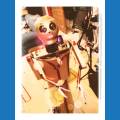
how can I turn on and off the LED from my robot eyes? I have them pludged in directly to a dig port(d3) but I don t know how to make this work. they stay on all the time but cant turn them off .

canumanu
USA
Asked
— Edited
4 Participants
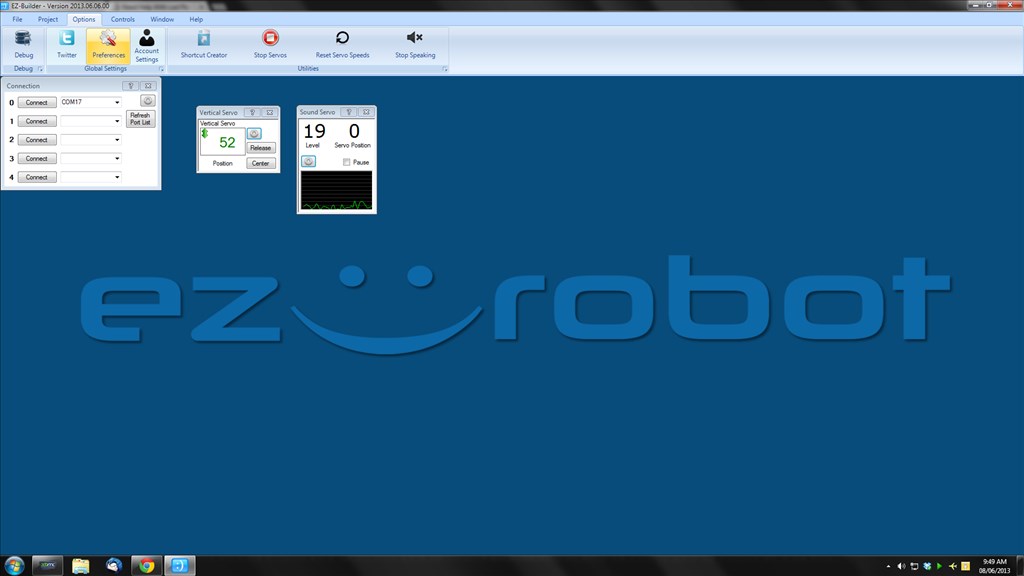

Add a SoundServo control from the servo section of control. Set the port to the same port your LED is connected to. Get your robot to speak
You may need to play with the scalar setting in the SoundServo
It should increase the LED brightness depending on the sound.
If not, you could add the SoundServo control. Set the port to V1 Add a script;
Play with the sleep and soundvalue.
Thanks rich . Awesome ! I was on the right track with the script! But failed to add ( ) with the if command line . Again awesome! Thanks
You could use PWM rather than Set... so PWM(D1, $soundvalue)
I just tested it and it works nicely.
Nice ! :-)
HI Rich! do you think it is possible to use the PMW to drive the LEd, but instead of getting the $soundvalue from the MIC, get that only from the soundboard ? I'm trying to sync my prototype's mouth LED, but using the soundservo I don't know how to avoid it to get the sound coming from the mic (and, if I turn the mic off, I can't use the speach command...). I'm using an bluetooth speaker... and I wired the leds on the speaker + and -... IT works, but it's draining too much power... can you help ? thanks so much! Tevans.
The SoundServo picks up all sound on the PC (all soundcards, all mics, system sounds, everything) so it wouldn't work for that.
You're already doing what my first suggestion would have been. My only other suggestion would be to hook up the +ve side of the speaker to one of the ADC signal pins (make sure the speaker doesn't exceed 5V). You can then ReadADC(ADCPort) to get the level and use that to PWM a digital pin driving the LED...