

 Resolved by



confused I am attempting to run the ARC software and noticed that several options are not shown (account signin, camera, etc) I would to know the addin I need to download so I can use the camera. The computer detects the USB device but does nothing with it. Possible it is defective?
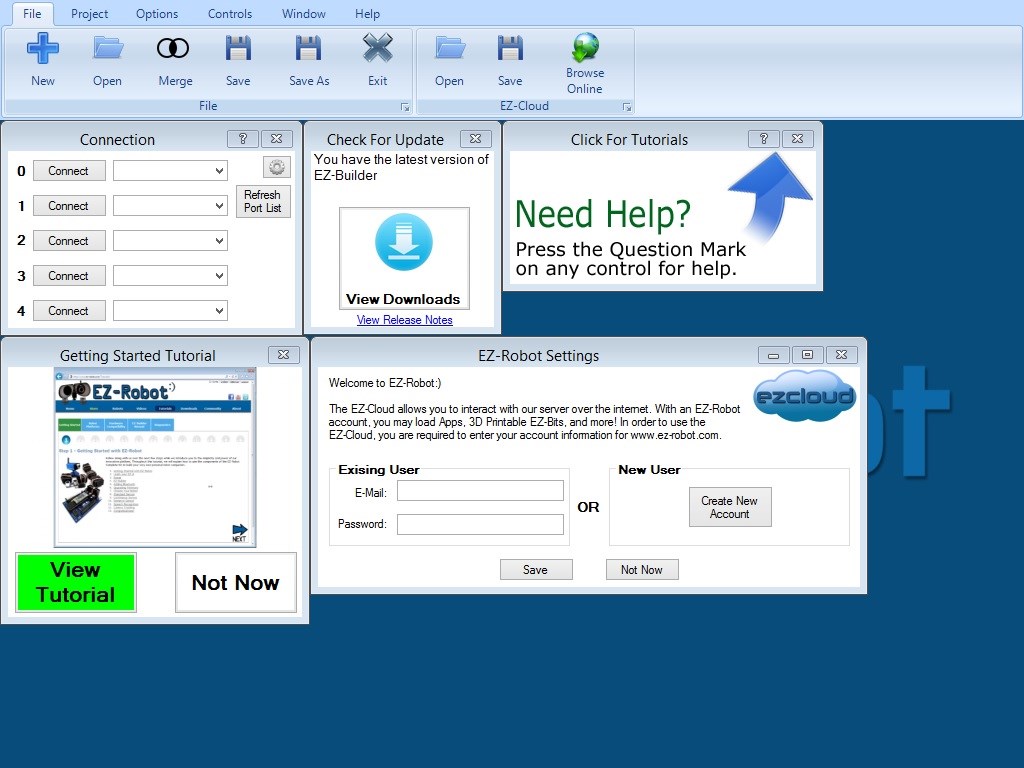

weird. im not sure.
Click on options for account settings
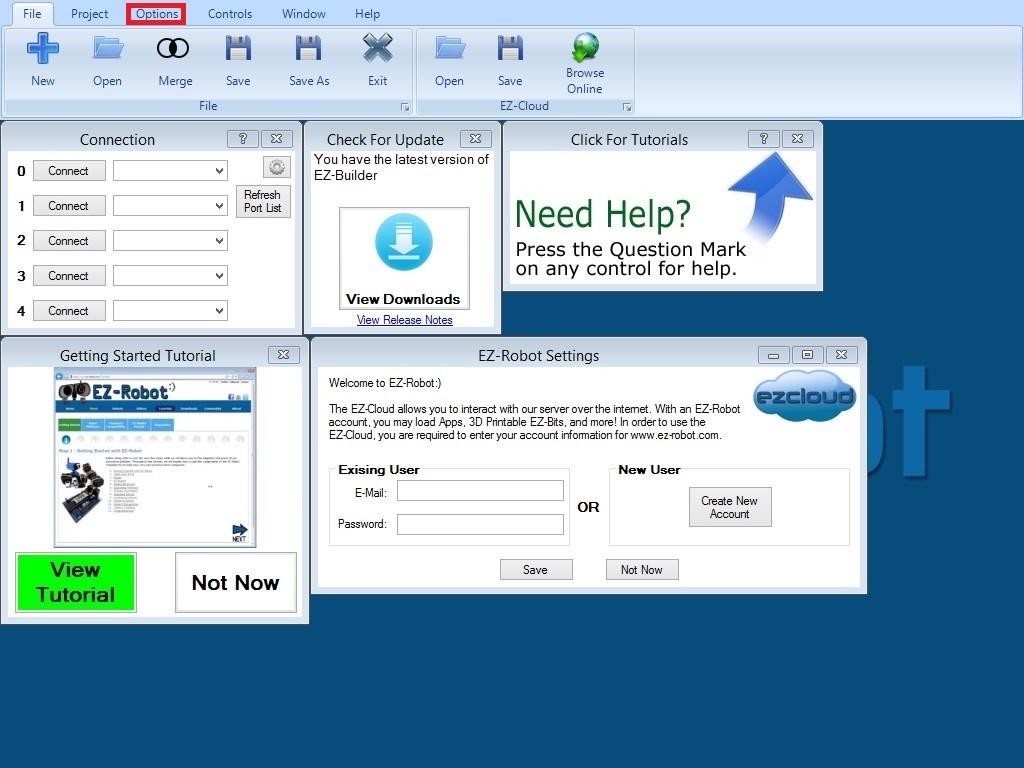
Or you can just use the control that's added by default asking for your account settings.Click on Project then on Add then choose the camera control for the camera.
Clicking on the tabs above the ribbon changes the ribbon like on most new software, just play with the software and you will find where everything is. If it's a specific control you get stuck with click on the ? and you are taken to the help page for that control.
Hey Jfew,
I don't see by your screen shots that you have clicked the PROJECT menu and then the Add controls comes up.
so Click Project>Add control>Camera
Hi JF , are you still having this problem? If not could you reply and mark this post as answered? I am trying to reduce the Que. Thanks - Josh
sorry for taking so long to respond. the was send to my spam box. the answer is yes it has been taken care of.