


 Resolved by

i read the tutorial tree times,try all kinds of stuff.bolt rgb and ping sensor dont work.i use an original roli ARC.the ARC disconnect when trying to use one of the rgb,got 2 .the ping sensor doesn see anything.
in this pic i cant set a capitel A ?
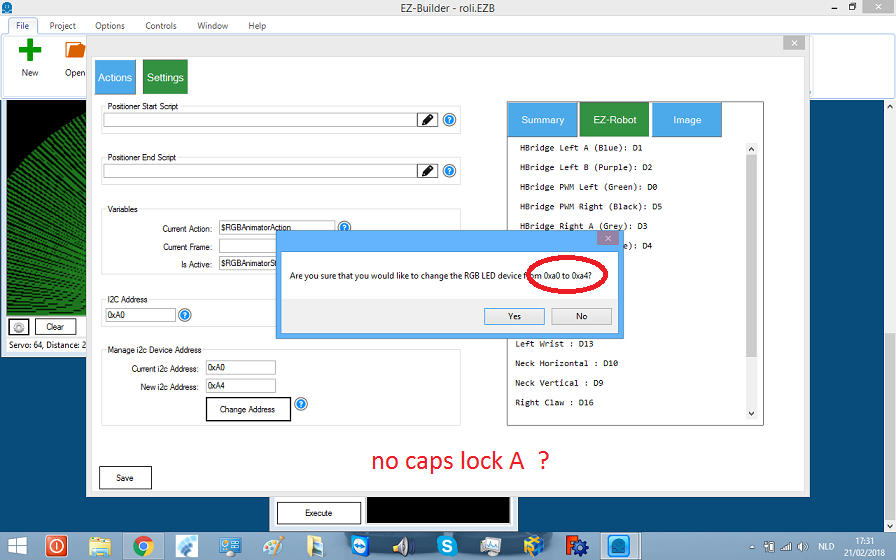
in this pic radar no tracking line.
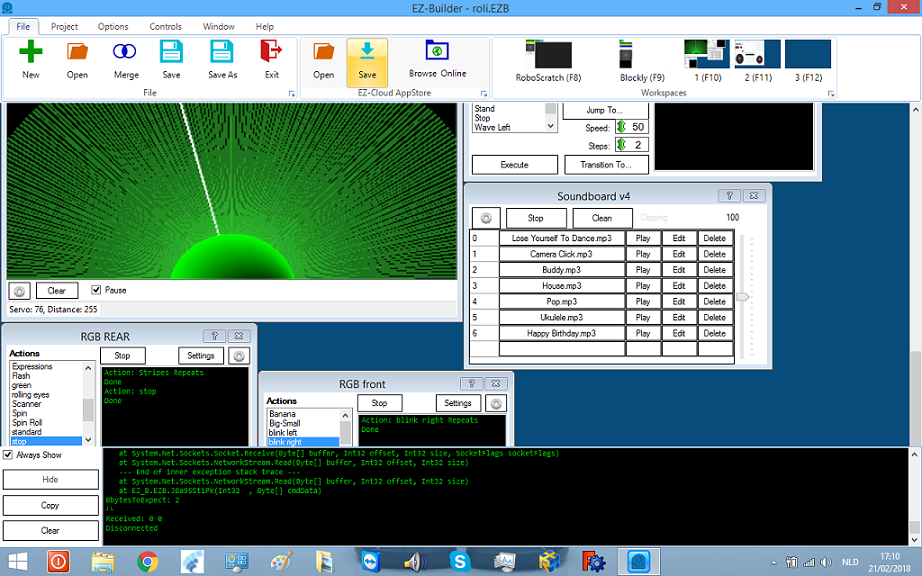
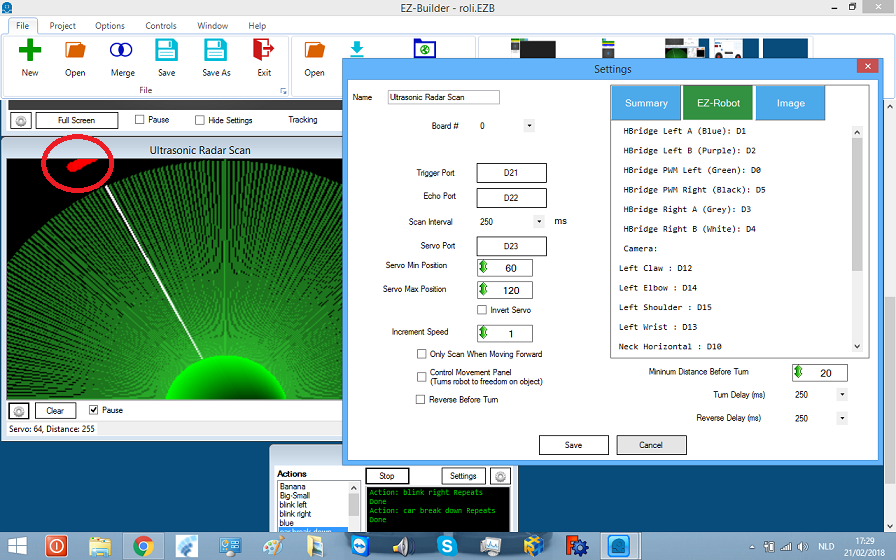

dj
i have two adresses back 0xa2 and front 0xa4,the front dont work. i try a new rgb and that one works but again same led as the back side.
indeed am paniking.am working allreddy the hole day.
rr i try the radar separt and it same error.
steve
uncheck the box,then the radar starts.it does move.only i dont see objects. in the green field
@Nomad
Do the distance numbers change when you move objects in front of the sensor? The number saying "255" on the bottom of the radar control (255 is maximum, 1 in minimum). The closer the object gets to the sensor, the number should come down.
no the number stays at 255
for the rgb i notest when making a vision only one side works.
nomad - let's tackle one at at time Also, take a short break - sometimes stepping away from a problem helps.
I solved the rgb problem.am uplouding the video now.one rgb had an diff adres now i have tailights and face diff.i tested the wires first from the rgb with new one still same ,then i used a new rgb. Works but not diff.
ok the rgb problem solved.one rgb had diff adres.
the radar works now.it was a bad rgb.i tested with other ezbv4 same error. so roli is complete .hpoe i get another rgb block here in belgium. i try 0xa0/0xa2/0xa4/0xa6(worked one time)0xa8 i gave the points to RR he said to try the rgb alone nothing els connected.
thanks all