









All Community Content


Drive Real Robots, Anywhere
Remotely operate robots around the world or add live telepresence to your own build — straight from your browser.
Discover Exosphere
I Make Robots Crew Socks

Advanced Speech Reco…
Azure Cognitive Speech recognition for ARC with custom API credentials, scripting, language control,...

Audio File Out EZB
Stream MP3 or WAV files from your PC to the primary EZ-B speaker for robot audio playback, alerts,...
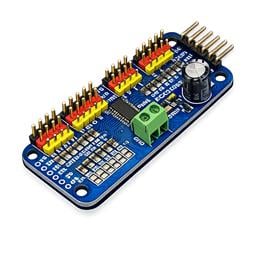
PCA9685 Servo Driver
Drive 16 servos over EZB I2C with a PCA9685 PWM controller, using ARC servo commands and...

AIML2 chatbot client for ARC connecting robots to Bot Libre cloud for customizable, private chatbots and personalities.

Upgrade RoboPhilo Junior with EZ-Robot EZ-B and camera for WiiMote accelerometer control, vision tracking and AutoPosition support for...
Robot Jerking Servos
I added a pan/tilt system to my robot to track objects but the servos just jerk around randomly. Help? I'm using some Tower Pro servos I had lying around. 3
3
 2 k
2 k
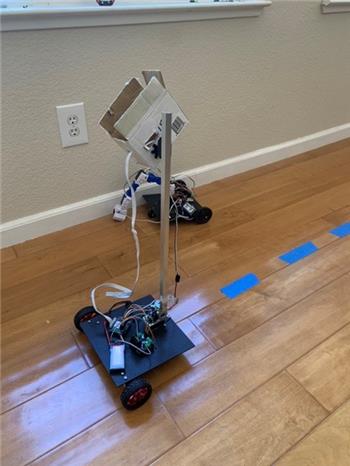
Camera Movement Control
Hi All! My son and I built this robot with a mix of parts, hot glue and some fun. It has two motors connected to the ioTiny through an hbridge. The ez robot camera moves...
8
2 k
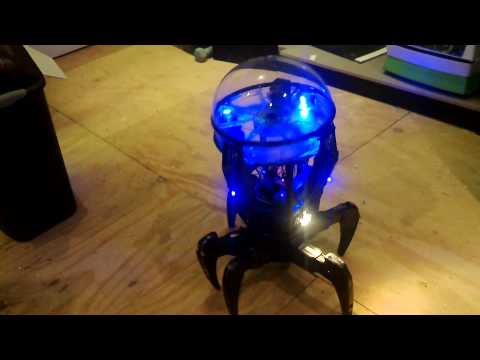
Rb550f's Ez Robot Attacknid 6Lr
Attacknid robot with EZB V3: 18-inch walker with 12V lithium, dual H-bridge drive, sound/LED mic, 12-inch LED fan, under $100
10
8 k
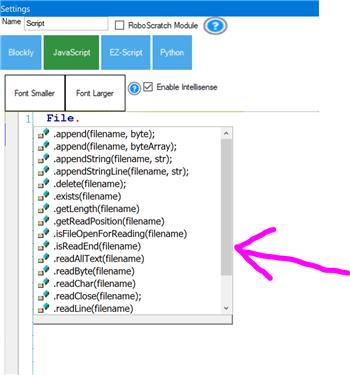
Reading And Writing Files In Java
I am not a Java expert. Can someone post an example of how to open/write and open/read a file on my local computer using the ARC Java Script editor?...
5
2 k
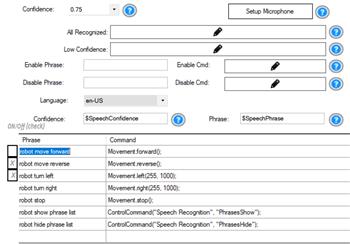
On/Off For Speech Recognition Phrases
Toggle phrases in speech recognition engines to enable or disable specific voice commands for improved recognition control.
5
2 k
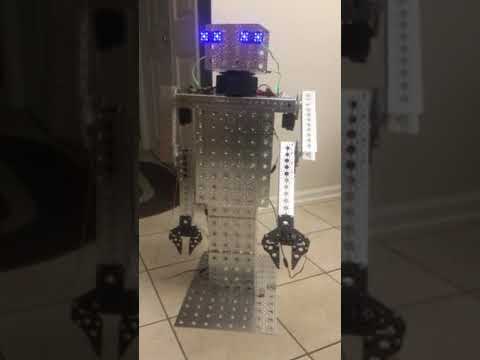
Ezang's Mr. Metal Robot 2020
Synthiam ARC controlled Talking Mr. Metal robot with EZ-B4, 2 IO Tinys, RGB eyes, ServoCity gears and DFRobot hex base rotation.
10
3 k
What Is The I2C Address For The Iotiny.
I know the address for I2C port on the EZB v4 is 0x09, is it the same for the IOtiny? I found the pin out documentation but no port address.
2
2 k
Question For Power Supply Requirement
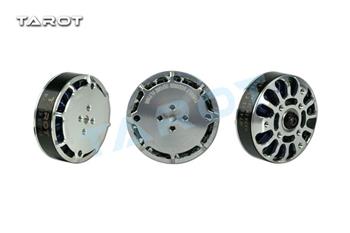
Hey guys, I am looking into how to build a bigger servo actuator at the moment... Its nothing like a full blown project at the moment, I am just...
9
3 k
Speech Recognition Screen Popping Up.
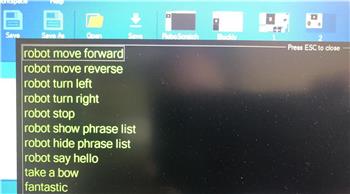
So I have been tinkering with speech recognition and enjoying it. Recently after a speech interaction completes I get this pop up screen with a...
7
2 k
Personality Generator
Schedule personality generator to run only during specific hours (e.g., 5-10 PM) for controlled activation.
3
2 k

Repairing My Hexapod's EZ-B
Upgrade EZ-B with the V4/2 comm upgrade to update communication capabilities.
0
2 k
Interface Builder...Future?
Synthiam ARC Interface Builder creates custom pages; envisioned as a universal UI with save/load, extra controls and fullscreen overlay to hide ARC.
4
2 k