









All Community Content


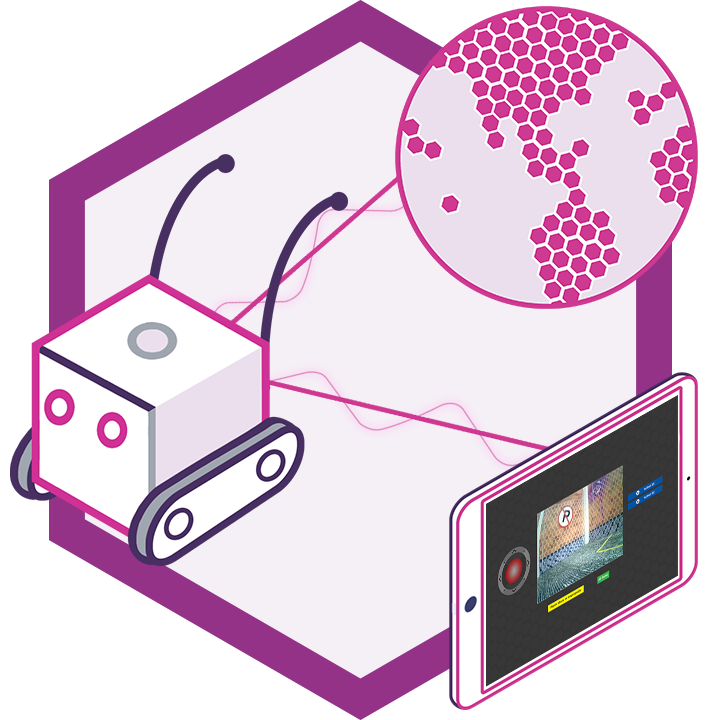
Drive Real Robots, Anywhere
Remotely operate robots around the world or add live telepresence to your own build — straight from your browser.
Discover Exosphere
Gaming Mouse Pad

Advanced Speech Reco…
Azure Cognitive Speech recognition for ARC with custom API credentials, scripting, language control,...

Audio File Out EZB
Stream MP3 or WAV files from your PC to the primary EZ-B speaker for robot audio playback, alerts,...
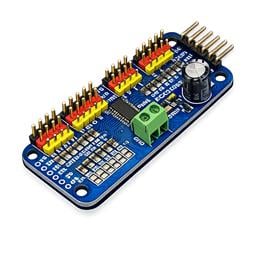
PCA9685 Servo Driver
Drive 16 servos over EZB I2C with a PCA9685 PWM controller, using ARC servo commands and...

Real-time servo position input via Arduino ADC over I2C; supports Nano (6 channels) or Mega (16), configurable I2C address and scalable chaining.
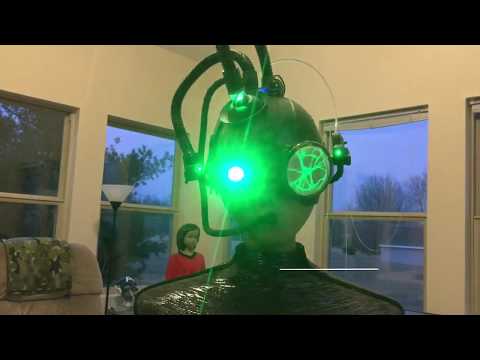
Borg-inspired 7 Star Trek robot with fiberglass body, moving DIY eye, green-tinted plasma disc, EZ Robot camera, lotiny and micro servos.
Issue Saving Project
When I add RPlidar skill I cannot save project. OK if I delete it> Any ideas? 1
1
 2 k
2 k
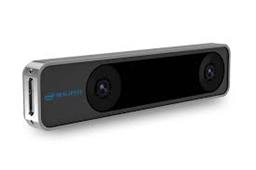
Intel Realsense T265 v26
T265 VSLAM for ARC: SLAM-based mapping and precise way-point navigation, low-power tracking, and NMS telemetry.
145
89 k
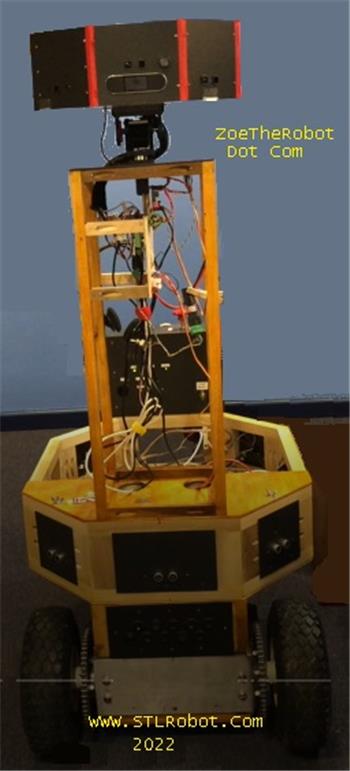
Remote Control Of Hard Wired EZB4
Is there a method of controlling a robot remotely which has an onboard PC with EZB4 connected via USB? All of my robots bar one, use WiFi connection and...
13
2 k
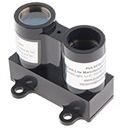
Lidar-Lite Laser Module
Laser Lidar-Lite ARC control reads distance, velocity and signal strength (0-40m+) via EZ-B v4 i2c, setting EZ-Script vars for robotics
8
11 k
ARC 2022.09.18.00 (Pro & Runtime)
Camera and robot-skill GUI updated for better resolution scaling; new Blockly Say EZB blocks accept EZB index; servo touch slide replaces button
0
3 k
Servo Buttons And Combo Box
I am finding the Servo Buttons and Combo Box are not consistent between the Mobile App and a PC. They actually work on the Mobile App perfectly whereas on a PC, the Combo Box activates a selection before it is clicked, whilst the Servo Buttons require the user to tap +- repeatedly. With the Mobile App, you just slide your finger left to right. Is...
4
2 k
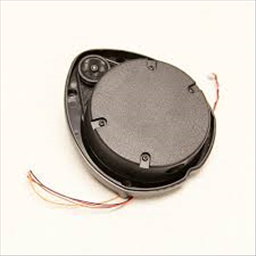
XV11 LIDAR v15
Real-time 2D mapping from Neato XV-11 360 LIDAR via GetSurreal controller; exports $LIDARDistance/$LIDARIntensity, configurable angles,...
3
87 k
PWM Servo Feedback (I2c) v7
Real-time servo position input via Arduino ADC over I2C; supports Nano (6 channels) or Mega (16), configurable I2C address and scalable...
7
85 k
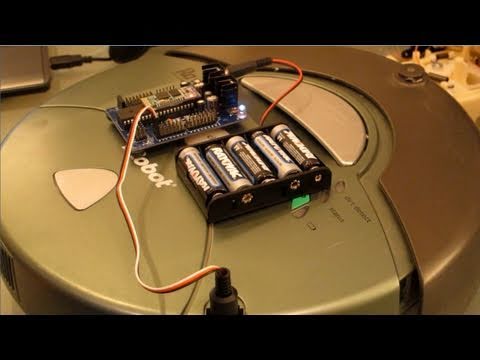
DJ's Irobot Roomba Hack
Convert an iRobot Roomba with EZ-B to a wireless, voice- and vision-enabled cleaner-camera color/motion tracking, remote control, ARC/EZ-SDK.
19
11 k
My Camera Is Not Recognized As A Camera Device.
I bought the JD humanoid a few years ago and put it aside for at least 3years. I used ARC before. However, I try using ARC for connecting the humanoid recently but the camera is not recognized. Is there something I missed out? Thank you for your kind assistance
11
893
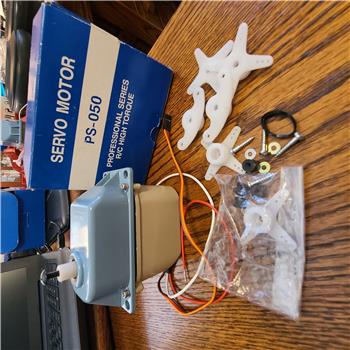
For Sale: NEW PS-050 Tonegawa Seiko Servo - $100 USD Plus Shipping
For Sale: NEW PS-050 Tonegawa Seiko Servo - $100 USD plus shipping This is a monster...
0
982
Pwm Servo Feedback
Modify PWM Servo Feedback skill to allow manual min/max entry or arrow-adjusted positions before calibration for screw-drive servos
1
2 k