
Change Release Notes
This update focuses on improving ARC reliability, better error handling, and expanding Soundboard control commands for more flexible robot programming.
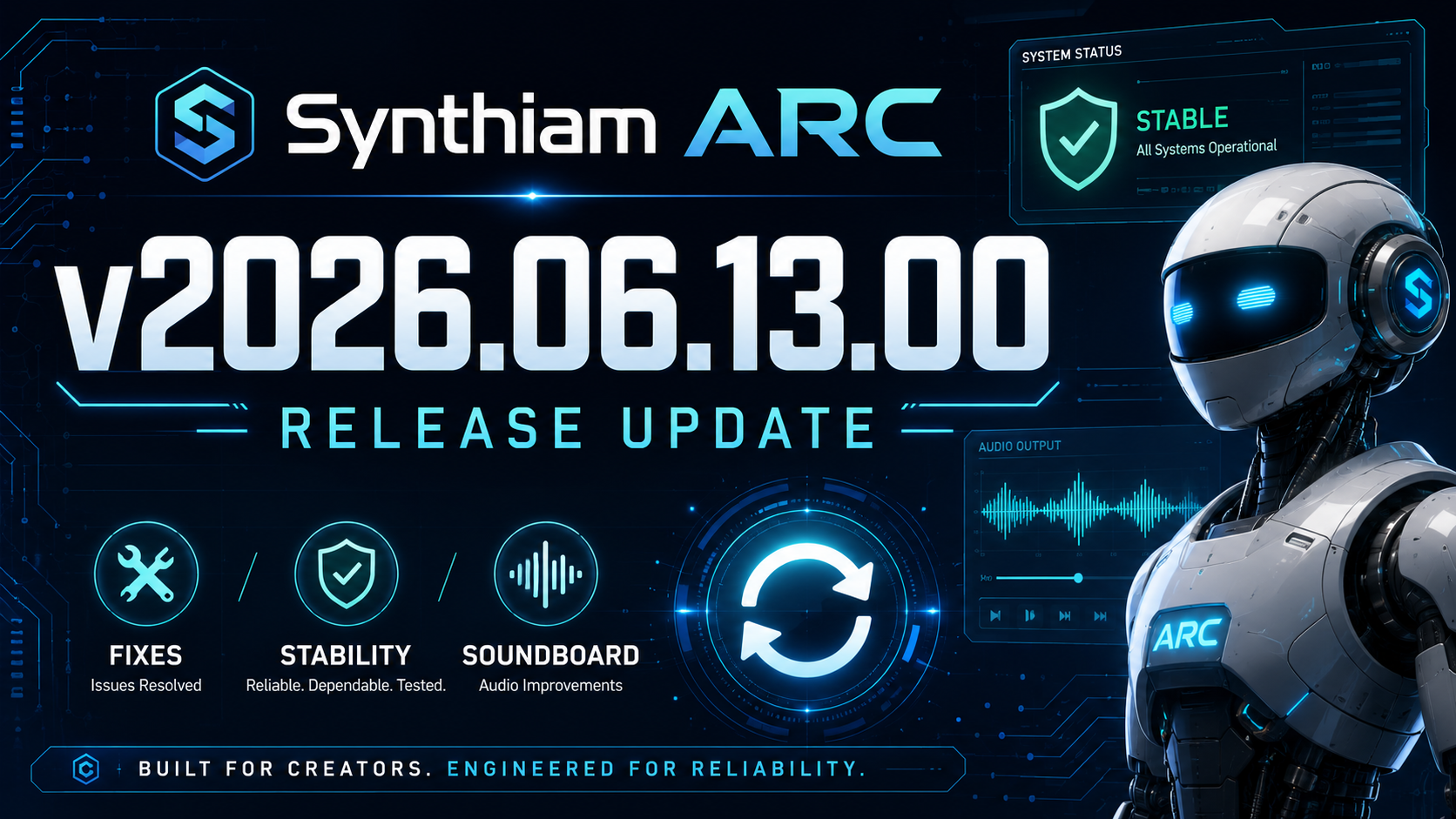
Highlights
Improved Soundboard Control Commands
The Soundboard PC and Soundboard EZB robot skills now include new ControlCommand support for working with audio items by index.
You can now:
- Return the number of audio items in the soundboard list
- Play an audio file by passing its list index as a ControlCommand parameter
This makes it easier to dynamically trigger sounds from scripts, buttons, automation logic, or other robot skills without needing to reference each sound by name.
Robot Skill Fixes
Ultrasonic Ping Reliability Fix
Fixed a rare startup error in the Ultrasonic Ping robot skill where the timer could load before the UI handle was ready.
This improves startup reliability and prevents timing-related initialization errors.
Add robot skill Menu Fix
Fixed an issue where the Add Robot Skill menu could display:
Error loading Add Control form
The issue was caused by shared image icons being disposed unexpectedly. ARC now creates cloned image copies instead of attempting to reuse shared image instances.
Speech Recognition Improvements
Bing Speech Recognition Wake Word Handling
Bing Speech Recognition will no longer raise an error when attempting to use wake word mode without an available input sound device or speech recognizer.
This makes speech recognition behavior more graceful on systems with missing, disabled, or unavailable audio input hardware.
Interface Builder Improvements
Back Button Navigation Fix
The Interface Builder back button will no longer allow navigation beyond the main form.
This prevents invalid navigation states and keeps the Interface Builder workflow more stable.
Rendering Stability
WPF Software Rendering Fallback
ARC will now default to WPF software rendering if hardware GPU rendering fails.
This fallback is not persistent and only happens after a hardware rendering failure is detected. This behavior helps users who experience GPU-related rendering issues while keeping hardware acceleration available for everyone else by default.
If this becomes a larger issue for users, please let us know. Otherwise, this behavior will remain in place for the small number of systems that require it.
Installation and Startup Error Handling
Missing CEF Browser Library Detection
ARC will now display a clear error message if required CEF browser libraries are missing during startup.
The message will prompt the user to view a support page with the recommended solution, which is to repair the ARC installation.
This should make installation-related startup problems easier to understand and resolve.
Printer Error Handling
Default Printer Check
ARC will now show a clear error message if no default printer is available instead of throwing an exception.
This improves stability when printing features are used on systems without a configured printer.
Exception Handling Improvements
Safer Nested Exception Display
The exception window now limits how far it walks through inner exceptions.
Some deeply nested errors could previously cause excessive memory usage, including potential out-of-memory errors. This update prevents ARC from endlessly walking through nested exception chains and improves crash-reporting stability.
Summary
ARC v2026.06.13.00 improves stability across robot skills, startup behavior, rendering, printing, speech recognition, subscription handling, and error reporting. This release also adds more flexible Soundboard automation, making it easier to control audio playback from scripts and robot behaviors.
ARC Downloads
ARC
FREE- 1 third-party plugin skill per project
- Trial cloud services
- Personal, DIY & education use
- Updated every 6–12 months
 Download
ARC
PRO- Use on 2+ PCs simultaneously
- Unlimited robot skills
- Cloud backup & revision history
- Weekly features & bug fixes
- Business use permitted
ARC
RUNTIME- Load & run any ARC project
- Read-only mode
- Unlimited robot skills
- Includes early access fixes & features
- Minimum requirements: Windows 10 or higher, 2 GB RAM, 500 MB free disk space.
- Recommended: Windows 10 or higher, 8 GB RAM, 1 GB free disk space.
- Prices are in USD.
- More about each edition: Download & install guide.
- Latest changes: Release notes.
Compare Editions
| Feature |
ARC
FREE
|
ARC
PRO
|
|---|---|---|
| Get ARC Free | View Plans | |
| Usage | Personal · DIY · Education | Personal · DIY · Education · Business |
| Early access to new features & fixes | — | ✓ |
| Simultaneous microcontroller connections * | 1 | 255 |
| Robot skills * | 20 | Unlimited |
| Skill Store plugins * | 1 | Unlimited |
| Cognitive services usage ** | 10 / day | 6,000 / day |
| Auto-positions gait actions * | 40 | Unlimited |
| Speech recognition phrases * | 10 | Unlimited |
| Camera devices * | 1 | Unlimited |
| Vision resolution | max 320×240 | Unlimited |
| Interface builder * | 2 | Unlimited |
| Cloud project size | — | 128 MB |
| Cloud project revision history | — | ✓ |
| Create Exosphere requests | — | 50 / month |
| Exosphere API access | — | Contact Us |
| Volume license discounts | — | Contact Us |
| Get ARC Free | View Plans |
* Per robot project
** 1,000 per cognitive type: vision recognition, speech recognition, face detection, sentiment, text recognition, emotion detection, azure text to speech

Upgrade to ARC Pro
With ARC Pro, your robot is not just a machine; it's your creative partner in the journey of technological exploration.
Nice! I'm looking forward to downloading and using this update! Thanks!
Downloaded and installed. Thanks for the work!
This may be nitpicky but the title of this post about your update is ARC 2026.05.24.00 but the actual update is v2026.06.13.00. A little confusing as there are already two other separate posts with the date ARC 2026.05.24.00.
Makes no real difference to me but I thought I'd mention it. I did get a little confused when I was reading the update notes of each of these updates.