Tutorial


Published
— Updated
Steps
- Professor E's Overview
- Software Download
- Loading an Example Project
- Building Instructions
- Servo Profile
- Connecting
- Microphone Control
- Soundboard Control
- Commonly Used Controls
- Gear Icon
- Camera Control
- Auto Position Control
- Frame Creation
- Coding Workspaces
- RoboScratch Workspace
- RoboScratch Commands
- Using Wait
- RoboScratch Program Execution
- RoboScratch Program Flow
- Blue Question Marks
- RoboScratch Source Code
- Blockly Workspace
- Blockly Commands
- Blockly Audio
- Blockly Logic
- Blockly Execution
- Blockly Source Code
- Additional Workspaces
- Adding Controls
- Third Party Plugins
- Scripting
- Scripting Control Options
- EZ-Script and Blockly
- Design Mode
- Connecting Custom Components
- Updating Build Instructions
- Reorder Build Steps
- Share with EZ-Cloud
- Public Sharing
- EZ-Cloud AppStore
- Load Revisions
- Learn More
- Quiz
The Robot Program Episode 006: Introducing ARC
Step 28 of 43
Additional Workspaces
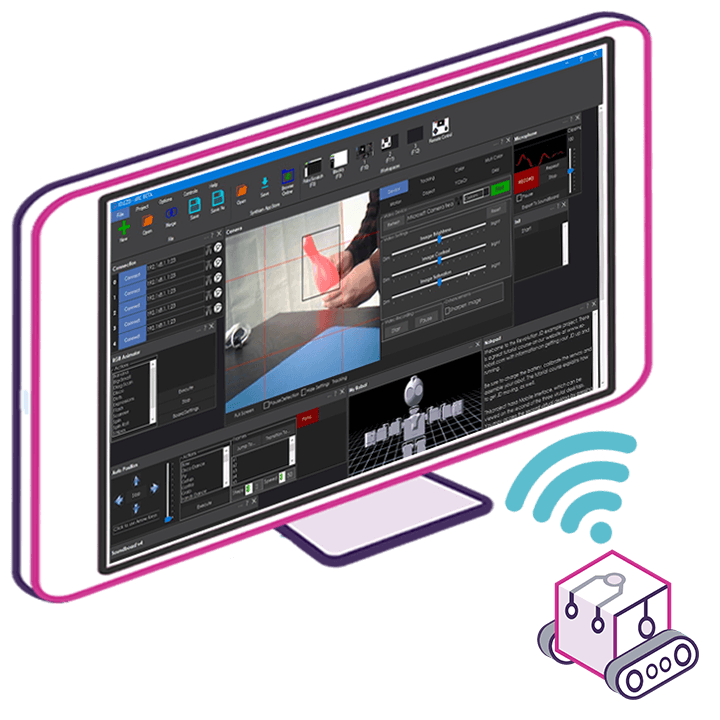
Select Workspace 2 or 3 for more space to add controls. Main control shows the interface for creating an EZ-Robot mobile app. Click on the gear to customize the app interface.