
Tutorial





Published
— Updated
Steps
- Step 1. Open a project
- Step 2. Select EZ-Script Examples
- Step 3. locate File Operations example
- Step 4. with the File Operations example open
- Step 5. Make a temp folder, file and read a file
- Step 6. Writing to a file
- Step 7. Making real use of data from a file
- Step 8. Reading Random Lines
- Step 9. Save your Project
Step 1 of 9
This tutorial is an introduction to working with text files in EZ-Builder. ARC gives you the ability to write information to text files and read information from text files. You can use this for logging data, giving your robot a memory, a way to read in data you might not want to manually enter in a script and anything else that your imagination might lead you to use text files for.

Step 1. Open a project
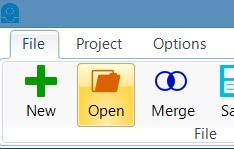
With EZ-Builder, locate the "Open" icon and click it

What about the script manager? Wouldn't that be the same thing?