
krom
USA
Asked
— Edited
Modified Servo Movement Panel
I'm sure this is a totally newb question, but I'm a newb. I have wheels on modified servos and mounted to my little bot. Useing the movement panel, forward and back are fine but left and right are reversed. What am I doing wrong?

Reverse the port settings in the control
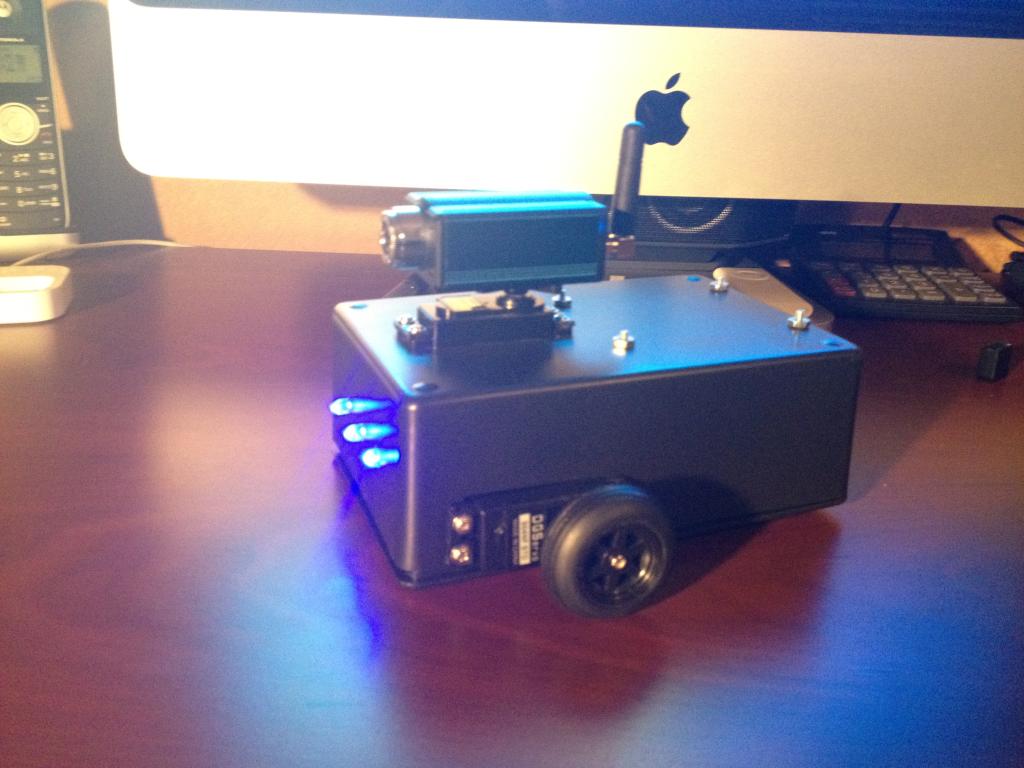
Left servo is in D12 and right is in D13. In the modified servo Movement Panel I set it to left D12 and right D13. Forward, reverse, left and right are all backwards. I then set left to D13 and right to D12 in the control panel and forward and back are correct but left and right are still reversed. I attached a picture of my first little bot. I've been able to get him to do all kinds of cool stuff. Just this right and left thing has me stumped.
I love your kit and Easy Builder software. Very simple to use. I had this little guy built in 2 hours. Voice controlled, object recognition, just awesome!
Ha, that's really funny that they are reversed. The next ARC release has an adjustment in the Movement Panel to support sabertooth motor controller, this new feature will allow you to resolve that . You could resolve it by flipping your servos so the wheel is in the front - but don't worry, the new version will be out tomorrow i assume.
I'm glad you are enjoying it
And btw, your robot is real intresting. Do you have any assembly pics? Hats off to your creative use of a project box!!
Latest build solved my problem. Thank you.