


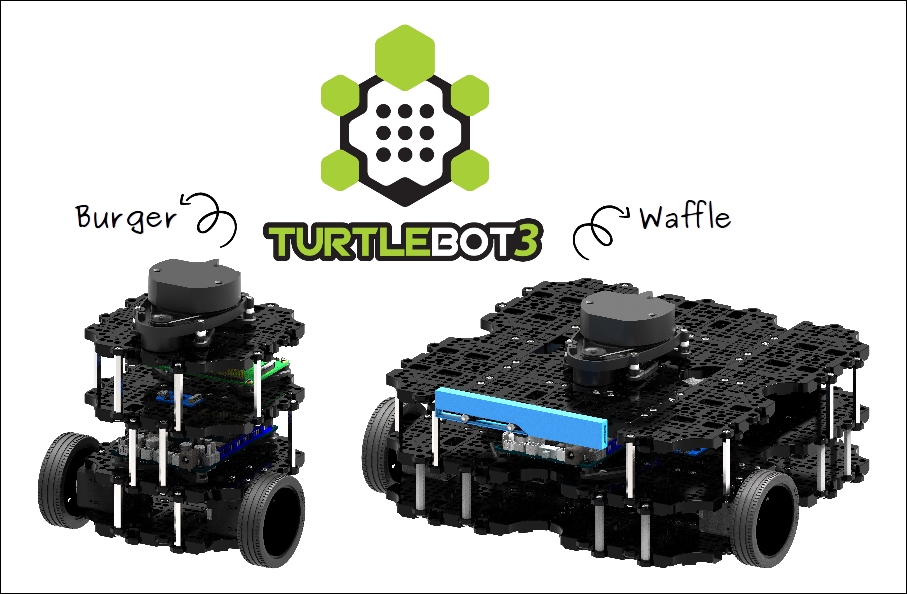
Running ARC on a TurtleBot3 with an x86 Windows SBC (NUC mounted on the robot) connected to the OpenCR over USB. I’m trying to have the robot announce status (battery %, waypoint reached, obstacle detected) using the Watson Text To Speech skill while it’s driving. The goal is for speech to be concurrent and not impact motor updates. What I’m seeing instead is brief hesitations: every time Watson TTS speaks, the TurtleBot3 drive loop jitters or stalls for ~300-800 ms, and occasionally after 6-10 utterances the audio just stops until I toggle the skill’s Active checkbox off/on.
Details: WiFi network is solid (latency <5 ms to the router), Lidar and navigation continue fine aside from the motion pause during speech. ARC CPU jumps from ~12% to ~35% during each utterance. I configured the Watson Text To Speech skill with my IBM Cloud Lite plan API key and URL (tried both ussouth and eude endpoints; both work). I tested multiple voices. I also tried changing the robot’s audio from a small Bluetooth speaker to the 3.5 mm jack on the SBC-same behavior. If I trigger fewer, longer phrases, the issue is less noticeable; rapid short phrases (e.g., "Left", "Right", "Stop") are the worst. The skill’s debug shows successful requests, but subsequent calls take longer than the first one in a session.
Is there a known nonblocking/queue pattern for calling the Watson Text To Speech skill in ARC on a TurtleBot3 so speech plays reliably without briefly freezing motion, and is there a recommended endpoint/voice configuration or caching setting to avoid perutterance latency?


What you’re seeing is usually a combination of TTS generation latency and script/control contention, not the TurtleBot3/OpenCR motion itself.
A few important points:
What’s likely happening
Best practice in ARC
For robot narration while driving, keep motion control separate from speech:
Recommended pattern
Instead of speaking every time an event fires, use a speech queue / cooldown so repeated events don’t spam the TTS skill.
Example approach in JavaScript:
If you need multiple messages, build a single speech dispatcher script that reads a global variable queue and speaks one item at a time.
Better queue pattern
Use a global variable like
$TTSQueueand have one script process it:Then other scripts only append messages instead of speaking directly.
For frequent short status updates
For things like:
LeftRightStopI’d strongly recommend throttling them or using a nonverbal indicator instead, because TTS is not ideal for rapid-fire navigation feedback. Consider:
Endpoint / voice / caching
A few practical notes:
That gives you:
You can play local audio with ARC using
Audio.playAudioFile()or through an audio-focused skill. See:Practical recommendation for TurtleBot3
For your use case, I’d do this:
If you want, I can help you build it
I can write you a small JavaScript queue script for ARC that:
If you want, paste how you’re currently triggering Watson TTS, and I’ll convert it into a nonblocking ARC pattern.