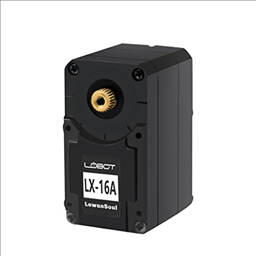


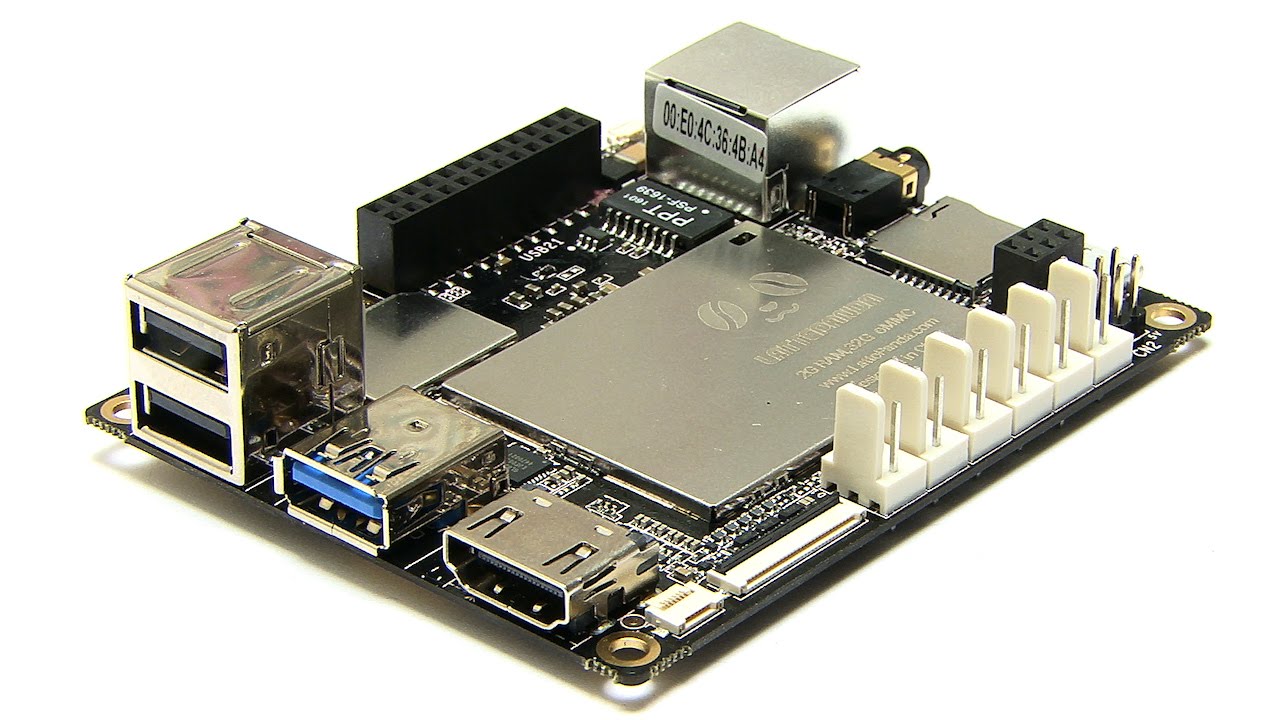
Running ARC on a LattePanda (Windows) with the onboard Arduino Leonardo flashed with the EZ-Genuino_Leonardo firmware and connected over USB. I checked DTR Enabled in the Connection config so the serial events fire correctly. Two micro servos for head pan/tilt are on the Leonardo (D3 and D5). I also have an external EZ-B v4 over Wi-Fi for the higher-torque arm servos (shoulder on D4, elbow on D5). Both controllers connect fine (Leonardo as EZB index 0 over USB, v4 as EZB index 1 over Wi-Fi), and I can move everything using servo controls and Auto Position frames without issues.
I added the Virtual robot skill to visualize all four joints. Here’s the snag: when I add servo markers, the selector only seems to bind to ports like D3/D4/etc without any obvious way to select the EZB index. The head markers (0.D3/0.D5) update perfectly, but the arm markers follow the Leonardo’s D4/D5 instead of the EZ-B v4’s D4/D5, or sometimes they don’t update at all if those Leonardo ports are unused. I tried renaming servos via the servo config/manager to HeadPan, HeadTilt, ArmShoulder, ArmElbow and then typing those names into Virtual Robot, but the field appears to only accept a port (and flags it invalid if I type a name). I also tried adding a second Virtual Robot instance hoping it would target EZB index 1, but I don’t see a board selection anywhere in the skill.
Is there a way to explicitly bind Virtual Robot servo markers to a specific EZB index (e.g., 1.D4) or reference a named servo rather than just a raw port so I can visualize joints across multiple controllers?



Yes - what you’re seeing is expected behavior in Virtual Robot right now.
Short answer
Virtual Robot servo markers bind to servo ports, not EZB indexes.
So a port like
D4is interpreted as the first matching servo control/board mapping, which is why it appears to follow the Leonardo’sD4/D5instead of the EZ-B v4’sD4/D5.What this means
0.D4vs1.D4ArmShoulderBest workaround
To visualize joints across multiple controllers, I recommend one of these approaches:
Option 1: Use unique servo mappings
If possible, avoid duplicate port names across controllers in the same project.
For example:
D0,D1,D2,D3D4,D5, etc.That way Virtual Robot can resolve each servo unambiguously.
Option 2: Use separate visualization skills
If you need to keep duplicate port assignments, consider:
However, since Virtual Robot does not expose a board selector, it won’t cleanly split two devices in one instance.
Option 3: Create a custom robot skill
If you need a multi-board visualization that explicitly tracks:
then the right long-term solution is to build a custom robot skill: https://synthiam.com/Support/Create-Robot-Skill/Overview
That would let you map
ezbIndex + portexactly the way you want.Important detail
Renaming the servo to
ArmShoulderin ARC is helpful for your project organization, but Virtual Robot’s servo field currently expects a port identifier, not a friendly name. So your test makes sense, but it won’t bind the marker that way.Recommendation
For your specific setup, I’d suggest:
A couple questions
If you want, I can help you design a clean port mapping for both boards in ARC so Virtual Robot can track them reliably.