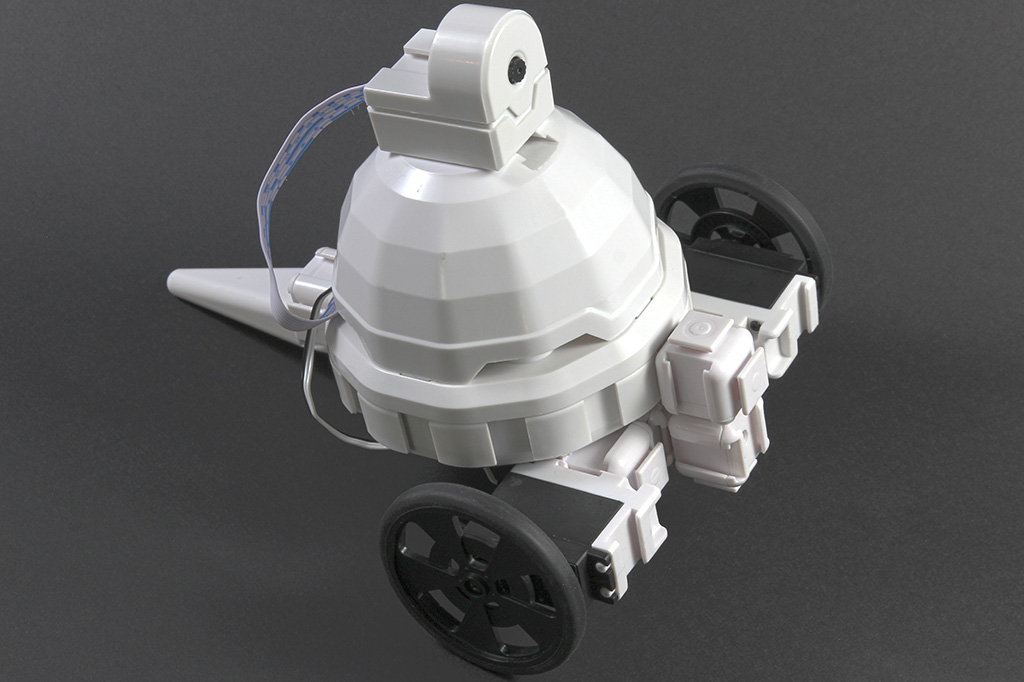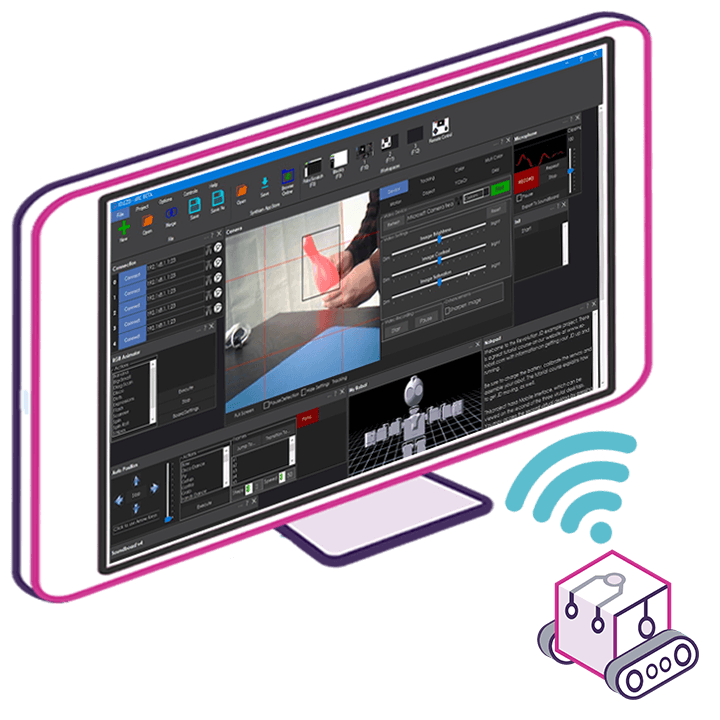

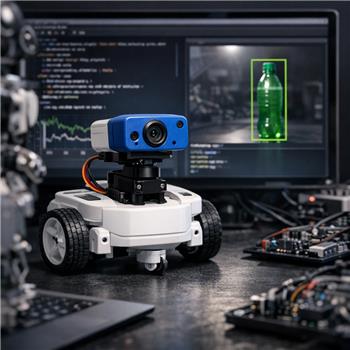
Running an AdventureBot (EZ-Robot) over Wi-Fi with ARC on Windows and the EZ-Robot camera. I’ve got Camera Device set to 320x240, servo tracking enabled with only a horizontal pan servo on D12 (vertical set to None), and added the Tiny Yolo2 skill. When I check Active, detections look good in the Tiny Yolo2 log (e.g., person 0.78, bottle 0.65), but the pan servo hunts a lot as YOLO bounces between multiple classes in view.
What I want: only track "bottle" and maintain lock for a short period so the pan doesn’t twitch when the confidence dips or another object briefly scores higher. I tried increasing Tiny Yolo2’s confidence threshold and lowering the camera FPS, which helped a bit but didn’t solve the oscillation. I also tried filtering in the Camera Device’s On Tracking Start script by name:
if ($CameraObjectName != "bottle")
  return
endif
That stops non-bottle responses from triggering my follow logic, but the built-in servo tracking still moves first (before my script returns) and I get rapid On Tracking Start/Stop toggling if detection flickers. I then disabled servo tracking and tried my own smoothing using $CameraObjectCenterX, doing a small proportional nudge toward center each frame, which works better but I’m not sure I’m using the right variables/events for the cleanest result.
- Is there a built-in way in Tiny Yolo2 or Camera Device to limit tracking to a specific class before servo tracking engages, or to add a persistence window (e.g., require N consecutive frames) so On Tracking Start/Stop doesn’t thrash, or is custom smoothing with $CameraObjectCenterX/$CameraObjectCenterY the recommended approach?