



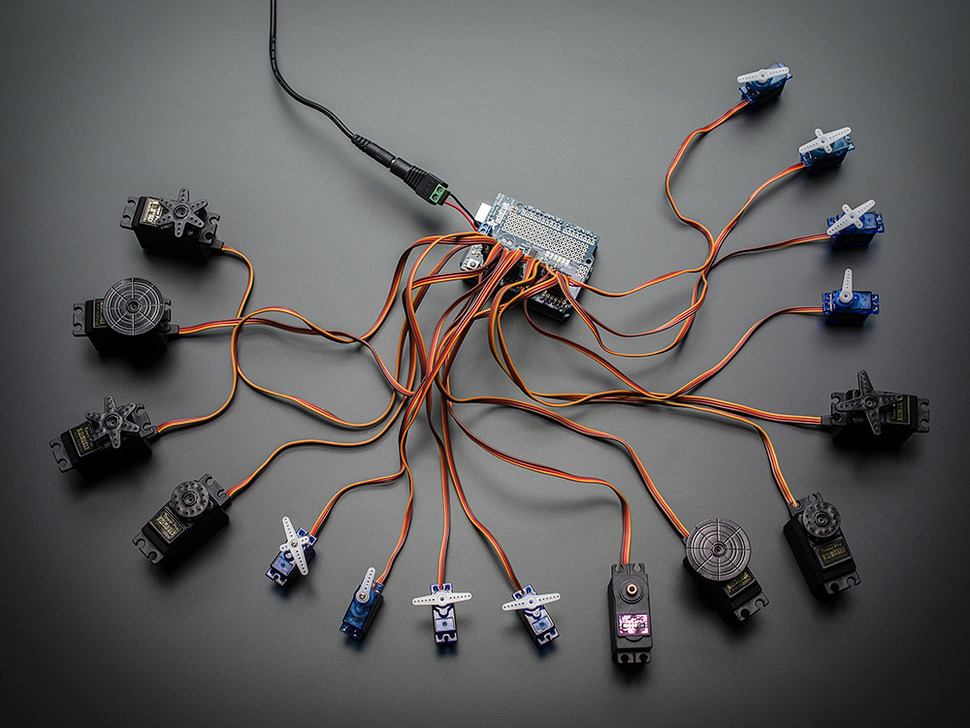
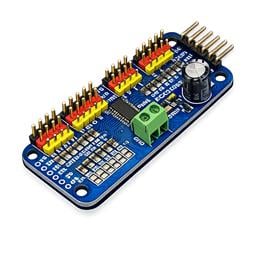
I’ve got an Arduino Uno over USB driving an Adafruit PCA9685 16-channel servo board (I2C address 0x40). The PCA9685’s V+ rail is on a separate 5V/6A supply, and I’ve tied grounds between the PSU, PCA9685, and Arduino. In ARC I can move all my servos reliably using the PCA9685 servo Driver robot skill UI (channels 0-7 used right now), so basic control and power look good. The issue is getting smooth motion with the servo Speed skill.
I added the servo Speed skill and initialized positions first (moved each channel from the PCA9685 skill so they’re not at null). In servo Speed’s settings I set Board Index to my Arduino’s connection (EZB index 0) and tried various ports in the drop-down (D0, D1, etc.). No matter what I pick, changing the servo Speed slider has no effect-servos still snap to the new position instantly when I move them with the PCA9685 skill. I don’t see a way to select a PCA9685 "channel" in the servo Speed skill; it only shows the typical D-ports.
Is servo Speed supposed to work with servos controlled by the PCA9685 servo Driver, and if so, how do I map the servo Speed skill’s Board/Port selection to, say, PCA9685 channel 0 so the ramping actually applies?

Yes - the servo Speed/servo ramping behavior won’t directly apply to the PCA9685 servo Driver skill the way you’re expecting.
Why
The PCA9685 servo Driver exposes its outputs as virtual servo ports (
V0-V15by default), notDports.So if you’re using the PCA9685 servo Driver robot skill to move the servos, ARC is sending commands to virtual ports, and the older Servo Speed skill you added is looking at physical PWM ports (
D0-D23) on the EZB.That means:
What to do instead
If you want smooth motion on the PCA9685, use ARC’s newer approach for ramping PWM servos:
https://synthiam.com/Support/Skills/Servo/PWM-Servo-Ramping?id=23255
That skill is designed to:
However, that skill is for PWM hobby servos connected to EZB digital ports, not for PCA9685 channels directly.
For PCA9685 specifically
The PCA9685 skill itself is not using the older servo Speed control. If you need smoother motion, the practical options are:
https://synthiam.com/Support/Create-Robot-Skill/Overview
Important note
If you are trying to use Servo Speed by selecting
D0,D1, etc., that only affects servos physically driven by those D ports, not the PCA9685 board.Recommended workaround
If you want, I can help you write a JavaScript ramp script that moves a PCA9685 channel in small steps with delays, which will give you smooth motion even though the PCA9685 skill itself doesn’t expose a speed setting.
For example, a script can do something like:
That is often the cleanest solution in ARC for PCA9685-based servos.
Quick question
Are you currently moving the PCA9685 servos only through the PCA9685 servo Driver skill UI, or are you open to controlling them from a script/auto-position so we can add smooth ramping there?