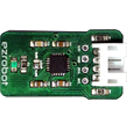


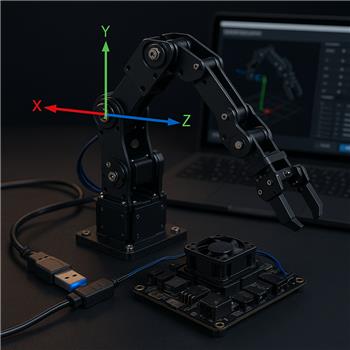
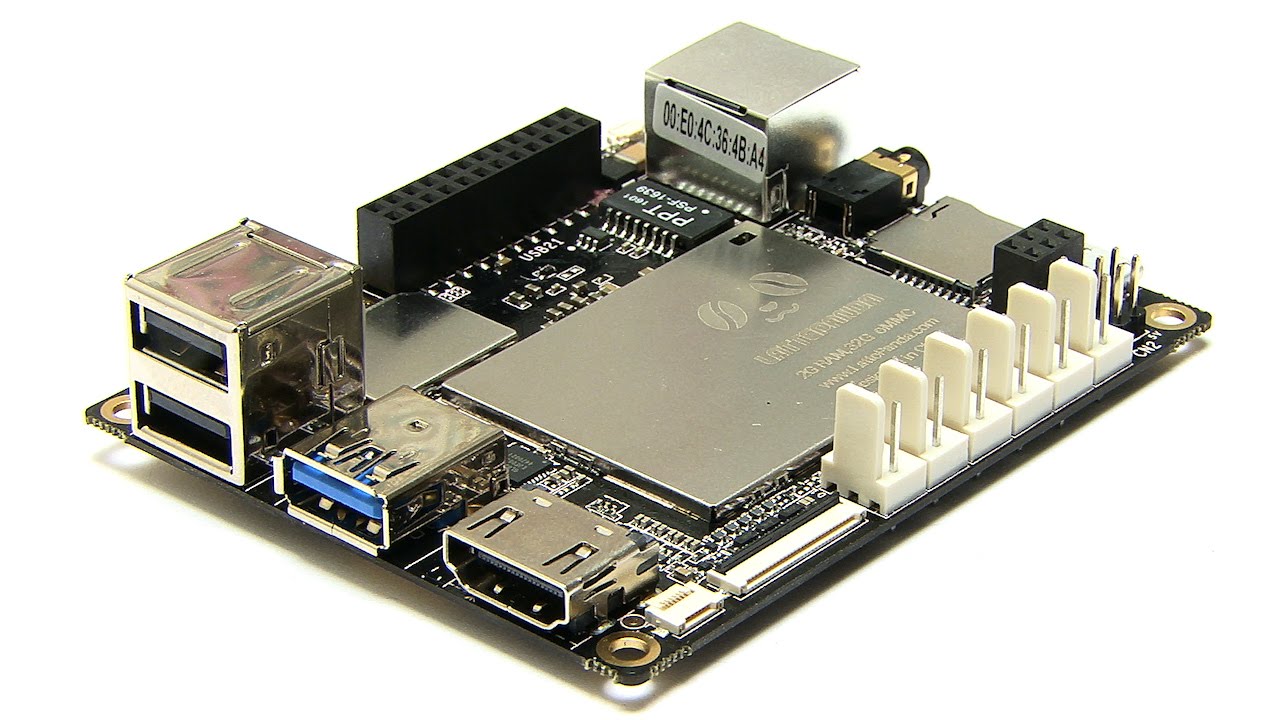
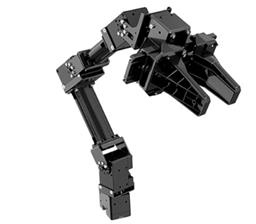
Running ARC on a DF Robot LattePanda (Windows) with a U2D2 connected over USB to a Robotis OpenManipulator-X (12V SMPS to the DYNAMIXEL bus). U2D2 shows up as COM7 at 1,000,000 bps. The Robotis OpenManipulatorX skill connects, finds the joints, homes fine, and the joint sliders behave exactly as expected. I also have the LattePanda’s onboard Leonardo flashed with the EZB firmware (DTR enabled in the connection config) to drive a simple gripper servo on D6, which is working.
The issue is with inverse kinematics Cartesian space: the axes seem rotated 90 around Z compared to the skill’s coordinate display. For example, with the end effector at a comfortable mid pose, entering X=12, Y=0, Z=8 in the Robotis OpenManipulatorX skill moves the arm to the robot’s left instead of straight forward. Conversely, X=0, Y=12, Z=8 moves it forward toward the table edge. Z behaves as expected. So it looks like X and Y are swapped relative to my arm’s base orientation.
What I’ve tried:
- Verified joint directions and limits; flipping individual joint direction fixes slider sense but not the IK frame.
- Adjusted tool length and re-homed; reach updates correctly, frame still rotated.
- Physically rotating the base 90 does align frames, but my mount doesn’t allow it.
Is there a way in the Robotis OpenManipulatorX skill to redefine the base/world frame (swap X/Y or apply a Z rotation offset) so IK targets align with my arm’s mounting orientation, or should I pre-transform targets in a script before calling MoveToXYZ?

Yes - what you’re describing sounds like a base-frame rotation, not a joint direction issue.
Short answer
The Robotis OpenManipulatorX skill does not currently expose a setting to redefine the IK world frame or apply a base yaw offset directly in the skill UI. So if the arm is mounted 90 off from the skill’s assumed forward direction, the practical solution is to pre-transform the coordinates before sending them to
MoveTo.What to do
If your mount is rotated 90 around Z, swap the X/Y inputs and invert one axis depending on the direction of rotation:
Clockwise 90
x' = yy' = -xCounter-clockwise 90
x' = -yy' = xzstays the same.Example in JavaScript
If you want to keep using the skill’s
MoveTocommand, you can wrap your targets like this:If your rotation is the opposite direction, use:
Best way to confirm
Try a couple of known points:
X=10, Y=0, Z=8X=0, Y=10, Z=8If those land on the wrong physical directions, the swap/invert above will correct it.
Why joint flips didn’t help
Changing joint direction only changes:
It does not change the IK solver’s coordinate frame.
Recommendation
If you need this consistently, make a small helper script or custom wrapper skill that applies the transform before calling
MoveTo. That keeps the arm usable without modifying the mounting.If you want, I can help you write a tiny ARC JavaScript wrapper for this so you can enter your desired coordinates in your own frame and have ARC automatically rotate them before sending them to the OpenManipulatorX skill. The ARC AI Assistant built into ARC is also great for this kind of coordinate-transform scripting: https://synthiam.com/Products/AI-Assistant