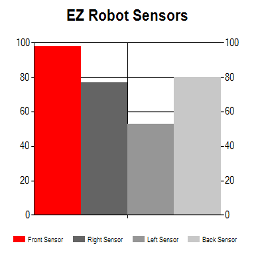
EZ Chart— 4-series bar chart for real-time sensor comparison in ARC; set titles, values, RGB bar colors and conditional coloring via EZ-Script.Try it →
To stop the wheels in an Auto Position frame, put the wheels at position 0, which is RELEASE. That will stop the wheels from turning for the specified frame.
yep the last pic is a drag car.
so averytime i want to make a pose,i need to set them at 0 ?
1 choose name for your pose
2 set wheels to zero
3 make pose
will the standard pose stay like forwart/backwart/left and right.


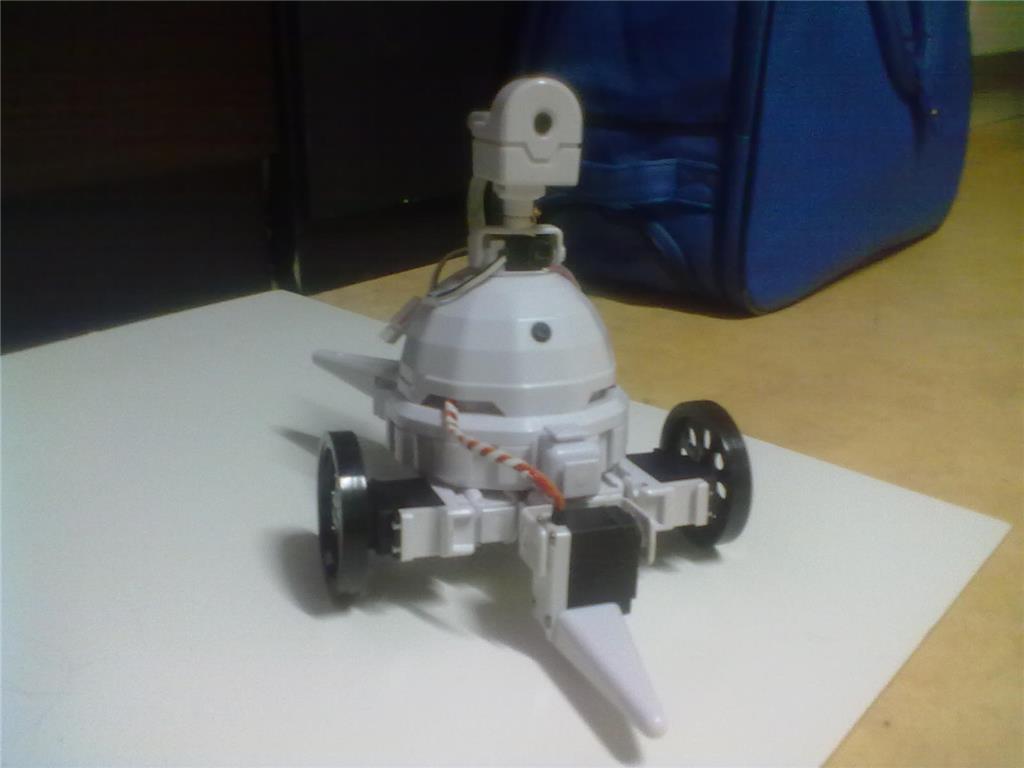
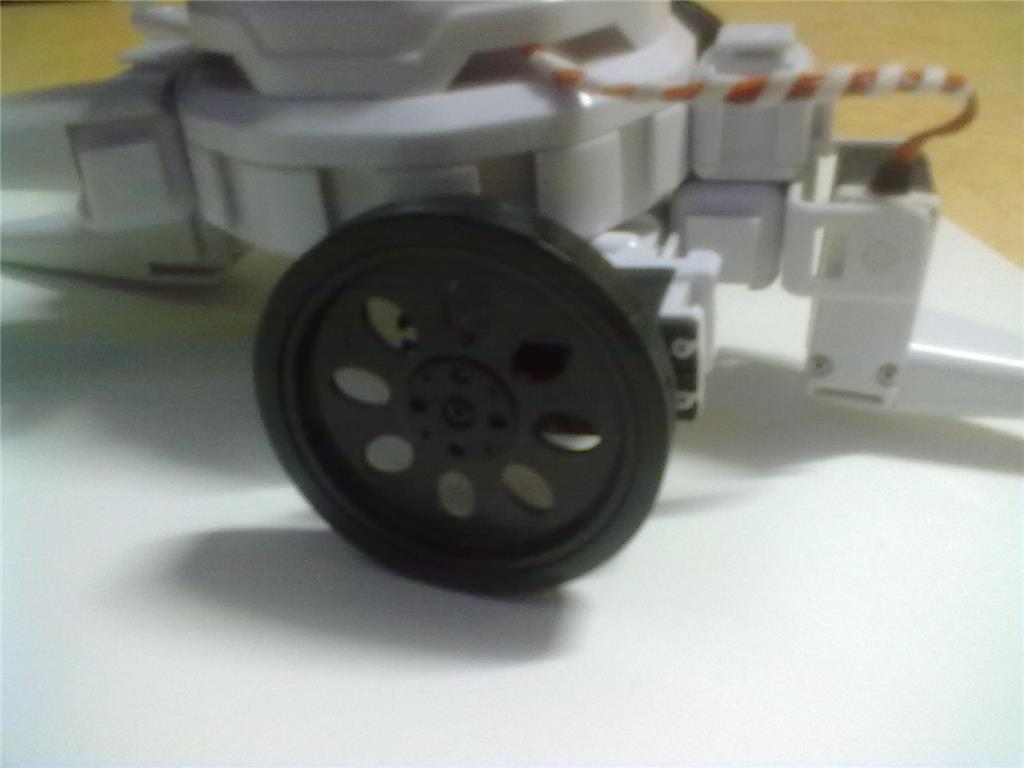

ARE YOU READY TO RRRUUUUMMMMBEL?
haha almost .need more speed.
i wanna make poses with his head ,but the wheels keeps turning in , autoposition.how can i stop the wheels from turning ?
here another idea
To stop the wheels in an Auto Position frame, put the wheels at position 0, which is RELEASE. That will stop the wheels from turning for the specified frame.
The last photo looks like a drag car!
dj
yep the last pic is a drag car. so averytime i want to make a pose,i need to set them at 0 ? 1 choose name for your pose 2 set wheels to zero 3 make pose will the standard pose stay like forwart/backwart/left and right.
thanks