


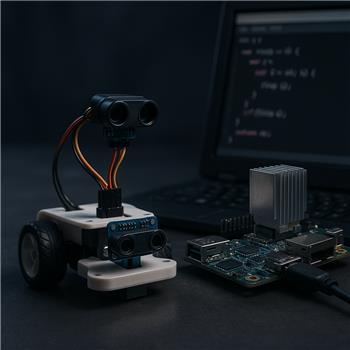
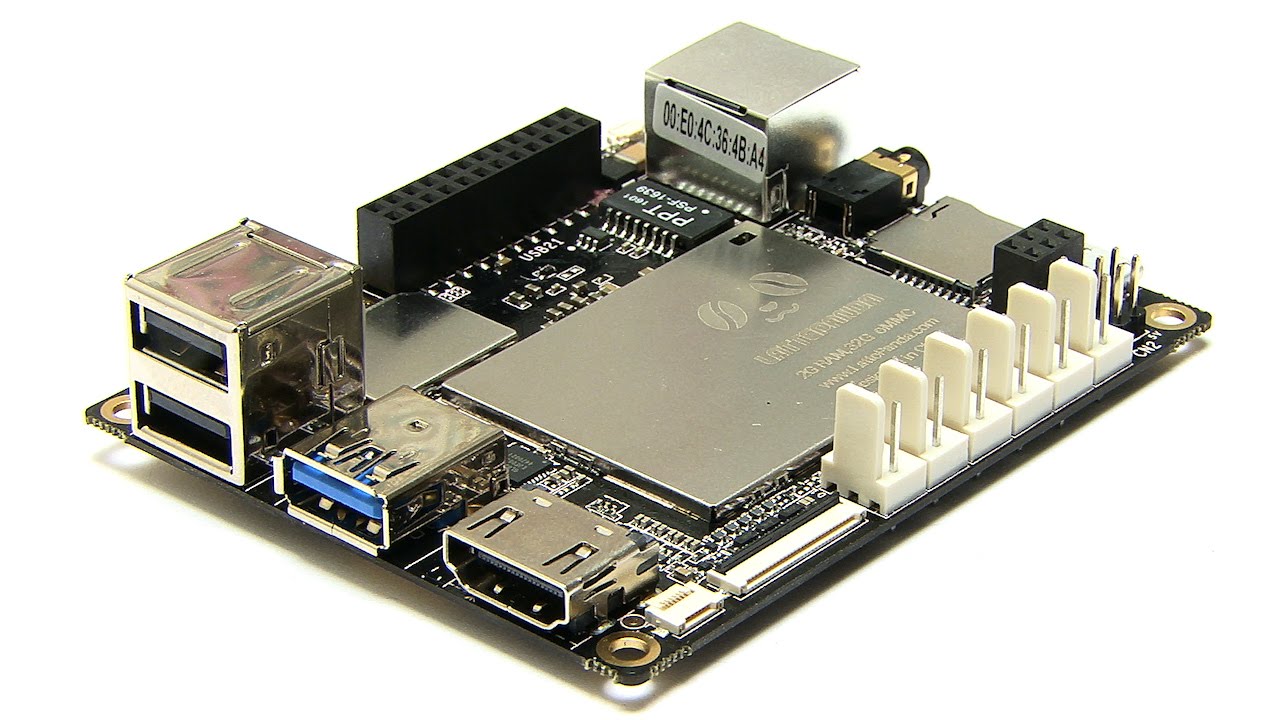
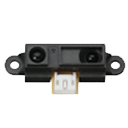
Running ARC on a LattePanda (Windows) and using the built-in Arduino Leonardo over USB as the EZB with the EZ-Genuino_Leonardo firmware. DTR Enabled is checked in the Connection config (without it the ADC readings didn’t update). I’ve got a Sharp GP2Y0A21YK0F wired to ADC0 (A0), powered from a PDF Robot shield’s 5V with common ground. Drive is two continuous rotation servos on D9 and D10 via the Continuous Rotation Movement Panel. The Sharp IR Collision skill is set to ADC0 with a stop threshold tuned so open space reads ~180-200 and an obstacle at ~20-25 cm drops to ~80-100. I expected the Movement Panel to stop only when the reading drops below the threshold, but I’m getting random stops in open space (values jittering 10-30 counts) and occasional late stops when approaching darker objects. The skill’s VU meter shows noticeable noise even with the robot stationary. I’ve tried: moving the sensor away from USB cabling, adding 0.1 F + 10 F decoupling at the sensor, twisting the signal/ground, measuring supply (5.02 V steady), and shielding from a nearby window (sunlight makes it worse). I also tested with a small JavaScript smoothing loop; it’s more stable, but I’m unsure if this is the recommended approach:
var thr = 100;
while(true){
  var hits = 0;
  for(var i=0;i<8;i++){
    if (GetADC(0) < thr) hits++;
    Sleep(10);
  }
  if (hits >= 6) { Stop(); }
}
Is there a built-in way to add hysteresis/debounce within the Sharp IR Collision skill (e.g., moving average or N-of-M confirmation), or should I rely on a script like the above, and if so, are my assumptions about the Leonardo ADC scaling in ARC (0-255 0-5 V) and threshold selection for the GP2Y0A21 correct?


Yes - your understanding of ARC’s ADC scaling is correct:
0-255on the Leonardo/ARC connection0-5VWhat’s happening
The Sharp IR Collision skill is designed as a simple threshold-based stopper. It does not currently provide configurable:
So if the sensor value is bouncing around the minimum distance threshold, the Movement Panel can stop/start/stop unexpectedly.
Recommended approach
For this sensor, I would not rely on the built-in Collision skill alone if you need stable behavior. The best practice is to:
That will be much more reliable than a single raw sample.
A better JavaScript approach
Your example is close in spirit, but the loop needs a small fix and a little more structure.
Here’s a simple N-of-M confirmation example using a rolling average:
Why this helps
If you want, I can also give you a version that uses a true N-of-M vote instead of averaging.
About your current threshold
Your threshold selection sounds in the right range, but for a Sharp sensor you should really calibrate using the exact mounted robot geometry:
Because Sharp sensors are nonlinear, the spacing between values changes with distance, so a threshold that works at 20 cm may not behave the same at 10 cm or 40 cm.
Why darker objects cause late stops
That’s also expected:
So late stops on dark objects are a sensor limitation more than an ARC issue.
One important note about your snippet
This line:
should be something like:
Also, if you are using a script to control stopping, you’ll usually get more predictable results by calling the movement command directly from the script rather than relying on the Sharp Collision skill at the same time.
Best options, from most reliable to least
Helpful docs
https://synthiam.com/Support/Skills/Infrared-Distance/Sharp-IR-Collision?id=16122
https://synthiam.com/Support/Skills/Adc/ADC-Graph?id=16091
If you want, I can write you a complete ARC JavaScript monitor that:
for your LattePanda Leonardo setup.