

PRO
afcorson
Australia
Asked
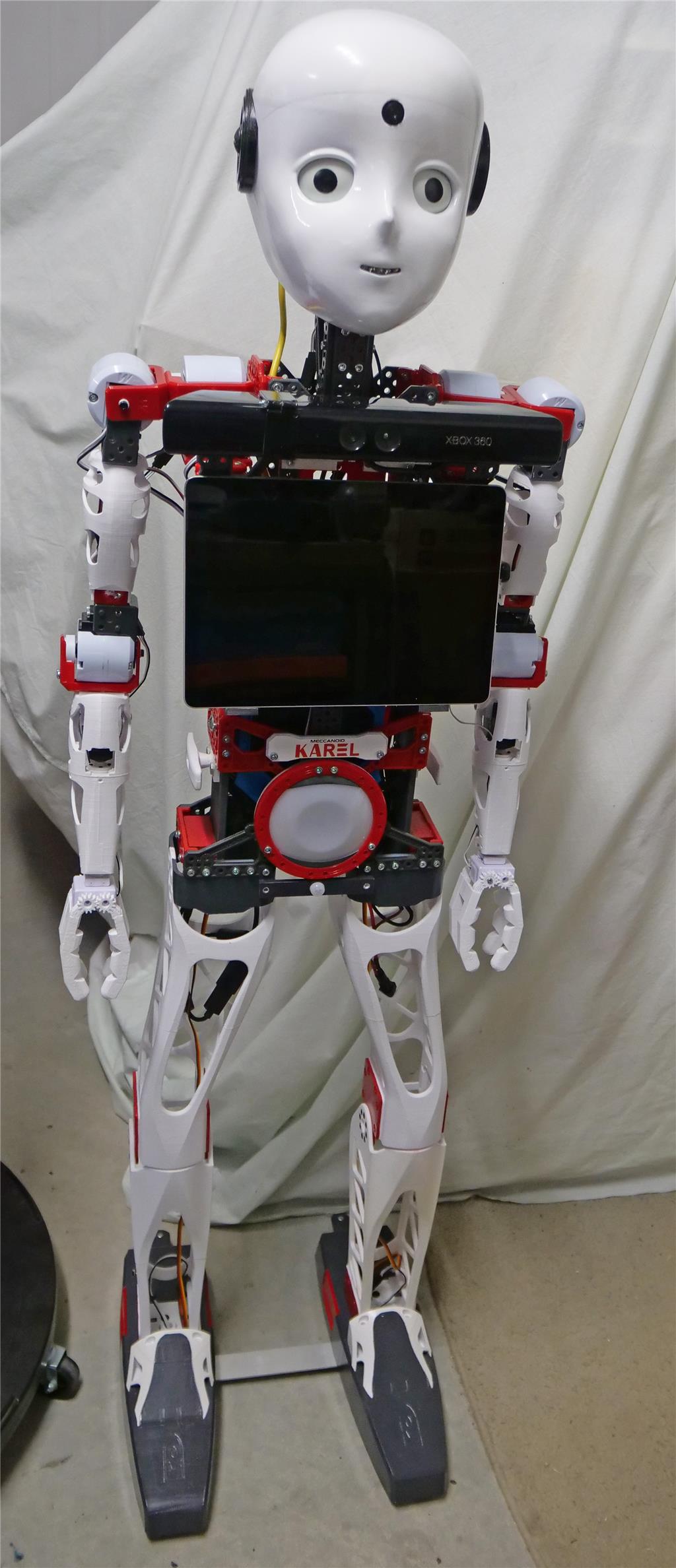
Kinect 360 Body Control Skill
How do I pause and unpause the Kinect Body Control skill within a program? There doesn't seem to be a ControlCommand to do this. Without this ability, I have to walk up to my robot and physically press the pause check box. The robot reacts to my movement as I approach - not ideal.
Related Hardware (view all EZB hardware)

EZ-B V4
by EZ-Robot
EZ-B v4/2 robot controller: dual Cortex ARM, Wi-Fi, audio/video, 24 servo/digital ports, I2C/UART, camera and Synthiam ARC control for custom robots
Wi-Fi / USB
Servos
24
Camera
Audio
UART
3
I2C
ADC
8
Digital
24
Related Robot Skill (view all robot skills)

Kinect Body Control
by Microsoft
Control robot servos with Microsoft Xbox 360 Kinect body tracking; map joints to upper/lower body servos with smoothing and pause control.
Requires ARC
v12

Just to clarify, when the Kinect 360 displays a green figure (paused and unpaused), the XBox controller doesn't operate properly. Put a lens cover over the Kinect 360 so there is no green figure displayed, the XBox controller works normally.
Okay - thanks for the clarification - it's what I figured by having the cover on the lense. It still baffles me though haha
My Kinect xbox 360 was not working - I went to "settings" on my laptop, Bluetooth and devices remove the Kinect and reconnected it then it worked.
My Kinect 360 is connected via USB. I didn't see any reference to it in Bluetooth settings. I did see Kinect USB audio device listed, so I removed that. I'll test it again later.