
f823320
Iraq
Asked
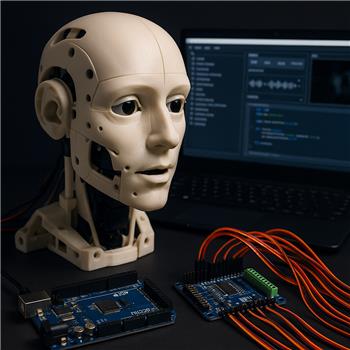
Inmoov Head Movements
I built a new InMoov head and I’m trying to figure out how to move it. I assembled the head the same way as the original and I’m using Synthiam ARC to handle speech, vision, and the jaw motor (configured separately as Robot Skills in my ARC project).
I need to connect a PCA servo controller to drive 16 motors simultaneously. Is it possible to connect a PCA servo board to my setup? I’m planning to use an Arduino Mega (as my EZB / controller) together with the PCA - does that work with ARC and the EZB model I’m using?
Any clarification about how the PCA would connect (through the EZB/Arduino versus directly to ARC/PC) and how it integrates with Robot Skills or scripting would be appreciated.
Related Hardware (view all EZB hardware)
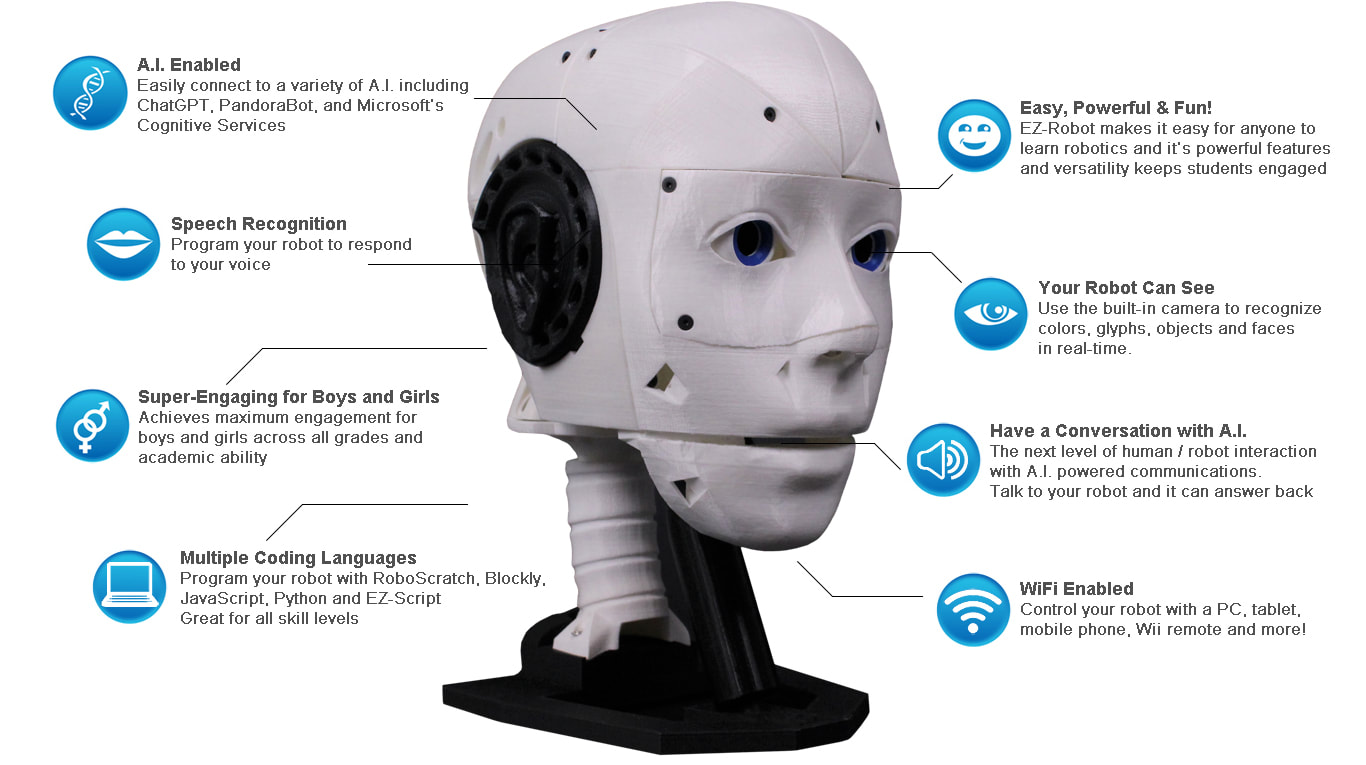
EZ-Inmoov Robot Head
by EZ-Robot & Gael Langevin
EZ-InMoov robot head-DIY educational humanoid kit powered by Synthiam ARC for vision tracking, speech, chatbot integration and mobile control
Wi-Fi
Servos
8
Camera
Audio
UART
✕
I2C
ADC
2
Digital
8
Related Robot Skills (view all robot skills)

EZB Connection
by Synthiam
Connects EZ-B I/O controllers to ARC via COM or IP (5 connections). Supports init scripts, battery monitoring, TCP/EZ-Script server and serial/I2C.
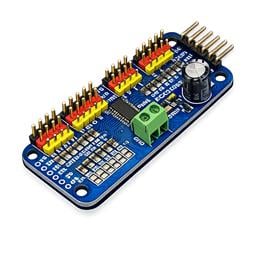
PCA9685 Servo Driver
by Synthiam Inc
Drive 16 servos over EZB I2C with a PCA9685 PWM controller, using ARC servo commands and hardware-timed outputs.
Requires ARC
v2

Yes - a PCA9685 servo driver is a great fit for an InMoov head, and it can be used with ARC.
Best way to connect it
The PCA9685 does not connect directly to ARC/PC.
It connects through your controller using I2C.
So your signal path is:
ARC EZB / controller PCA9685 servos
If your Arduino Mega is acting as the EZB/controller in ARC, then yes, that can work as long as ARC is connected to the Mega in a way ARC supports and the board exposes I2C properly.
Important clarification
There are two different ideas here:
1. ARC on the PC talking to an EZB/controller
ARC is the software brain, and the controller is the hardware bridge to servos/sensors.
2. PCA9685 on the I2C bus of that controller
The PCA board is just a servo expander. ARC never talks to it "directly" over USB or WiFi.
Recommended ARC setup
For the cleanest integration in ARC:
V0-V15,V16-V31, etc.)Then any ARC skill that commands servos can use those virtual servo ports.
For example:
How it integrates with your head
If your InMoov head uses many servos, the PCA9685 lets ARC treat them like normal servo ports:
V0toV15for one PCA boardV16toV31for a second boardThat means you can build out the head motions without running out of native servo pins.
If you use an Arduino Mega
This depends on how the Mega is connected to ARC:
If ARC sees it as a supported EZB-style controller
Then yes, you can use it as the controller that communicates with the PCA9685 over I2C.
If it’s only a plain Arduino sketch over serial
Then ARC won’t automatically treat it like an EZB unless you’re using a supported connection path/skill.
So the key question is:
Are you connecting the Mega as an ARC-supported controller, or are you planning to upload your own Arduino code and have ARC talk to it separately?
Wiring overview for PCA9685
Typical I2C wiring:
Very important:
ARC skill setup
In ARC:
V0Good reference
PCA9685 skill docs:
https://synthiam.com/Support/Skills/Servo/PCA9685-Servo-Driver?id=23154
Also useful:
My recommendation for your InMoov head
If you want the least complicated path:
That’s a very normal ARC architecture for an InMoov build.
If you want, I can help you map out:
If you share which controller firmware/hardware you’re actually using with the Mega, I can tell you the exact ARC setup.