

PRO
EzAng
USA
Asked
— Edited
I Resolved The Problem
can't upload code to Arduino
Ever since I used the esp32 (and it worked well) this is what I get when I try to upload a file to my Arduino:
Keeps saying I am using the esp32 when I have the Arduino plugged in the usb.
Arduino: 1.8.13 (Windows 10), Board: "DOIT ESP32 DEVKIT V1, 40MHz, 115200, Info"
Has this happened to anyone?
Related Hardware (view all EZB hardware)
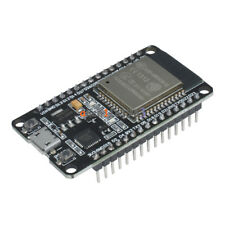
Esp32
by Espressif
Control ESP32 boards with Synthiam ARC: EZB-like firmware for GPIO, PWM/servos, serial, WiFi modes, safe pins, wiring and power tips.
Wi-Fi
Servos
Varies
Camera
Audio
UART
Varies
I2C
ADC
Varies
Digital
Varies

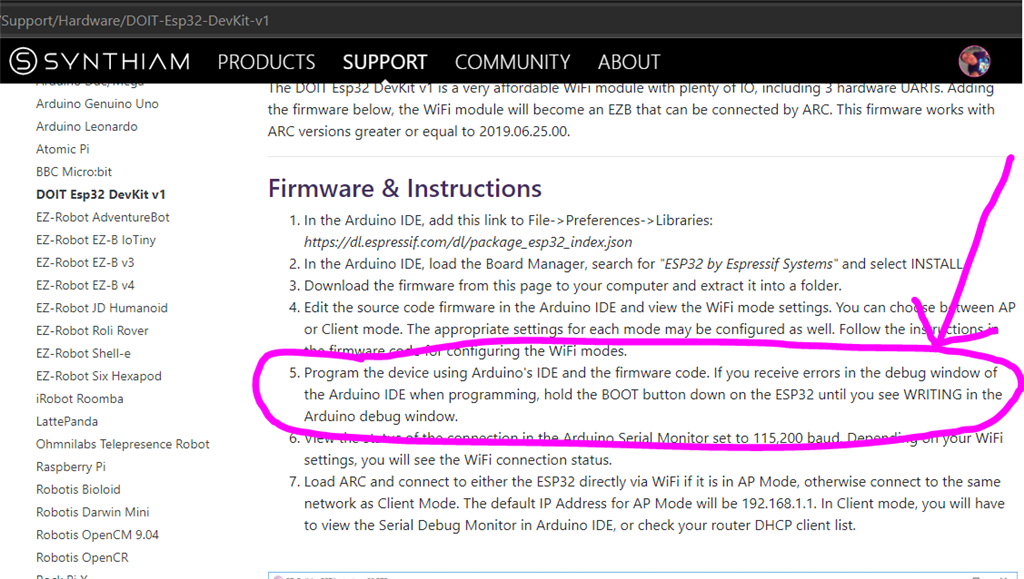
The manual here says sometimes you have to hold the boot button for some reason. I recall something like that happening with the esp32 before.
I believe I fixed it, working now
for Arduino, just upload an empty file, the click the reset button to restart the Arduino
might work for other controller that get plugged and don't work :-)