

Dark Harvest
Portugal
Asked
— Edited
Chat GPT And The Better Navigator
@Athena,
Could you please provide detailed, step-by-step instructions on how to utilize the Chat GPT skill to navigate waypoints using the Better Navigator plugin within Synthiam ARC?
Related Hardware (view all EZB hardware)
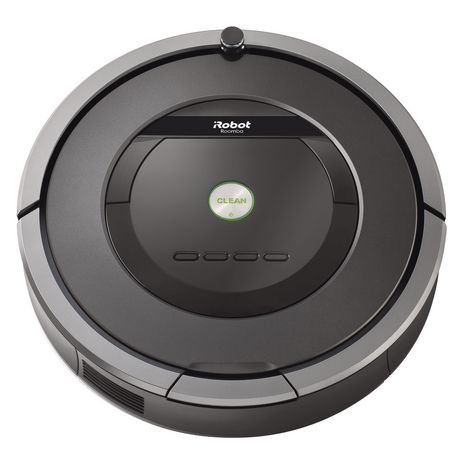
Roomba
by iRobot
Convert iRobot Roomba into a smart, fully featured personal robot with the EZ-Robot Complete Kit-movement control and Roomba manual included.
Controller Dependant
Servos
✕
Camera
Audio
UART
✕
I2C
ADC
✕
Digital
✕
Related Robot Skills (view all robot skills)
The Better Navigator
by Synthiam
Hector SLAM-based ARC navigator that maps with lidar/depth, saves waypoints, plans paths and autonomously navigates while avoiding obstacles.
Requires ARC
v44
Openai Chatgpt
by OpenAI
ChatGPT conversational AI for ARC robots-configurable personality, memory, image description, script execution, speech and API integration.
Requires ARC
v35

With llava I use best match, and with chat gpt I use personality. Cant get personality work with llava llm...
Just got it working with personality. Just had to use a better llm. It takes a lot of compute power to analise a image, but it works great!
@DJ, Did you got it working?
Oh yeah - i use the personality scripting as well. I have a lengthy script with several pieces of code it can run, mostly around the auto position. I can say something like
"walk forward for 5 seconds and then wave" to my JD robot. Because I added the Auto Position stuff to the personality script,