


I’m running a Roli Rover with an EZ-B v4 from a Windows laptop and I’m trying to make it conversational while driving around. When I run the Benchmark skill (Read ADC on ADC0) by itself, I see about 400-480 reads/sec in AP mode (PC connected directly to the EZ-B) and it’s very stable. In Client mode on my home router, with nothing else running, I get ~180-220 reads/sec with occasional dips to ~120.
The problem starts when I enable both the EZB Camera and the OpenAI ChatGPT skill. With the camera at 320x240, 10 fps, compression ~30, and ChatGPT connected (using TTS replies), Benchmark plunges to 20-60 reads/sec with periodic spikes down to near-zero and I’ll occasionally see a read timeout. During those dips, Roli’s Movement Panel control becomes laggy and audio stutters. CPU on the laptop is under 20% and ping to the EZ-B is usually 3-5 ms with rare spikes to 200 ms.
What I’ve tried:
- Switched router channels between 1/6/11 and moved closer to the AP
- Disabled other 2.4 GHz devices temporarily
- Lowered camera to 160x120 at 5 fps (helps, but still dips when ChatGPT is active)
- Used laptop on Ethernet with a separate 2.4 GHz USB Wi-Fi for the EZ-B (improved to ~280-300 reads/sec idle, but still big dips under load)
- AP mode is great, but then ChatGPT can’t reach the internet unless I do some connection sharing gymnastics
Is this performance drop expected when camera streaming and TCP commands share the EZ-B v4 link, and what network topology or ARC settings would you recommend to keep Benchmark above ~200 reads/sec while using both the Camera and OpenAI ChatGPT at the same time?
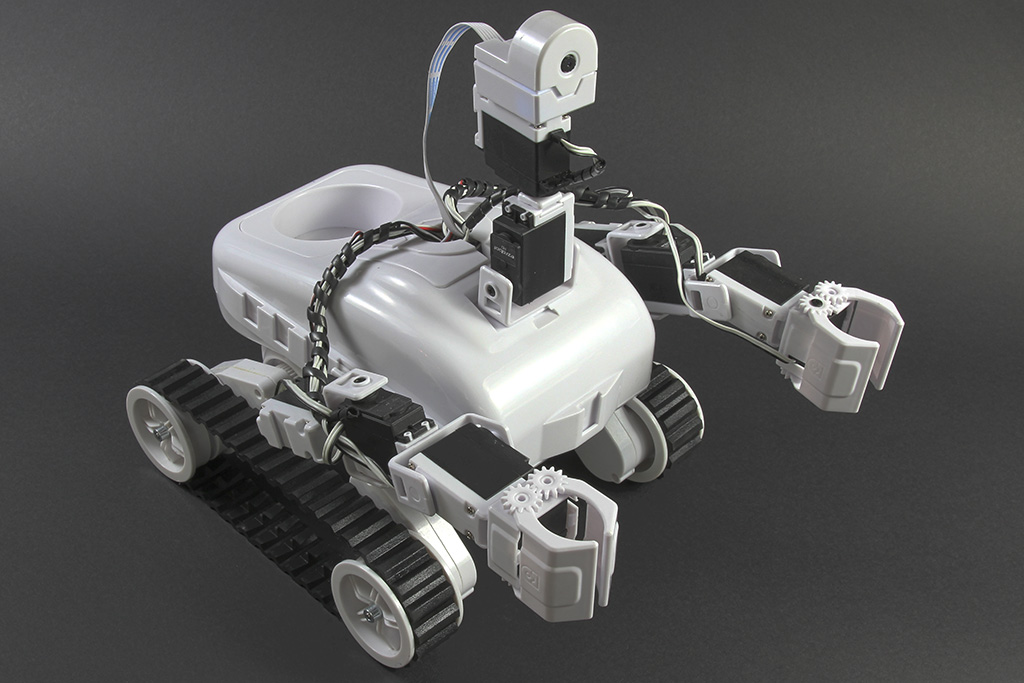



Yes - what you’re seeing is very typical when camera streaming + frequent EZ-B reads + cloud TTS/ChatGPT are all competing on the same ARC project path.
Why it happens
A few things are stacking up:
Even if CPU is low, the bottleneck is usually:
What I’d recommend
1) Keep the camera resolution as low as practical
You already found this helps.
For conversational driving, I’d try:
ARC’s camera processing gets expensive fast. The Camera Device skill also notes that higher resolutions can heavily impact performance.
2) Don’t use Benchmark as a "live" performance metric while everything is active
Benchmark is useful for testing, but it itself contributes to traffic.
If you want to measure real performance under load, use it briefly before/after, not continuously.
3) Prefer a topology where the EZ-B has the cleanest Wi-Fi path possible
For your use case, the most stable setups are usually:
Your idea of Ethernet on the laptop + separate 2.4 GHz USB Wi-Fi for the EZ-B is generally the right direction.
If AP mode is stable but internet access is the issue, a common approach is:
4) Reduce how often scripts poll the EZ-B
If any scripts are reading ADC, ping sensors, or other ports too frequently, they can flood the communication channel.
The ARC performance guide calls out:
If you have any custom scripts, make sure they include
sleep()and aren’t hammering the same ports repeatedly.Example:
5) Minimize overlapping reads
Make sure you don’t have:
all at once unless you truly need them. Multiple consumers of the same port can absolutely lower throughput.
6) Consider splitting responsibilities
For a project like this, it can help to separate tasks:
The goal is to avoid the robot’s primary control link doing everything at once.
About ChatGPT specifically
The ChatGPT skill itself usually isn’t the main problem - but the timing of requests, TTS playback, and any logic that waits on responses can increase lag when combined with camera activity.
If your ChatGPT replies trigger audio, that can further add perceived delay when the system is already under communication load.
Practical target
If your goal is above ~200 reads/sec while camera + ChatGPT are active, I’d aim for:
Quick diagnostic question
Can you tell me:
If you want, I can help you design the best ARC topology for conversational driving so ChatGPT, camera, and movement all coexist more smoothly.