




pls help i need to download the whole STL parts of Lever Servo-motor...
there's no download link for the body and top parts...
guys! if you have a copy of Lever servo - 180 Degrees for 3d Printing (STL files)... pls give me i really need it so badly...
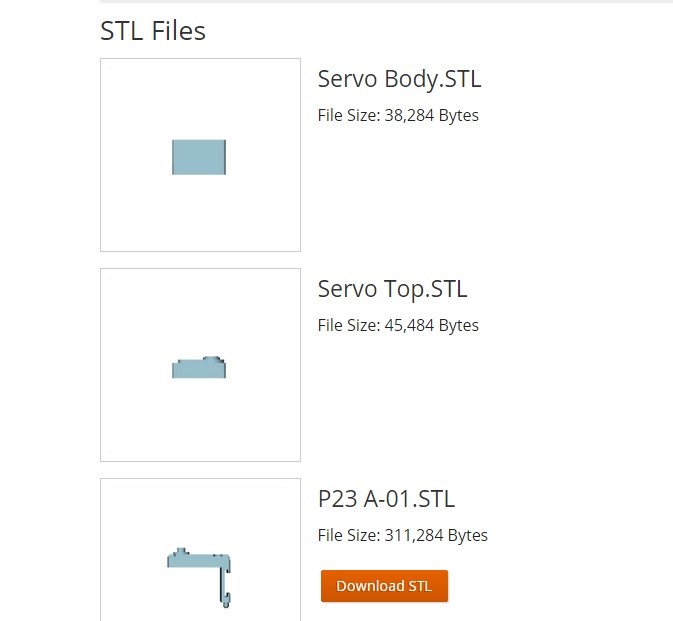

The files which are not available are not required for the servo brackets. Those parts are a place holder for the servo only. You do not need to print them.
@Rich: how to attach these two files? to make it work...
Take the back off your servo (remember they are made to fit ez robot servos) and replace the back of the servo with this part P23 A-01.STL.... Then the second part attaches to the servo output shaft and also to the first part you just installed....
i want to edit the STL file because im gonna use this servo
https://www.servodatabase.com/servo/towerpro/mg996r
but i dont how to edit... if there is a good heart willing to help just to fit the MG996 servo i will appreciate it...
thx
To download all the stl files:
On the website only 3D-Printable parts allow you to download the stl files.
I recommend using our servos with the designed brackets since they are sure to fit, they are the same price, stronger and will operate at 7.4V unless you have already bought the towerpro mg996r servos
Heavy Duty Servo
I modified the files to fit some Futaba and HiTec servos I have. Looking at the picture and specs of the servos you bought, the files I loaded here should work for you as well: https://synthiam.com/Community/Questions/7066