









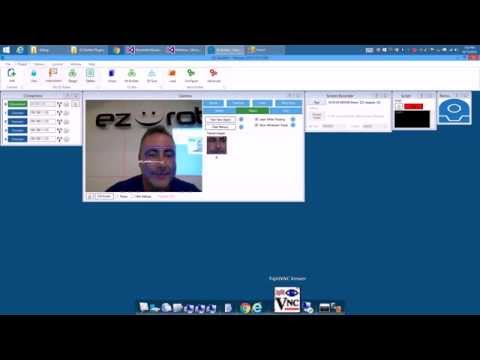
You might get a kick out of this. I use the Remote Mouse plugin to control the mouse using my face...
Asked
— Edited
4 Participants
 Virtual Robot
— Display robot image with real-time servo position readouts and basic servo management including servo deletion
Try it →
You might get a kick out of this. I use the Remote Mouse plugin to control the mouse using my face...

Oh DJ, whats next, poke your head forward twice like a chicken for double click?
Ha - i was thinking about that... How to make it click Maybe that's the answer!
Ha love it!
Kick = had! That's awesome!
I can't believe I missed this. It will perfectly solve a need for me. When I upgraded from Windows7 to Windows 10, autohotkey stopped working reliably for me, and would not control the mouse at all. My main use for it was in the initialization script of my Roli project to select the keyboard input control after connecting to the EZ-B so i could use a bluetooth keyboard to control various predetermined actions.
It looks like this will do exactly what I need.
Are you aware of any easy way to determine what absolute positions to enter (ie, is there a tool that you are aware of that will read mouse position). I'll do some googling and report back if I find my own answer...
Alan
Found this tool. I'll do some testing after work to make sure that the coordinates match. https://download.cnet.com/Cursor-Position/3000-2383_4-75449858.html
Alan
Couldn't wait until after work
Works perfectly!
Alan
I'll add the mouse position to be displayed