




I am trying to connect my JD robot through wifi for the first time. I have loaded the software and gone through the tutorials to this point. The only wifi that pops up is EZ-B EZES JD5 and it requires a password. How do I find the password?

aes24
USA
Asked
— Edited
 Resolved by rudrac!
5 Participants

Well that's a first.... I have never heard of anything like this before. Maybe your ezb4 is some sort of custom board or prototype?.... Where did you buy your JD from? EZ Robot is probably going to have to help you out on this one....
I think there should be no password by default. If it is asking for password and you don't know the password. Then reset the robot to get rid of password.
Thanks, --Rajnish
@aes24
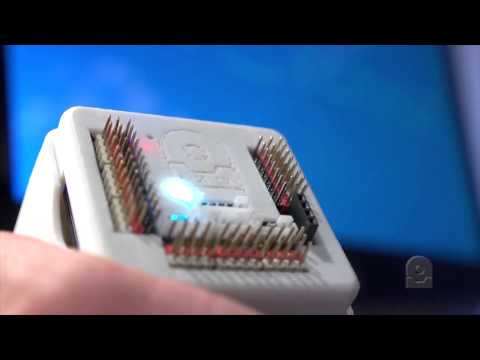
Rajnish is correct, no password is required by default. Please use something sharp and press the small reset button on the top of the EZ-B while the power is on to reset the network settings.
Looks like you need to reset the ezb to factory settings. Where did you purchase the robot from?
is it not the password off your wifi pc?its a long number.
thanks