

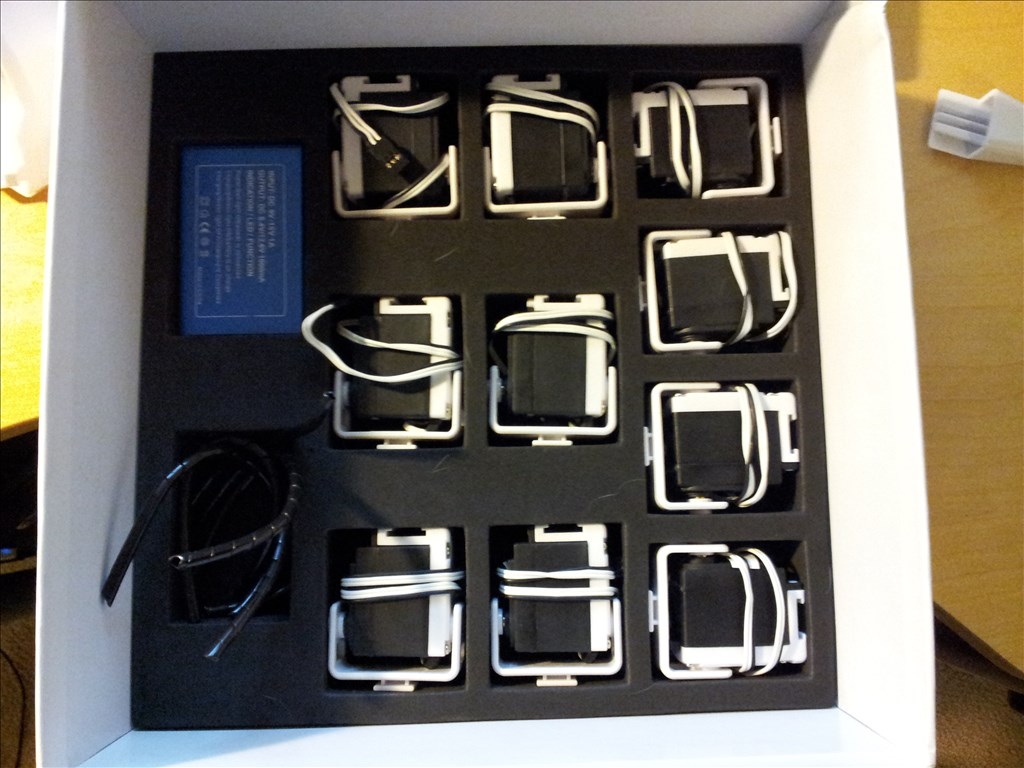
I just got my Revolution Six! Here are some pictures of my unboxing. I am very excited to get started with my ezrobot. Do you guys have any tips for a newcomer?
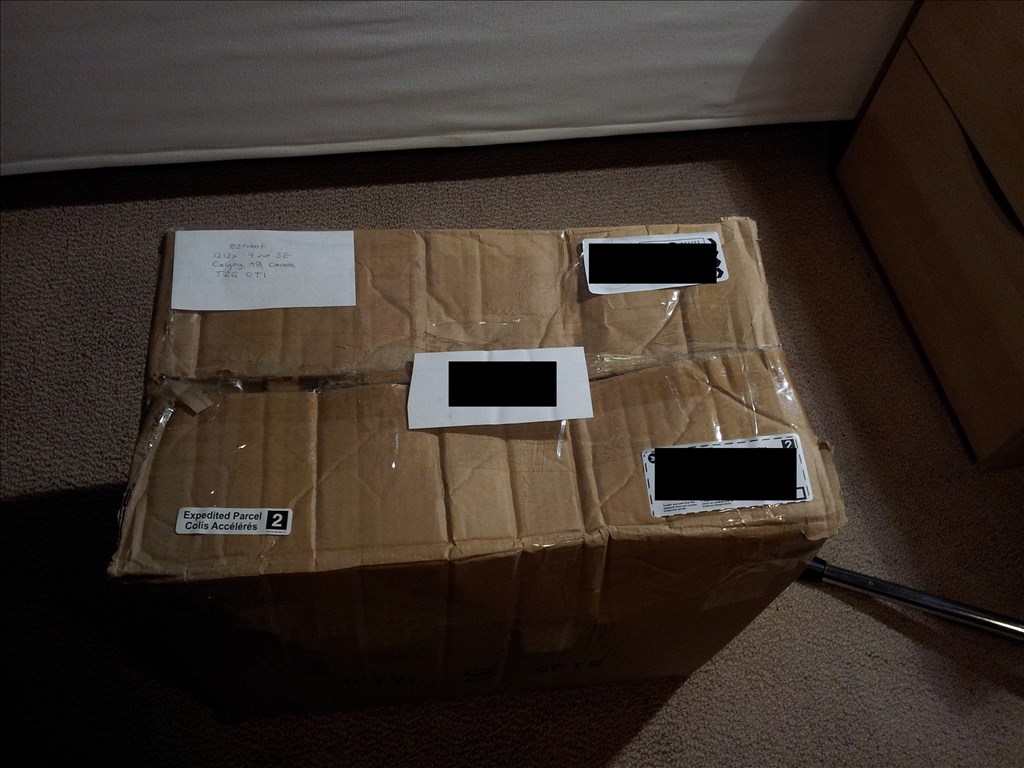
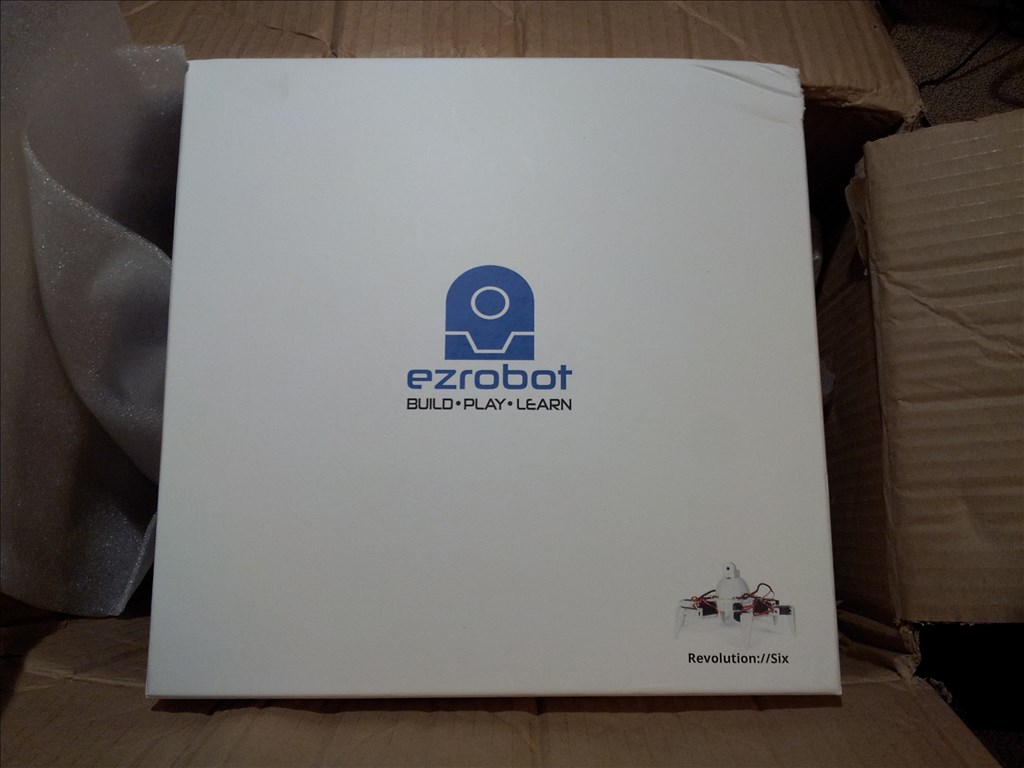
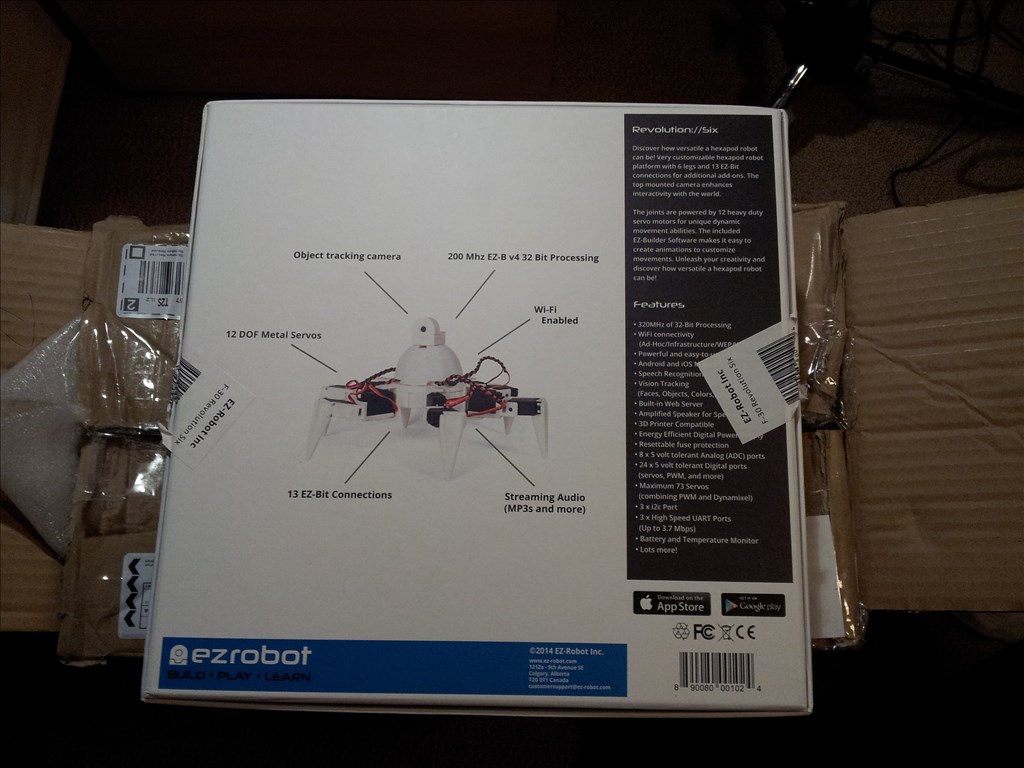
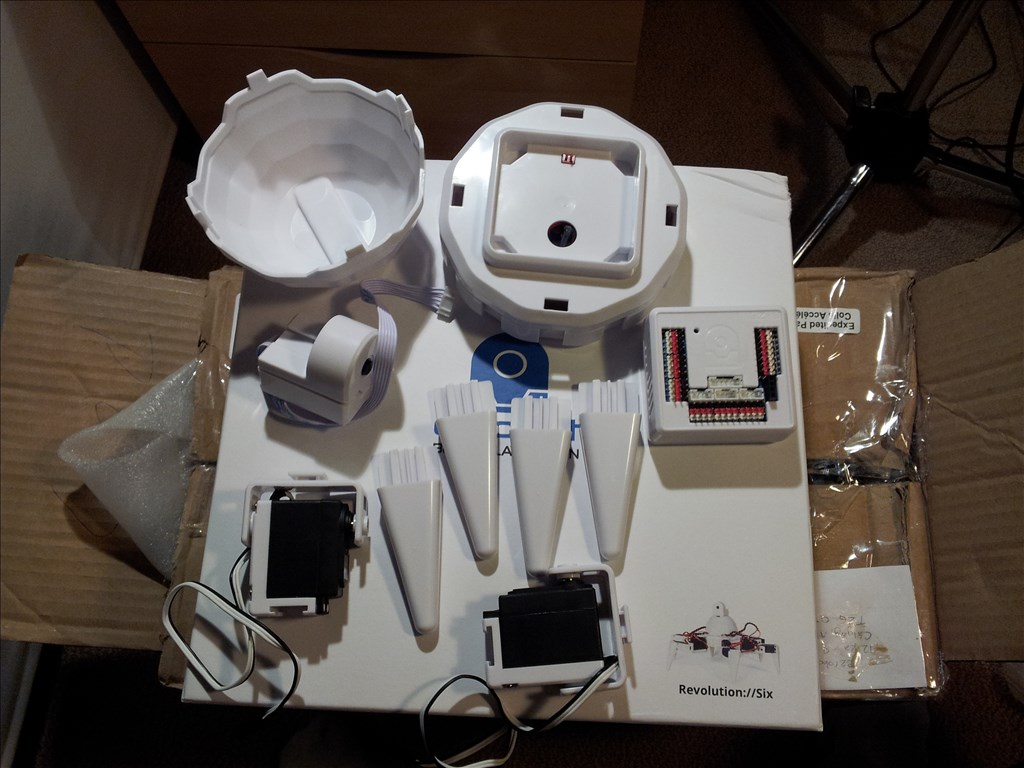
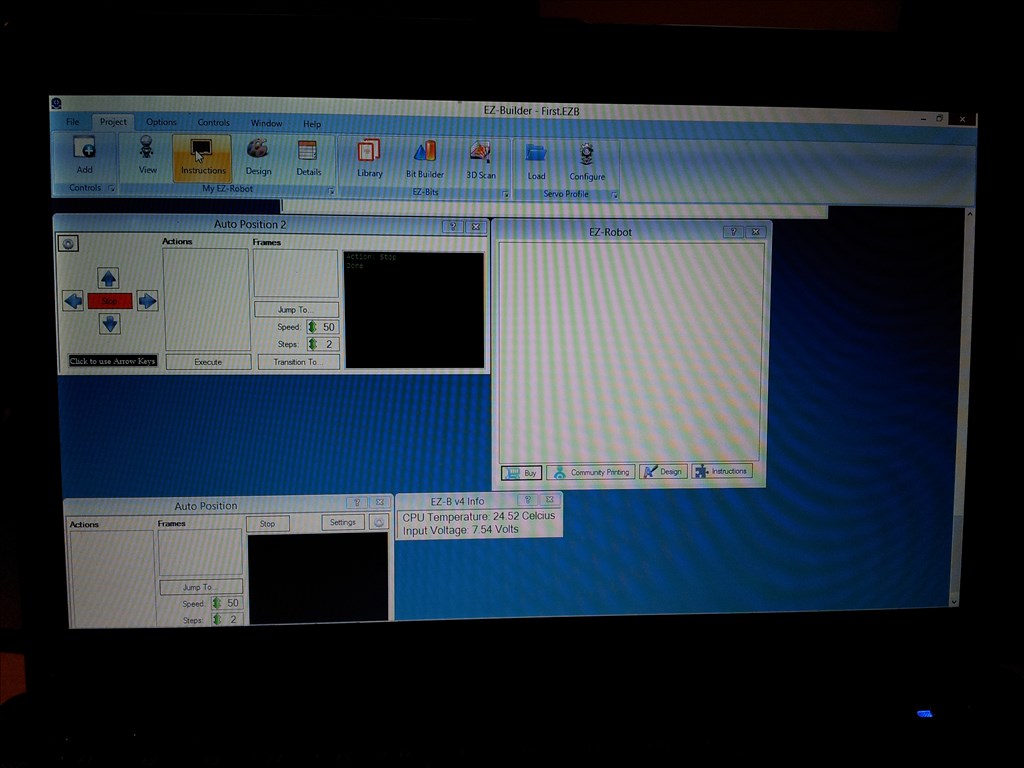
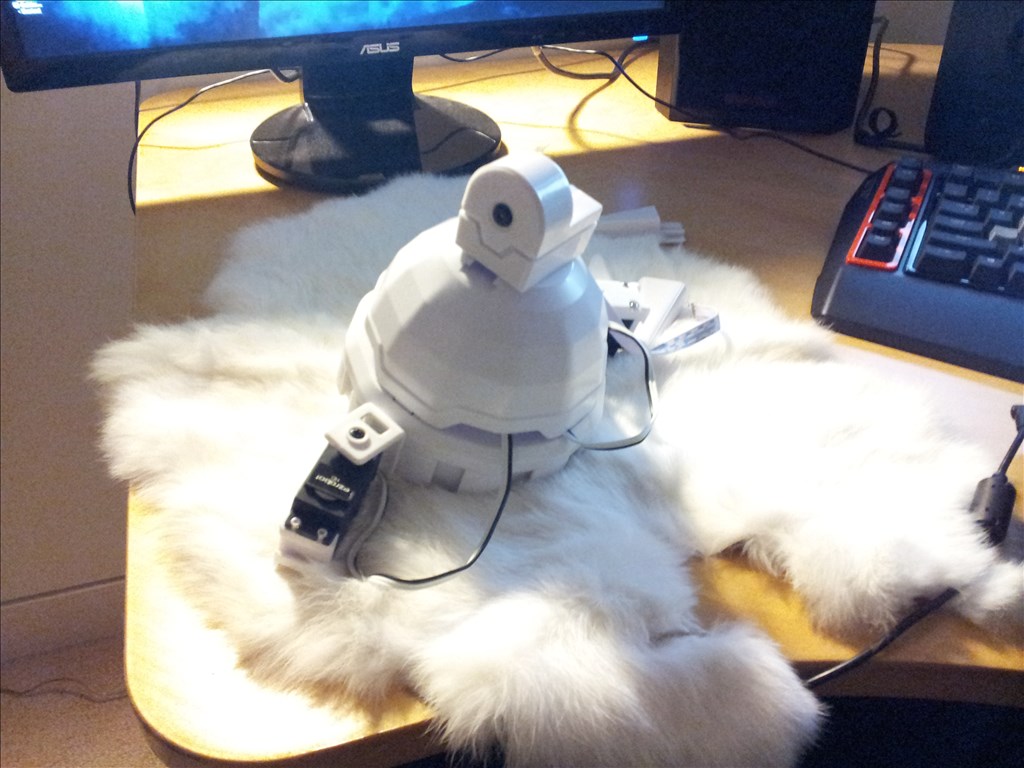
Edit: Whoops forget the picture with the rest of the servos
 Target Overlay
— Overlay translucent PNG targets onto a camera stream with loadable templates, attach/detach control, preview and status for visual alignment.
Try it →
Target Overlay
— Overlay translucent PNG targets onto a camera stream with loadable templates, attach/detach control, preview and status for visual alignment.
Try it →
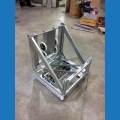
I just got my Revolution Six! Here are some pictures of my unboxing. I am very excited to get started with my ezrobot. Do you guys have any tips for a newcomer?
Edit: Whoops forget the picture with the rest of the servos

Awesome! Welcome and glad your Six arrived safe and sound
There are Lessons in the LEARN section that you might want to preview - specifically how to load projects to begin using the robot. One specific lesson that could be useful is how to assemble the robot.
Also, it's real good idea to verify the Lever servo Calibration.
You can access the LEARN section from the top menu of the website.
Enjoy! Looking forward to seeing your six
congrats obreto
Welcome to you and your Six.
Six is an awesome little robot that's so easy to use, I look forward to seeing what you do with it.
Also, don't forget to check out the Unofficial Dance Off
Thanks guys! I will make sure to check those things out.