
 Resolved by

Good Afternoon,
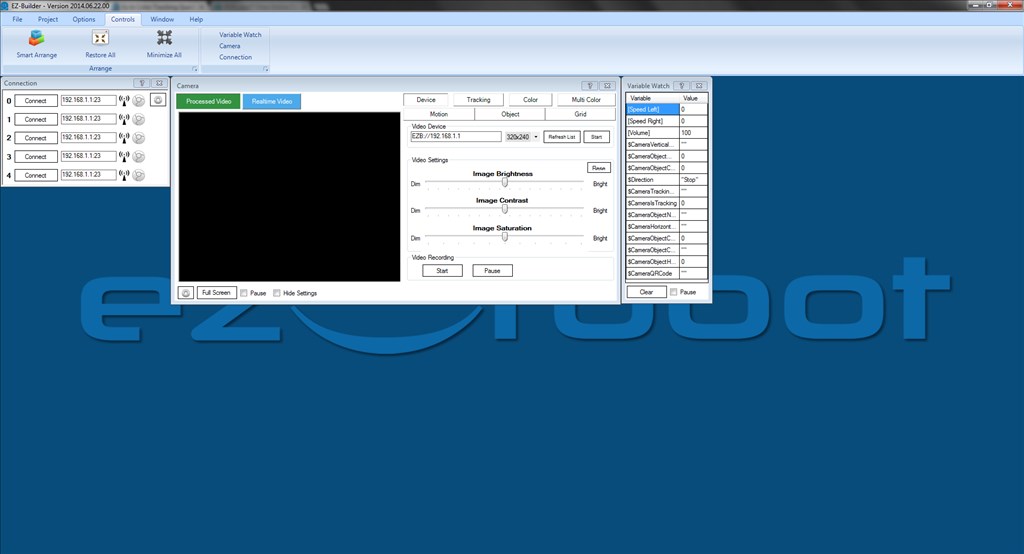
I am trying to get a better understanding of how the tracking works. The debug button within the camera control, allows you to see what is going on with the camera. I have not been able to see anyway to use that data in the EZ-Script. I will go ahead a apologize if it is there and I have not been able to see it.
Thanks, WayneA confused

The easiest way is to add the variable watcher and see what the variables are for the camera and the type of data they hold.
Or click the variables tab to the right of the EZ-Script dialogue for a list of all variables and their values.
Thank You for the help!