

:D
Did they do away with the script manager in ARC latest version. I have the EZB 3.
thanks!
 Watson Speech To Text
— Watson Speech-to-Text ARC plugin: cloud AI transcription with configurable models, selectable VAD (Windows/WebRTC), audio capture and visualization.
Try it →


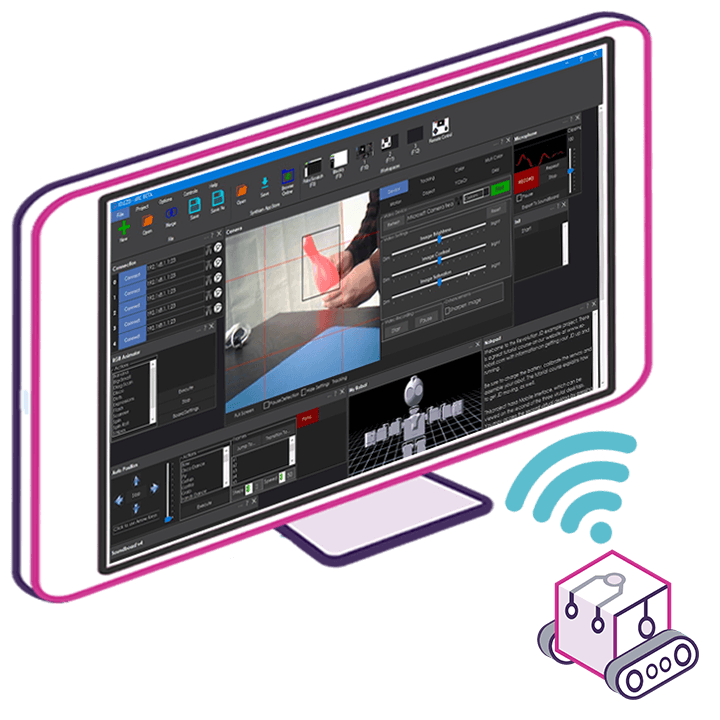
Not that I'm aware of. Should be under the scripting tab.
Version of EZ-B makes no difference.
Have a look again... it's the fourth control in the scripting tab in the add control menu....
See the fourth control in on the first line...
OK, that's where it is. I have been away from all this stuff.
Thank You!