
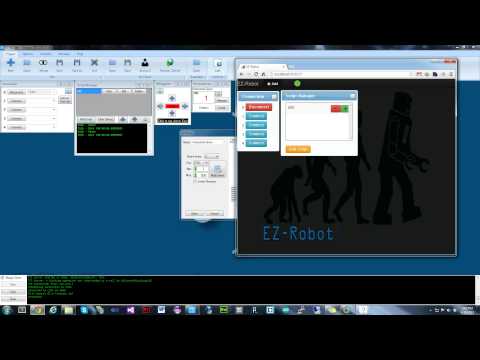
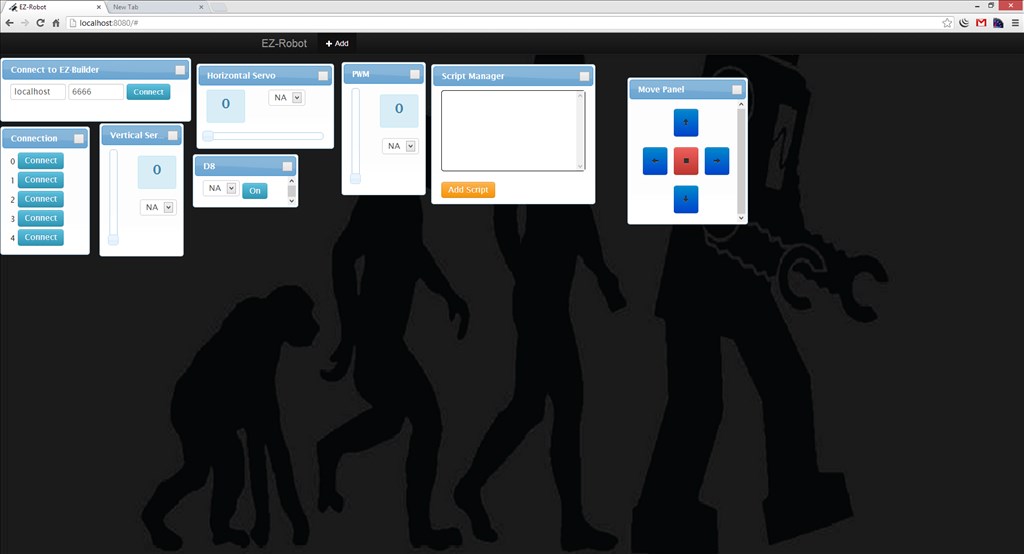
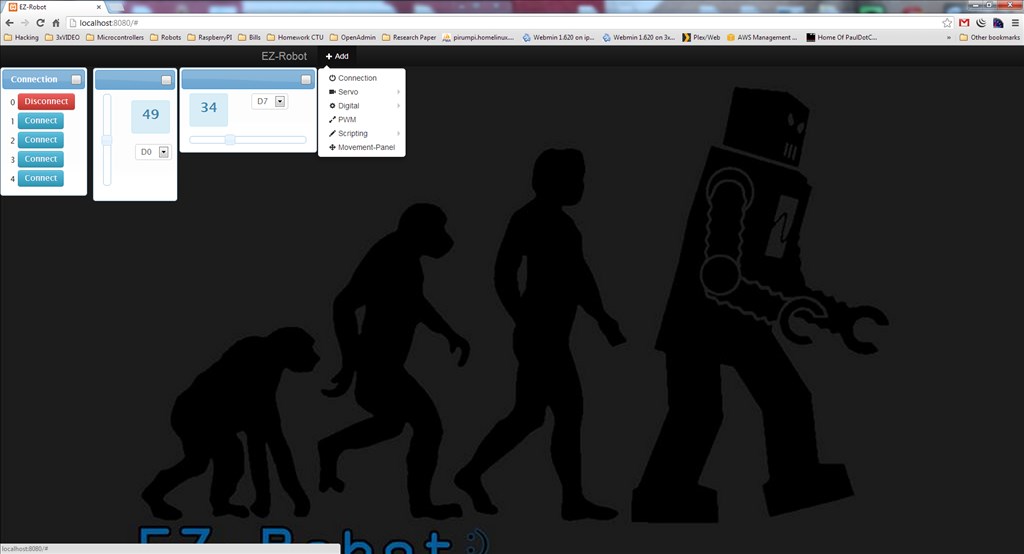
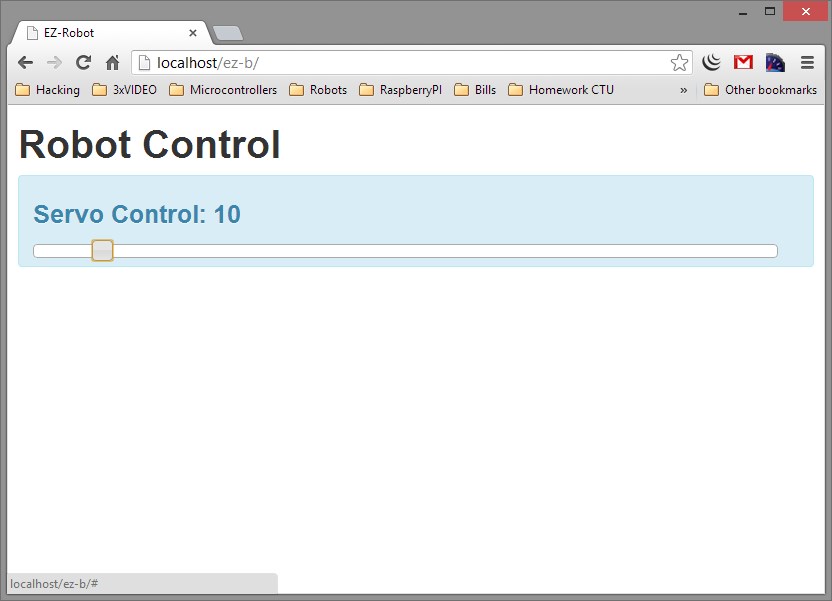
I really love connecting electronics to the web and my EZ-B was not an exception. Last night I spent a couple hours creating a web interface for EZ-B using NodeJS and the TCP interface available in ARC. The guys at EZ-Robot have designed a great TCP interface so I wrote a NodeJS Module to interact with it, allowing me to control my robot from my phone through a nice jQueryMobile UI for the phone and BootStrap and jQueryUI for my browser.
To get the NodeJS Module go to https://npmjs.org/package/ez-b I hope you guys like it.
By pirumpi
— Last update




Discover more robots
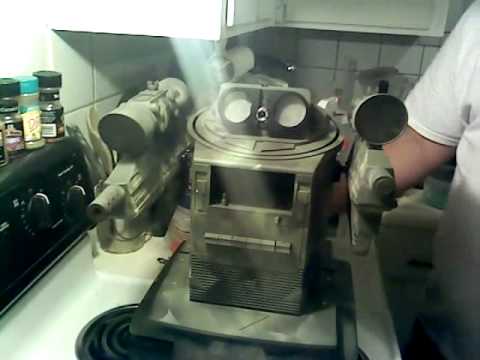
Jstarne1's Meet Rc-Xd Airsoft Droid Dual Wield Gunner...
RC-xd Airsoft Droid: modified Omnibot on a rad 2.0 base with dual automatic airsoft guns and EZ Cam for Mech Wars, built...
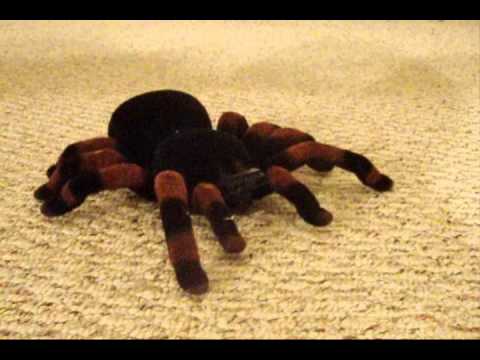
DJ's Spider Robot
Control a converted RC spider using its DC motors and Sharp GP2D05 distance sensor; C# autonomous mode adds twitchy,...
Linux's Project Roll-X
Roll-X Stage One: a two-split wheel balancing robot, future ball roller and companion to Omega forming a dynamic robotic...
Thats Awesome pirumpi!....now a person can tell their wife/girlfriend that their NOT texting a friend but......just checking their robot status and if the dog/kids are still sleeping!
Sorry for no posting any videos or code updates, I will try my best to make it happen sometime this month
This is a quick video showing how to control your EZ-B from a web browser. Do not forget to install Nodejs before running the web app. Maybe I will add nodejs binaries in the future to avoid this step.
Just a quick question.
Do you need all the controls to be added in ARC before you can add them to the Web UI? Or could you just have a blank project with only the connection control, then have everything else done via the web UI?
Also, is it possible to save the web ui?
@Rich you don't need to add all the controllers to ARC except for the Script-Manager and the movement panel. This is because I'm not using the SDK but the TCP Server built-in ARC, I will overcome those limitations as soon as I start using the SDK. The next version of the web application will allow to save the web ui. Thanks for the review, I will make some changes soon.
That's what I had thought, just wanted confirmation really
I'll be testing it out shortly, well when I get chance.
Just installed node.js, your ez-b package as well. Downloaded the executable. Followed your video in this thread; step by step. I see the Web server running on localhost 8080 window with the okay button as in your video. Then I browse to localhost:8080 I don't see the node.js app; I just see the ARC http server webpage:
ARC - 8/3/2014 1:05:51 PM Remote Control
Movement
Camera List
... etc.
What do I need to do the see the node.js web page?
Please, ignore this post. I had the http server control running...duh.
All is functioning as you demonstrated.
Awesome, I am glad is working for you.....