


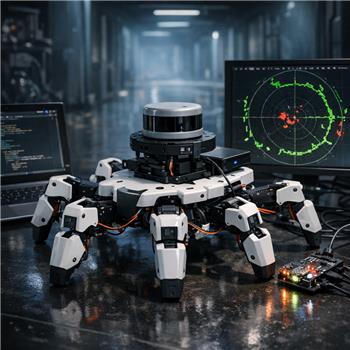
Running a Six Hexapod (EZ-Robot) with an EZ-B v4 over Wi-Fi and an onboard Windows mini PC via USB to a GetSurreal XV-11 LIDAR controller. I installed the Teensy Serial Driver, selected COM7 in the XV11 LIDAR robot skill (by CochranRobotics), hit Start Lidar, and I can see the map drawing and $LIDARDistance updating in Variable Watcher. The issue is when the Six walks forward using Auto Position actions, the front legs swing into the XV-11’s view and I get sudden drops in the front sector (roughly 330-30 deg) to ~120-180 mm, which triggers my obstacle-stop logic even in an open hallway. I tried raising the LIDAR ~40 mm, narrowing the open angles in the skill to 300-60 deg, and added a simple filter to ignore distances < 50 mm, but the leg returns are still well above that and cause false stops.
Here’s the current EZ-Script I’m using to monitor the forward ARC and stop the gait:
# compute min distance in forward sector 330..359 and 0..30
$min = 9999
for ($i = 330; $i <= 359; $i++)
  if ($LIDARDistance[$i] > 50 and $LIDARDistance[$i] < $min)
    $min = $LIDARDistance[$i]
  endif
next
for ($i = 0; $i <= 30; $i++)
  if ($LIDARDistance[$i] > 50 and $LIDARDistance[$i] < $min)
    $min = $LIDARDistance[$i]
  endif
next

if ($IsSwinging = 0 and $min < 400)
  ControlCommand("Auto Position", "Stop")
endif
I toggle $IsSwinging in each Auto Position frame’s script, but timing isn’t perfect and some leg echoes still slip through. Is there a recommended way in ARC to filter or gate XV11 readings so Six ignores its own moving legs-angle masking, additional smoothing, or an integration approach-and what’s the best practice to sync sampling with Auto Position gait frames?
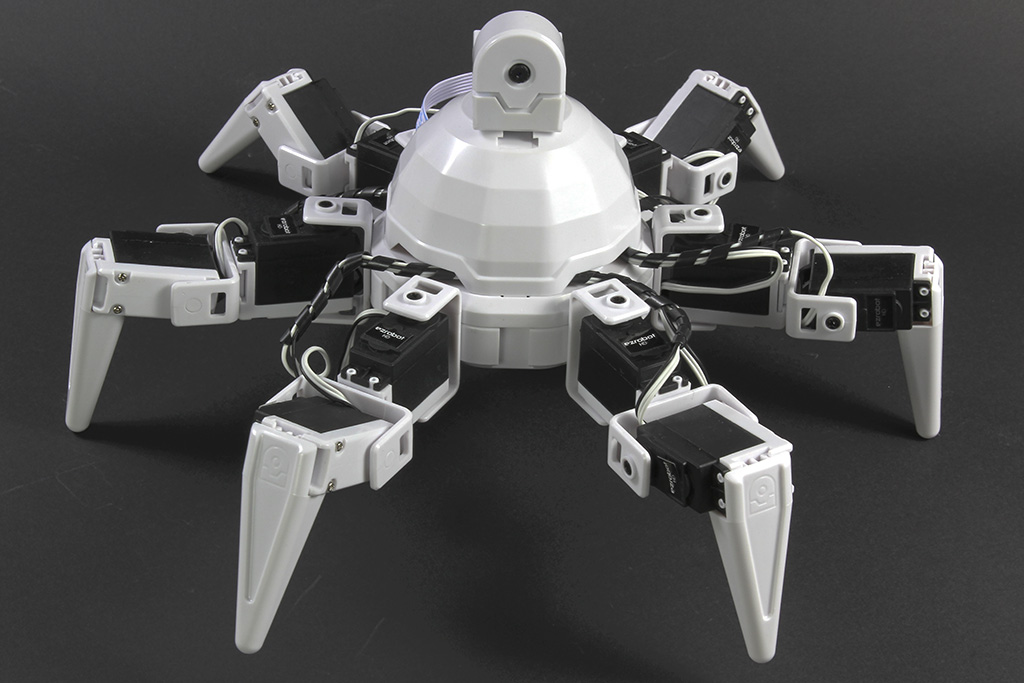



Yes - the better ARC approach is to gate the LIDAR during gait motion and use a small history filter, rather than trying to "trust" raw front-sector readings while the legs are inside the scan plane.
What you’re seeing is very common on hexapods: the robot’s own legs briefly appear as obstacles, especially in the forward arc. For Six, the best practice is:
Recommended approach
1) Don’t stop on a single low reading
Use a debounce / persistence filter:
Nconsecutive scansXmsThis prevents one bad leg echo from stopping the gait.
2) Use a gait-state gate
Instead of setting
$IsSwinginginside individual frame scripts, drive the filter from the movement state:If your gait is frame-based, the cleaner pattern is to set a global like:
$GaitActive = 1when walking starts$GaitActive = 0when walking stopsThen let your obstacle script decide what to do based on that state.
3) Mask the robot body mechanically and in software
Mechanical masking is still useful:
But software masking is usually better than trying to tune the sensor geometry forever.
4) Sample on a timer, not inside frame scripts
The most stable integration is:
That keeps sensing independent from animation timing.
A proven ARC pattern
Use a scan buffer and only stop if the filtered minimum stays low for multiple samples.
Here’s a JavaScript example you can adapt in ARC:
Better sync method with Auto Position
If you want tighter coordination, use action scripts only to set state flags, not to make the decision directly.
For example:
$GaitActive = 1$GaitActive = 0Then your obstacle-check script runs independently and reads that state.
That is much more reliable than flipping
$IsSwinginginside every frame, because frame scripts can be delayed, skipped, or out of phase with sensor timing.If you want a cleaner "ARC-native" setup
The best structure is:
ControlCommand("Auto Position", "AutoPositionStop")only after the filter confirms a real obstacle$FrontClearanceMmThat gives you a much more robust system than reacting directly to raw sensor data.
Important note about your current logic
Your current approach:
is too fragile because:
A filtered state machine is the standard solution here.
My recommendation for Six specifically
For a hexapod, I’d do this:
If you want, I can help you build a complete ARC JavaScript filter script for the XV11 skill you’re using, including the exact variable names and a timed checker that works alongside Auto Position.
What is your overall goal with Six - just safe forward walking, or do you want full autonomous obstacle avoidance and turning too?
Also, questions like this are often easiest to refine with ARC’s AI Assistant right inside the script editor: https://synthiam.com/Products/AI-Assistant