



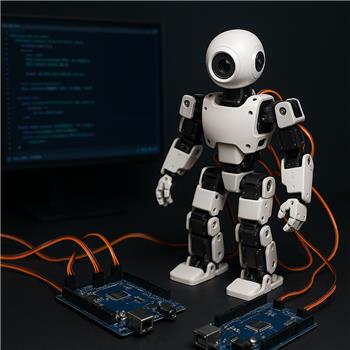
Hey - I'm using the Custom servo Controller robot skill in an ARC project.
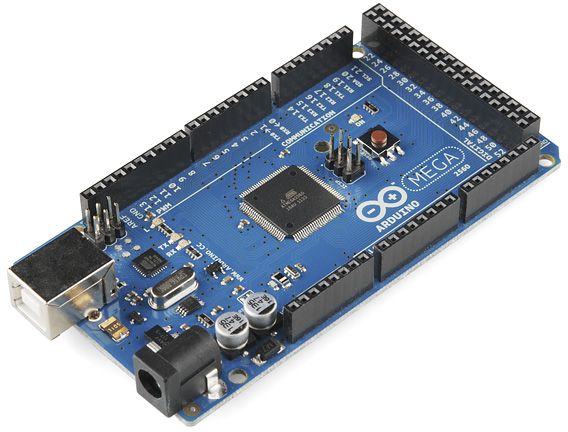
I'm trying to use two Arduino Mega 2560 boards to control a total of 53 servos. The Custom servo Controller skill works well for the first board connected to one COM port, but I discovered I can't run two instances of the skill in the same project to control the second board on a separate COM port.
Would it be possible to update the skill to allow multiple instances in one project? For example, each open Custom servo Controller skill instance could be assigned a board number and a range of virtual servo ports (e.g., board 1 = virtual ports 1-38, board 2 = virtual ports 1-15), each tied to its own COM port.
Any help or feedback would be greatly appreciated - thanks!


Yes - this is a very reasonable use case, and ARC can support multiple hardware controllers in a project, but the Custom servo Controller skill would need to be designed for multi-instance use first.
What’s happening now
The current skill is built to connect one controller per instance and map selected Vx virtual servo ports to that single serial device. That means:
Your proposed design
What you described is a solid architecture:
V0-V37V0-V14That would let ARC send servo commands to different boards independently. The key requirement is that the robot skill must namespace its port mapping and connection state per instance so the two copies don’t overwrite each other.
Best path forward
If this functionality isn’t already in the skill, the way to add it is to build or update the robot skill as a multi-instance plugin.
Here’s the overview for creating a robot skill:
And if you want a model for how ARC handles custom hardware skills, this existing skill is the one you’re using:
Important note for servos
ARC’s servo ports are already constants, so if you’re using multiple boards, the skill should map each controller to its own selected set of Vx ports rather than trying to reuse the same virtual port range for both boards.
Recommendation
If you’re developing this yourself, I’d suggest:
If you’re trying to work around this today
A possible workaround is to:
If you want, I can help with either of these next steps:
If this is for development, the ARC AI Assistant inside ARC can also help rewrite plugin logic and scripts quickly:
If you’d like, I can sketch a simple multi-board mapping design for the skill.
Can you provide me with the source code for the original Custom servo Controller skill and suggest what to modify in order for the skill to function as I suggested?
I’ll have the GitHub updated if it’s not listed in the manual. But either way that should be a quick and easy fix. I can even do it when I get home for ya.
Taken care of here..
DJ thanks for the help really appreciate it Just got a chance to test the updated Custom servo Controller seems to work great as far as board selection. However seems you still can't open two instances of the skill in a project yet, only one board can be used at a time still.