





Hello All,
I am just starting out with robotics and need guidance on the next steps.
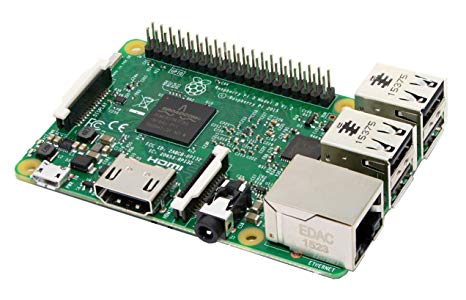
I have a third-party TurtleBot that is based on a Raspberry Pi (RPi). It operates using a built-in coded interface and is powered by two 18650 batteries. The robot is equipped with a camera, distance measuring sensors, line-following capabilities, and motors for driving. Additionally, it has WiFi and USB connectivity.
My question is: How do I interface this robot with Synthiam ARC? Should I integrate an EZ-B controller with the Raspberry Pi? Alternatively, should I connect an EZ-B controller on a separate device to the Raspberry Pi? Or, do I need to start from scratch with the hardware setup?
Any help would be greatly appreciated.
Thanks,
John

DJ, could you share what kind of 4 DOF IMU will be used. I am just finishing my robot platform and could include it.
6050 because it’s the most popular