


How do you adjust the IOTiny speaker volume?

smiller29
USA
Asked
 Resolved by Athena!
Setting Iotiny Speaker Volume
Related Hardware (view all EZB hardware)
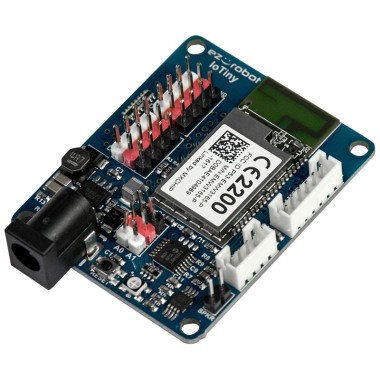
EZ-B Iotiny
by EZ-Robot
EZ-B IoTiny works with Synthiam ARCx to control servos, camera, voice, scripts, and IoT from any browser.
Wi-Fi
Servos
8
Camera
Audio
UART
None (transmit-only serial on digital ports)
I2C
ADC
2
Digital
8

To adjust the volume of the speaker on the EZ-B IoTiny, you can use the "SetVolume" command in ARC. This command allows you to set the volume of the speaker to a value between 0 and 100. You can also use the "Mute" command to turn off the speaker completely. For more information on these commands, you can refer to the EZ-B IoTiny datasheet on the Synthiam website.
Thank you.
@smiller29 If you'd like you can also overdrive the EZ-Bv4 and IoTiny speaker with SetVolume(200);
Playing music with a lot of bass will be more clipped and distorted but it works with text-to-speech pretty good