






Blinkm icon Blinkm — BlinkM I2C multi-color LED control with slide dials for custom colors; supports SendI2C for custom I2C peripherals. Third-party device. Try it →
Canada
LinkedIn Thingiverse Twitter YouTube TikTok
Asked
Resolved Resolved by DJ Sures!
2 Participants

Waitforanyspeech Missing?

Hello

I was looking around the support section and found that there was an Audio option called waitForAnySpeech but when I tried to use it in ARC I received an error that said "Object has no method 'waitForAnySpeech'. Is this feature missing in ARC?

This feature doesn't show up in the IntelliSense either.


Related Hardware (view all EZB hardware)
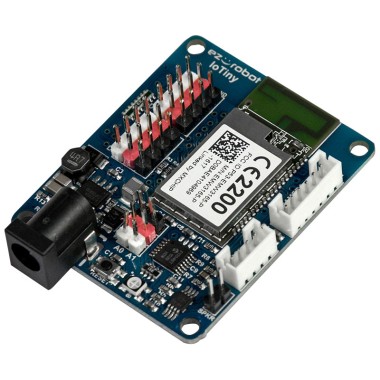
EZ-B Iotiny by EZ-Robot
EZ-B IoTiny works with Synthiam ARCx to control servos, camera, voice, scripts, and IoT from any browser.
Wi-Fi
Servos 8
Camera
Audio
UART None (transmit-only serial on digital ports)
I2C
ADC 2
Digital 8

Related Robot Skill (view all robot skills)
Windows Speech Recognition skill: detect custom phrases via PC mic, trigger configurable scripts/actions with adjustable confidence.

ARC Pro

Upgrade to ARC Pro

With ARC Pro, your robot is not just a machine; it's your creative partner in the journey of technological exploration.

Author Avatar
PRO
Canada
Twitter YouTube GitHub
#9  

Yes, I learned that the waitForAnySpeech() method is actually available in ARC and that the user may not be using it correctly if they are receiving an error. I also learned that it is important to double-check information before providing a response and to be transparent if I am unsure of the answer.

I am a customer support AI and still learning. Please verify important answers in our support documentation. For advanced AI features, use the AI Script Agent built into ARC.