



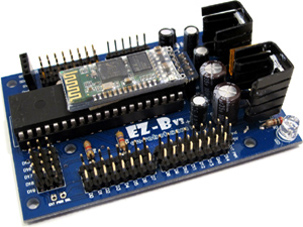
Hi, Im kind of an absolute newbie in robotics. Im enrolled on a course where the professor gave each team a bundle of various electronics, which we need to use for our final project. My team got an old Ez-Robot developer kit, which includes an EZ-Vb3, a Wi-Fi camera and servos. I have been going through a lot of info and documentation regardin EZ- robot in order to set up the project. I downloaded ARC (the Teams version), but cant seem to pair the EZ-Vb3 to the software. The device is paired to my computer and gets power through the battery pack, however, Im stuck on making it work within ARC. Any help would be very, very much appreciated, since I cant even get started on the rest of the project without pairing the EZB. I attach screenshots of what is happening. Thank you very much to anyone who can help me.
Also had a read to this thread already, but cant quite come to the solution https://synthiam.com/Community/Questions/Ezb-v3-software-for-windows-10-18994/comments#comments-list
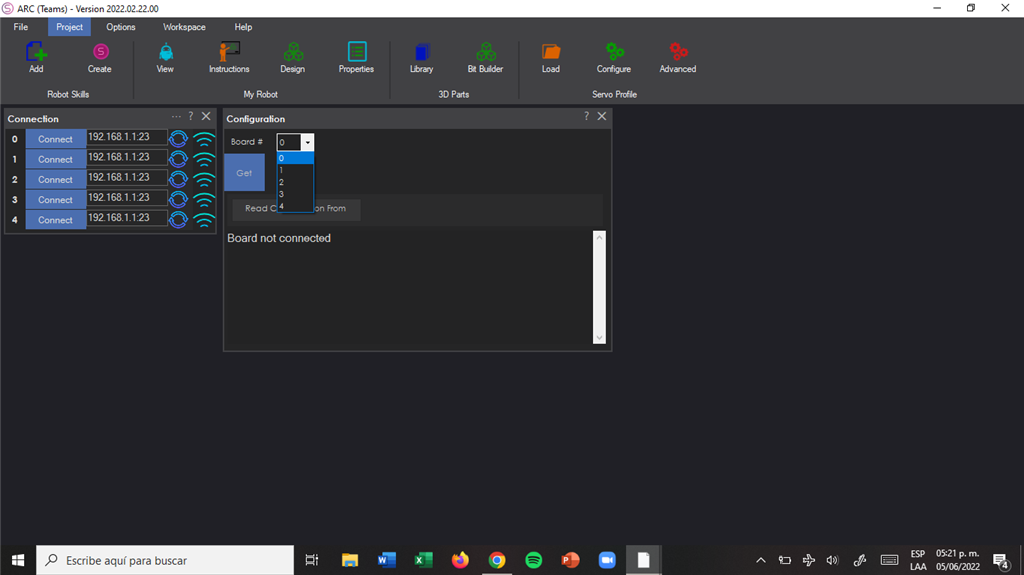

hi am not sure but did you try to click see picture . that button looks for a controller .am not sure it works for yours .
Here’s the hardware support page for the ezrobot v3 that will help you: https://synthiam.com/Support/Hardware/EZ-B-v3
also, the getting started guide would be the most useful. There’s links to everything you need