

In the audio section there is a wait for phase section, rather than having a specific phase be listed have the answer go into a variable. Example "Robot move right" then it would go into a subcategory "ok how far" the answer goes directly into a variable. The answer will have to verify that it is a number rather than a phrase. Then to be more advanced have the variables go into an array? After it is in an array you could separate each by a specific timeout. Having these items available in Blockly and being able to manipulate them would be very helpful. Thanks, Don
Asked
 Resolved by DJ Sures!
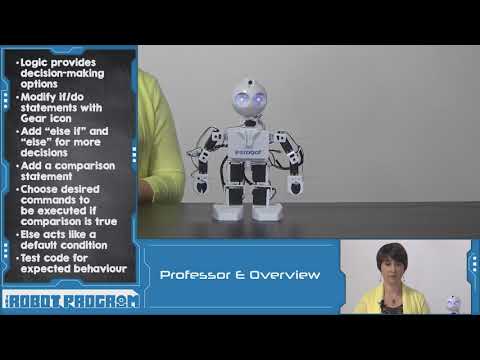
How To Use IF Conditions In Blockly
Related Hardware (view all EZB hardware)

EZ-B V4
by EZ-Robot
EZ-B v4 with Synthiam ARCx controls servos, sensors, camera and audio over Wi-Fi or USB serial, no firmware needed.
Wi-Fi / USB
Servos
24
Camera
Audio
UART
3
I2C
ADC
8
Digital
24

I appreciate all the help from everyone, it's been a busy week and it's going to take a minute to digest it all. I am going to do a deep dive on all the answers and see if will take care of business. Thanks, Don
That is some really nice programming! I come back to it ever now and then as a refresher.